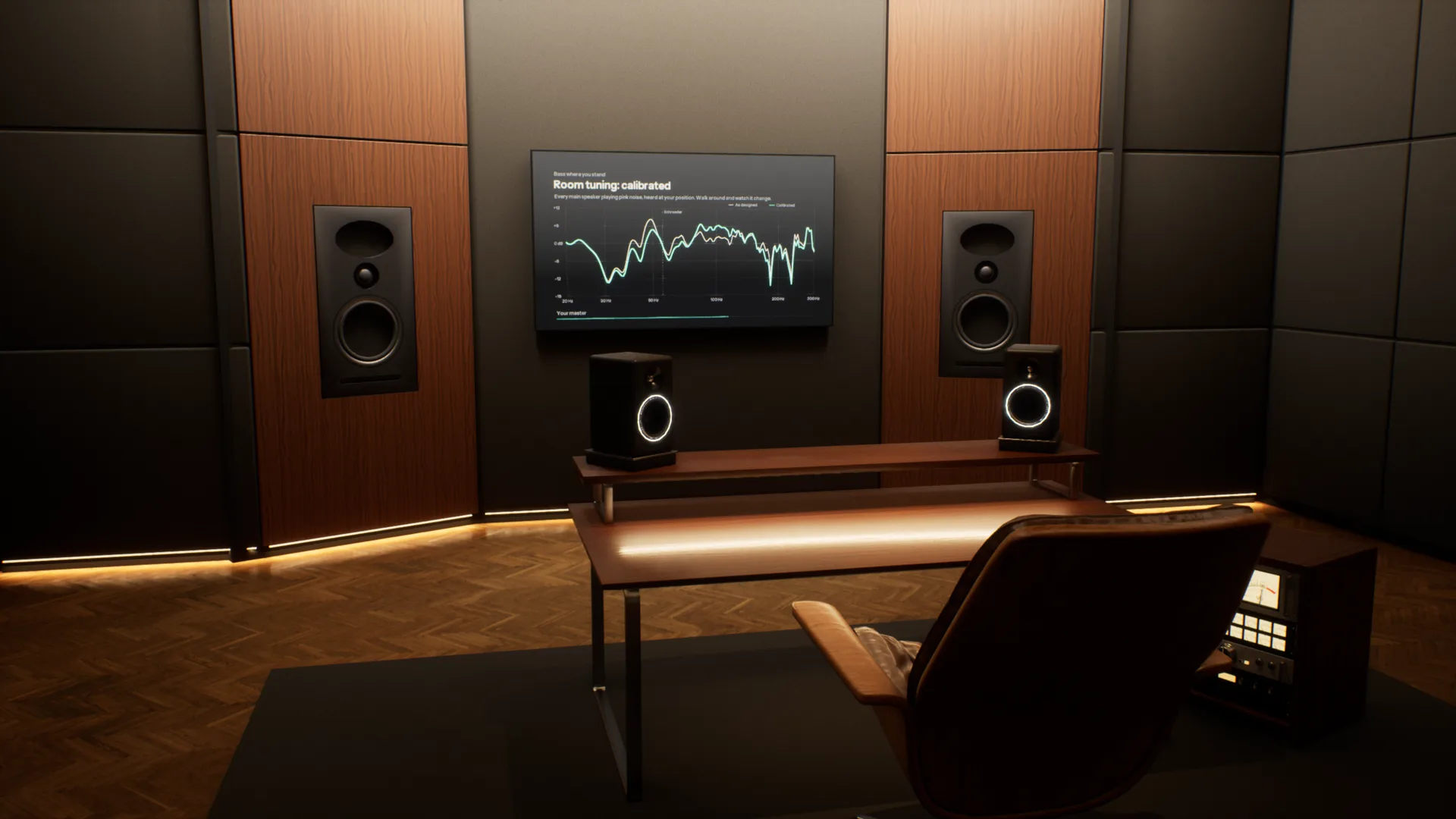
Most music is now mixed on headphones, far from the rooms it will be played in. Overhear puts those rooms around your headphones, from a mastering studio to a car and a living room, so you can check your mix translates before it leaves.
A full acoustic model of every room. Speakers, reflections, reverb and bass modes are calculated for wherever you stand, and change as you move. Most virtual monitoring tools play back one fixed seat.
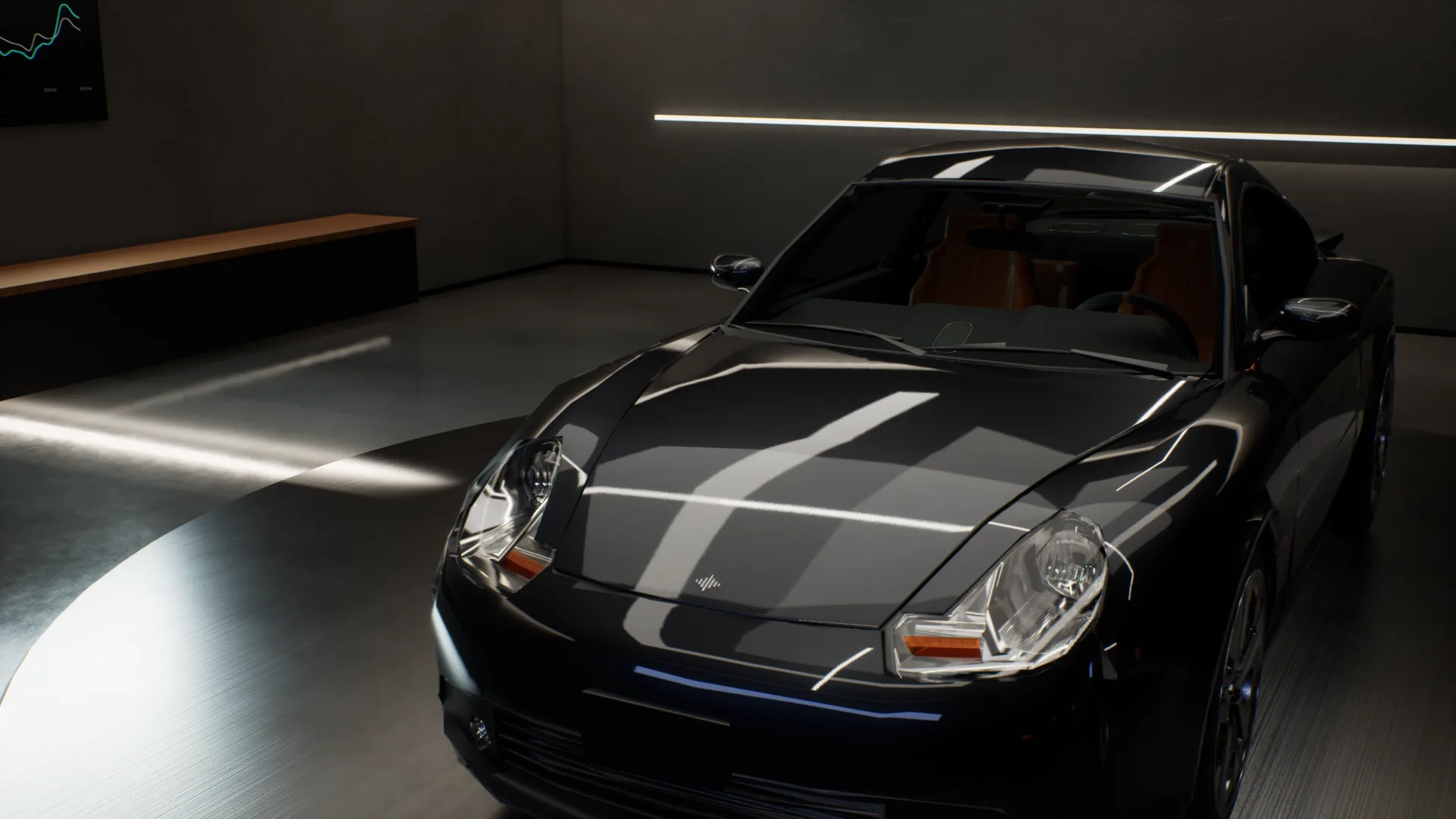
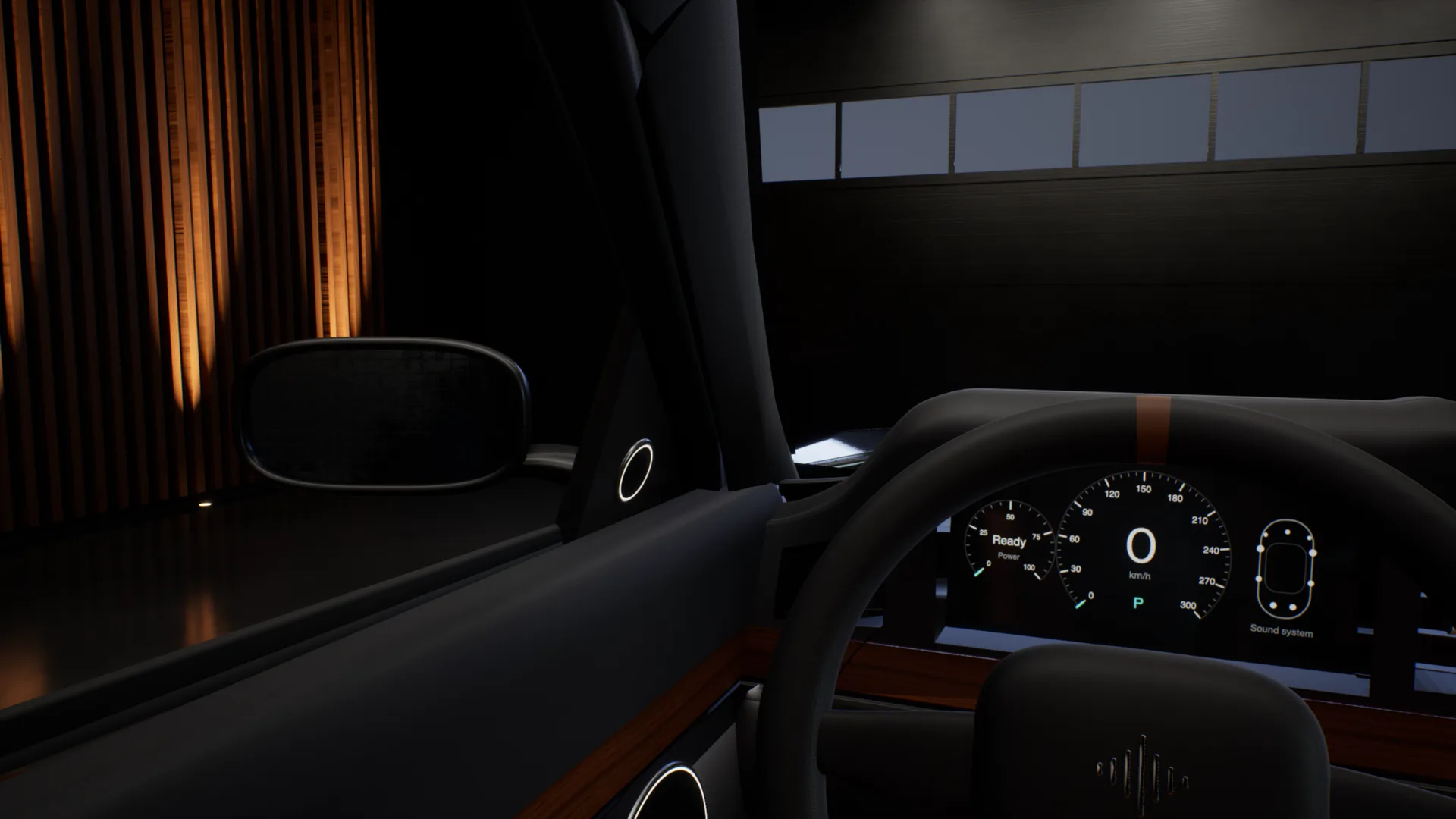
The car test, without the car.
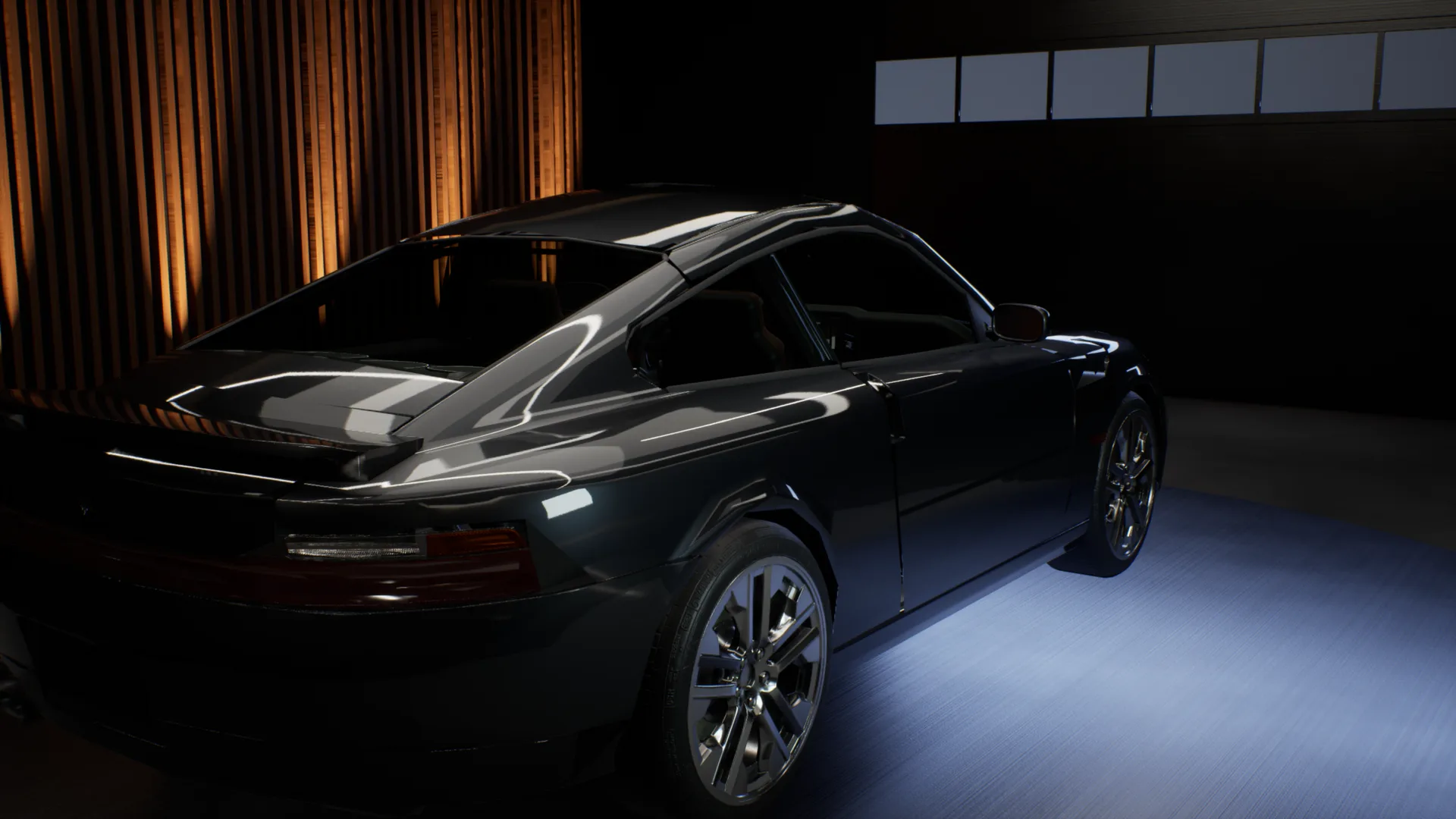
Outside the car, into the driver seat, across to the passenger seat, into the back, then headphones on to hear the mix flat. One take, recorded in the app.
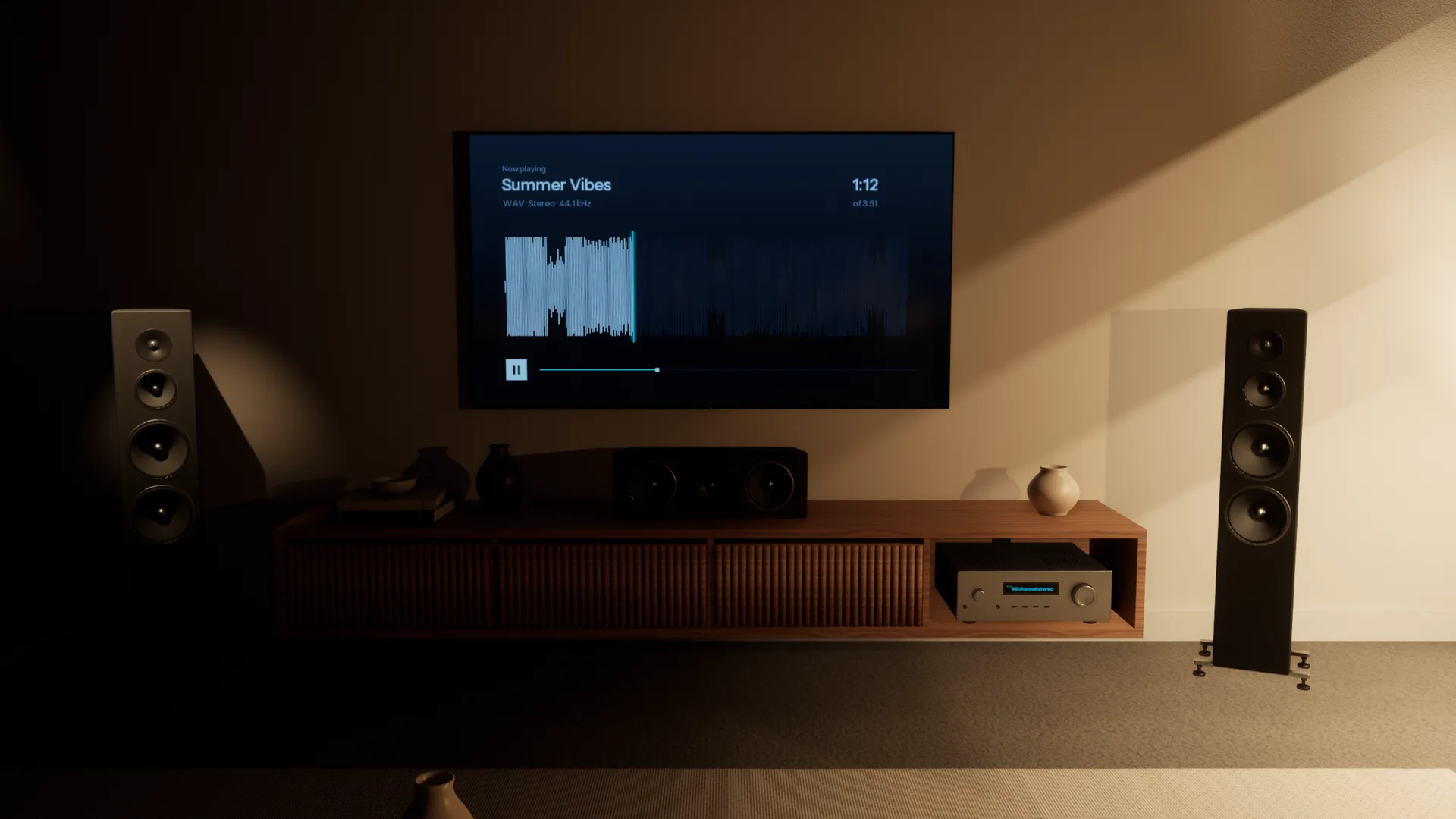
Every speaker your listeners own.
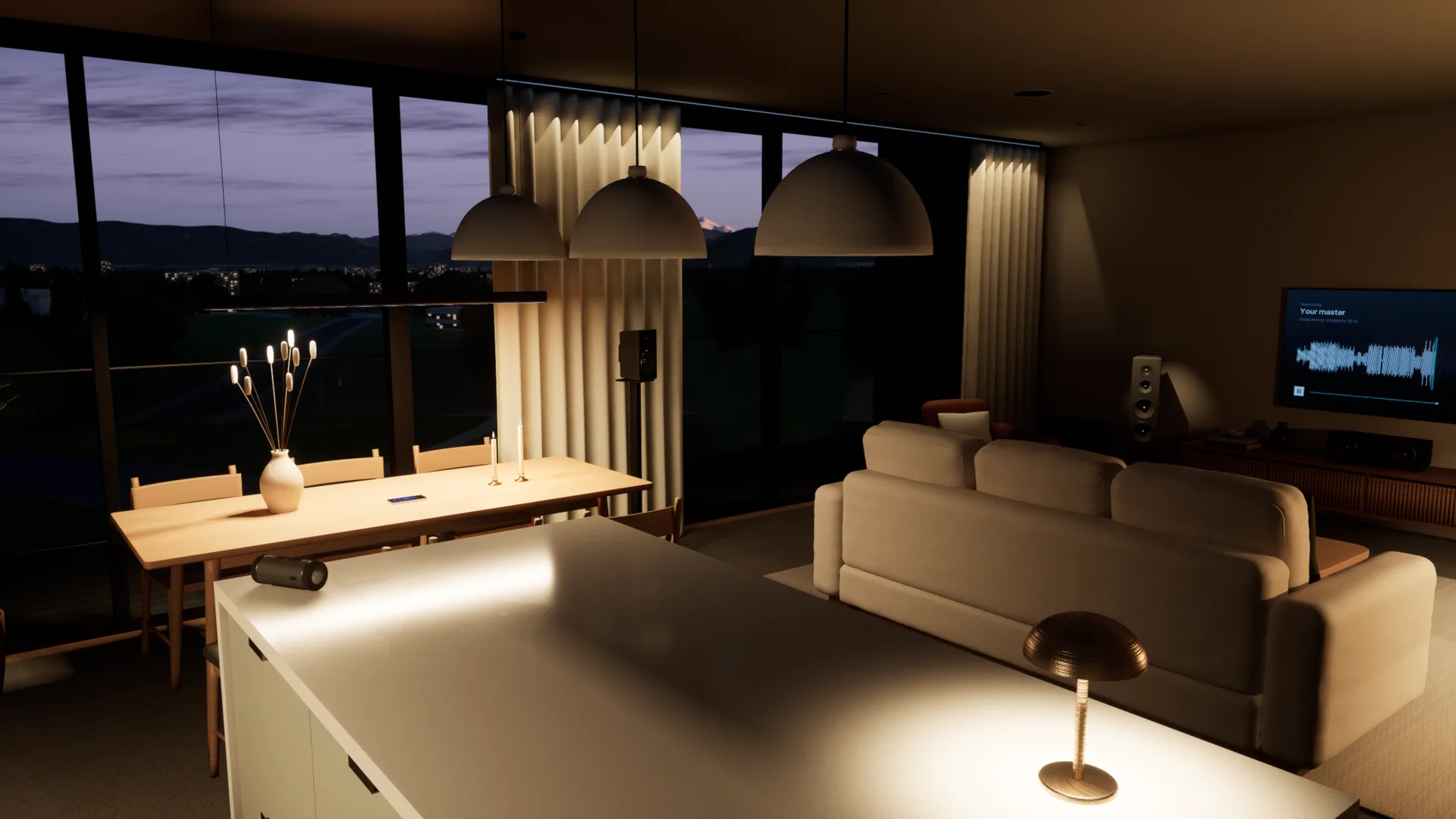
A home cinema, the TV's own speakers, a pocket speaker in the kitchen, a phone on the table. Walk through the Apartment and play your mix on each of them, all on your headphones.
Every room, accurately simulated.
Each space is acoustically modelled from the walls in, so it sounds the way the real room would. Walk anywhere, sit anywhere, and you hear what you would hear standing there.
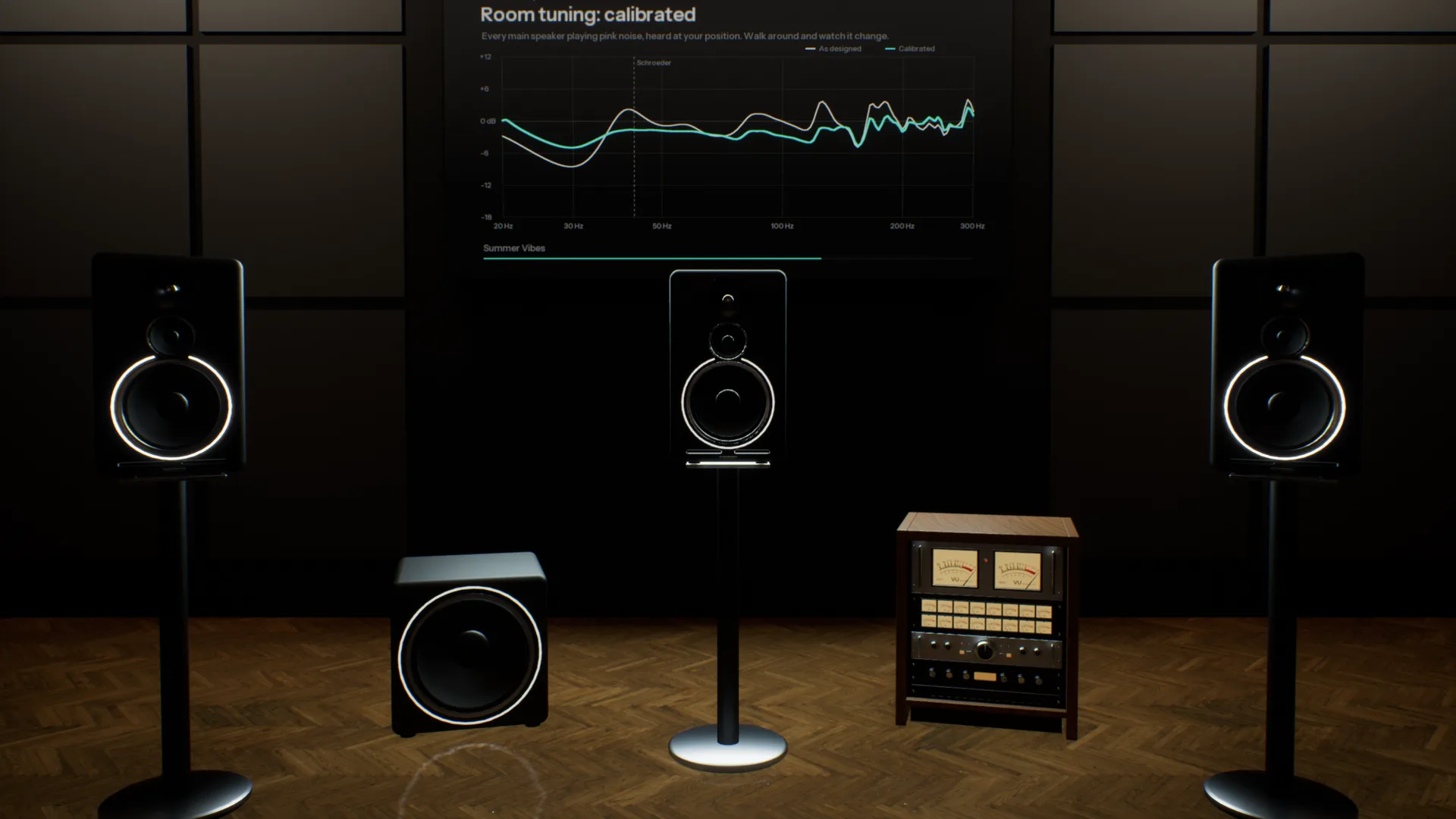
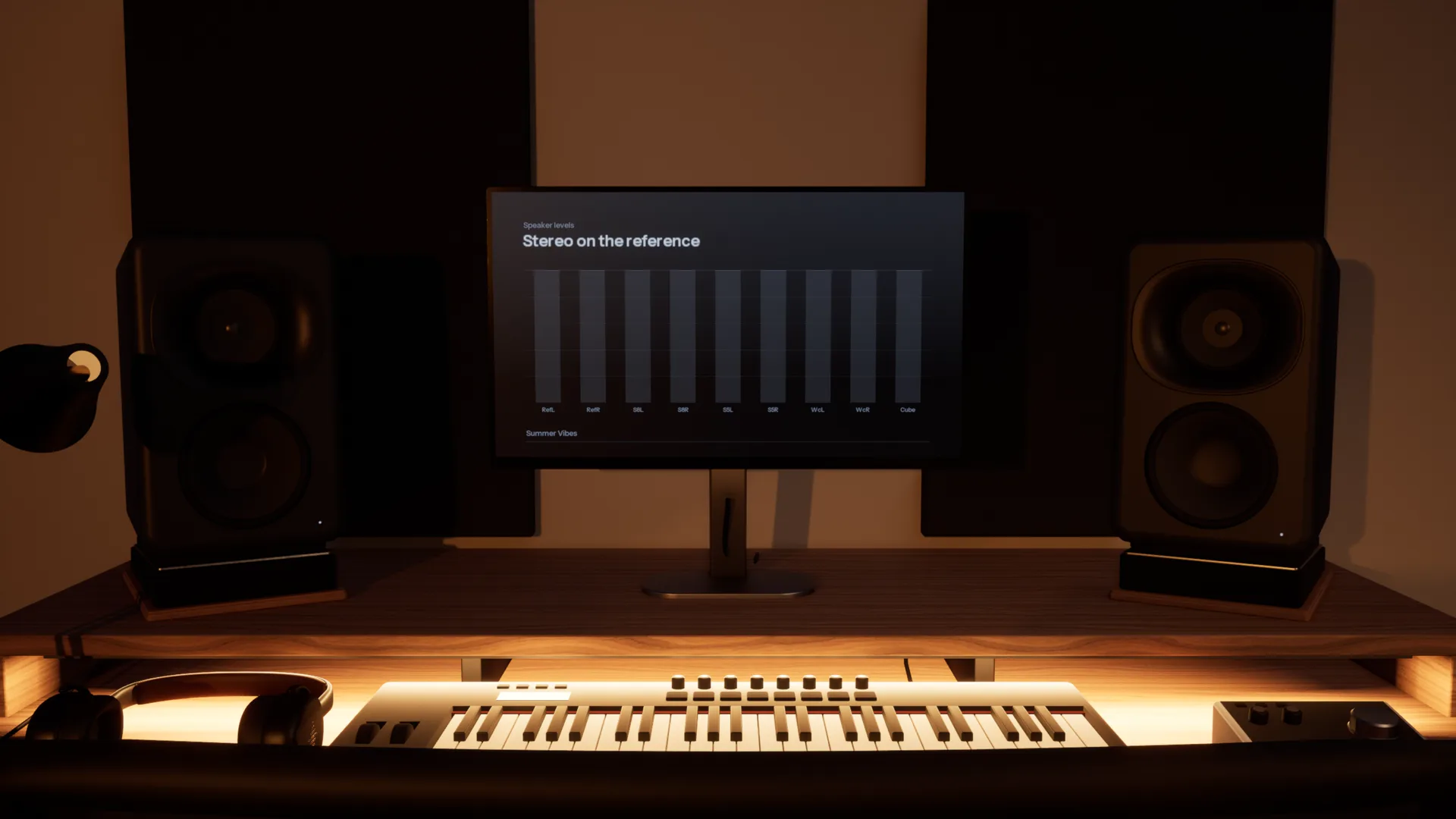
Five pairs of monitors on one desk.
A three-way reference, an 8-inch, a 5-inch, a white cone and a single cube, in a room like the one you mix in. Switch with one key and hear what each does to your low end and your vocal.
Check it where it will be played.
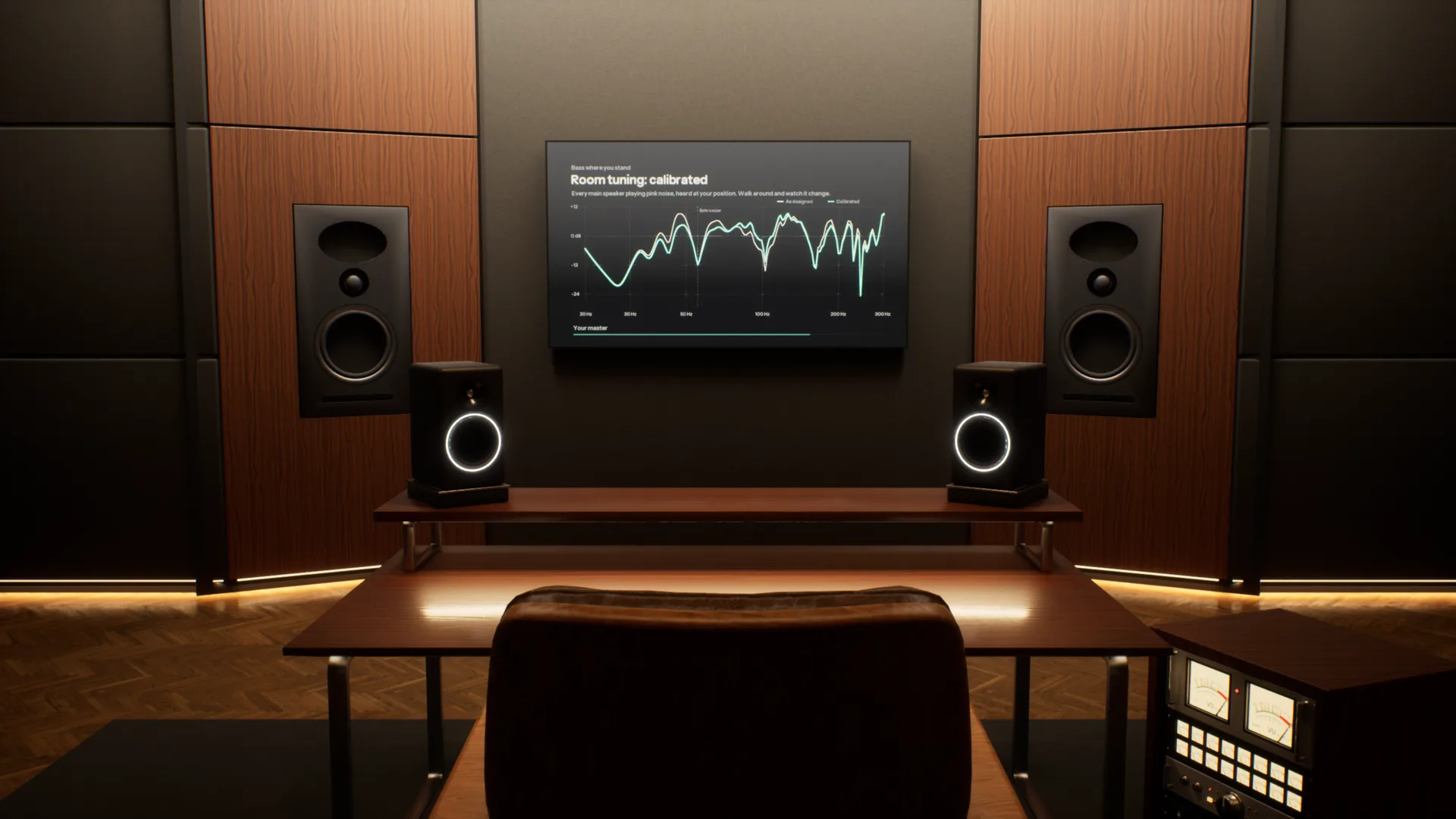
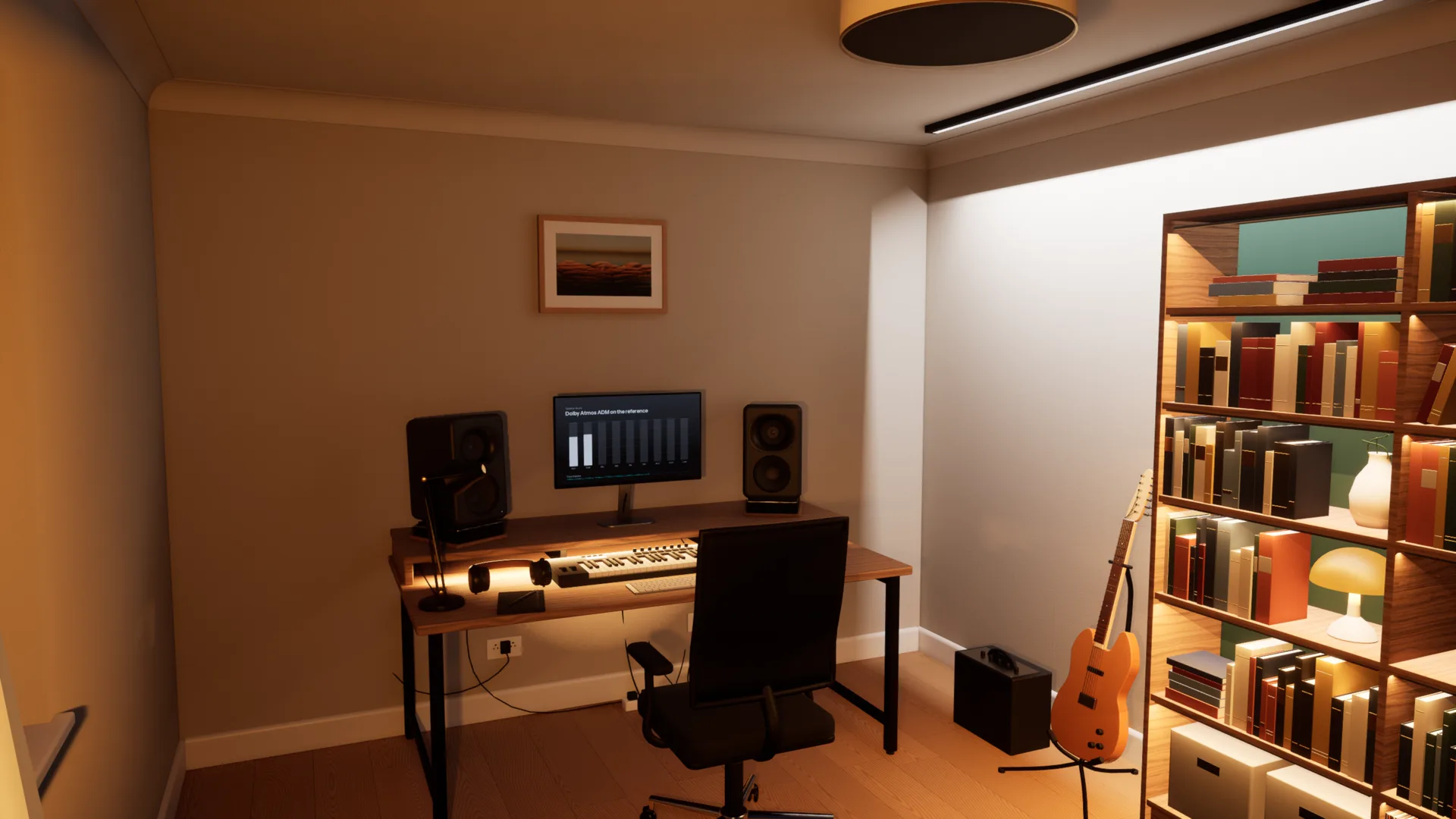
Five spaces, from a treated mastering room to a living room. Each is a different test of the same mix.
Your references, in the same room.
Add as many tracks as you like, streaming rips included. Each is matched to yours by loudness and switches in 50 milliseconds, so you compare the music, not the level.
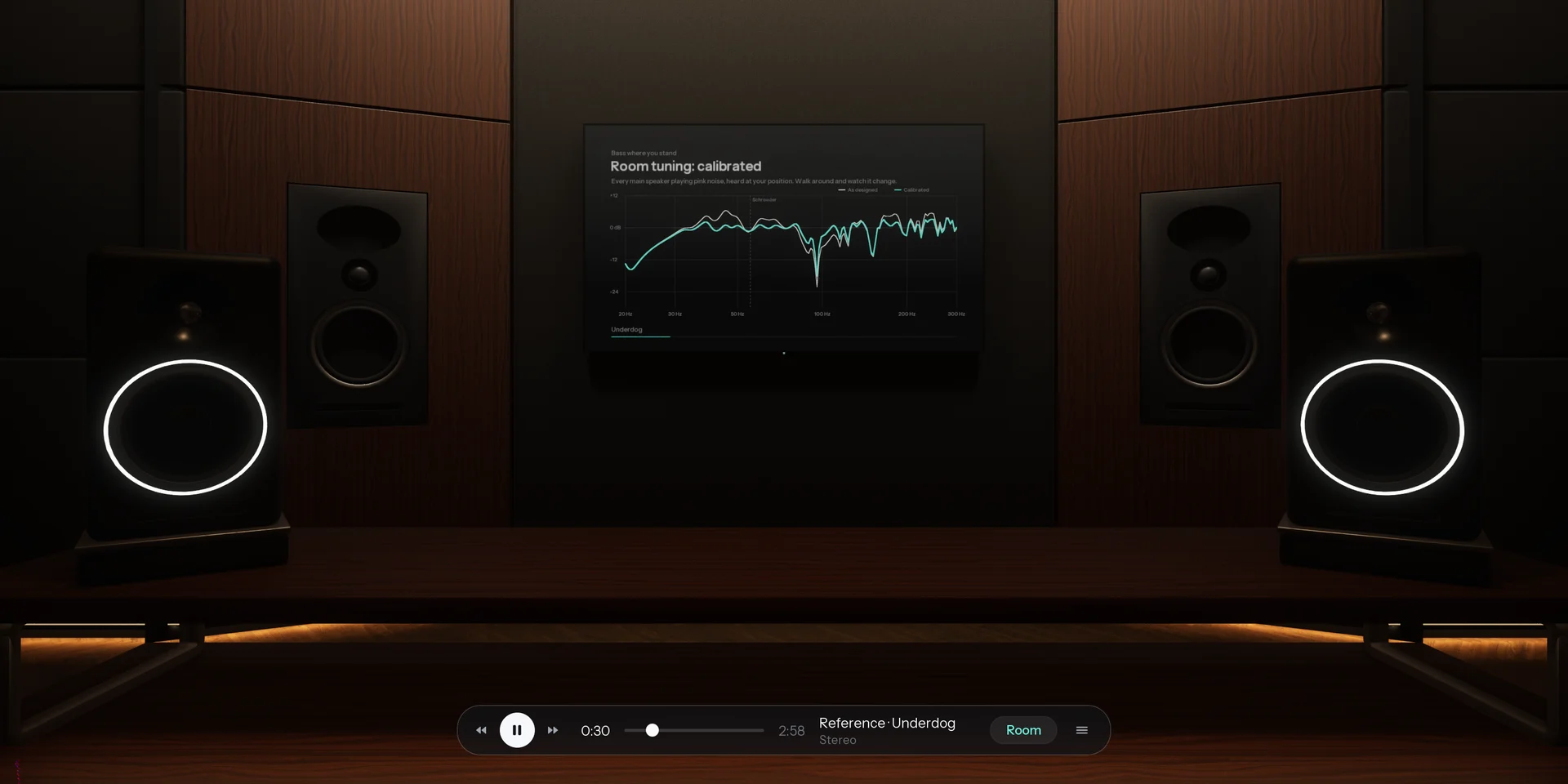
Spotify, YouTube or your DAW, through the room.
Calibrated to your headphones. Choose your model and Overhear corrects it to a neutral target from real measurements, so every room sounds as it should on the pair you already own.
How it compares
Most virtual room tools play back one listening position. Overhear models the whole space.
| Feature | A typical virtual room | Overhear |
|---|---|---|
| Where you listen | One fixed seat, head turns only | Anywhere in the room, standing or seated |
| Rooms | One studio, sometimes a car | Five, from a mastering room to a living room |
| Everyday speakers | A list of presets | A home cinema, TV, pocket speaker, phone and laptop you walk between |
| Low end | Measured or modelled at that seat | Calculated as waves, changes as you move |
| The car | A fixed preset, if any | A car you sit in, with seats to change |
| Reference tracks | A separate plug-in | Built in and matched by loudness |
Specifications
- Spaces
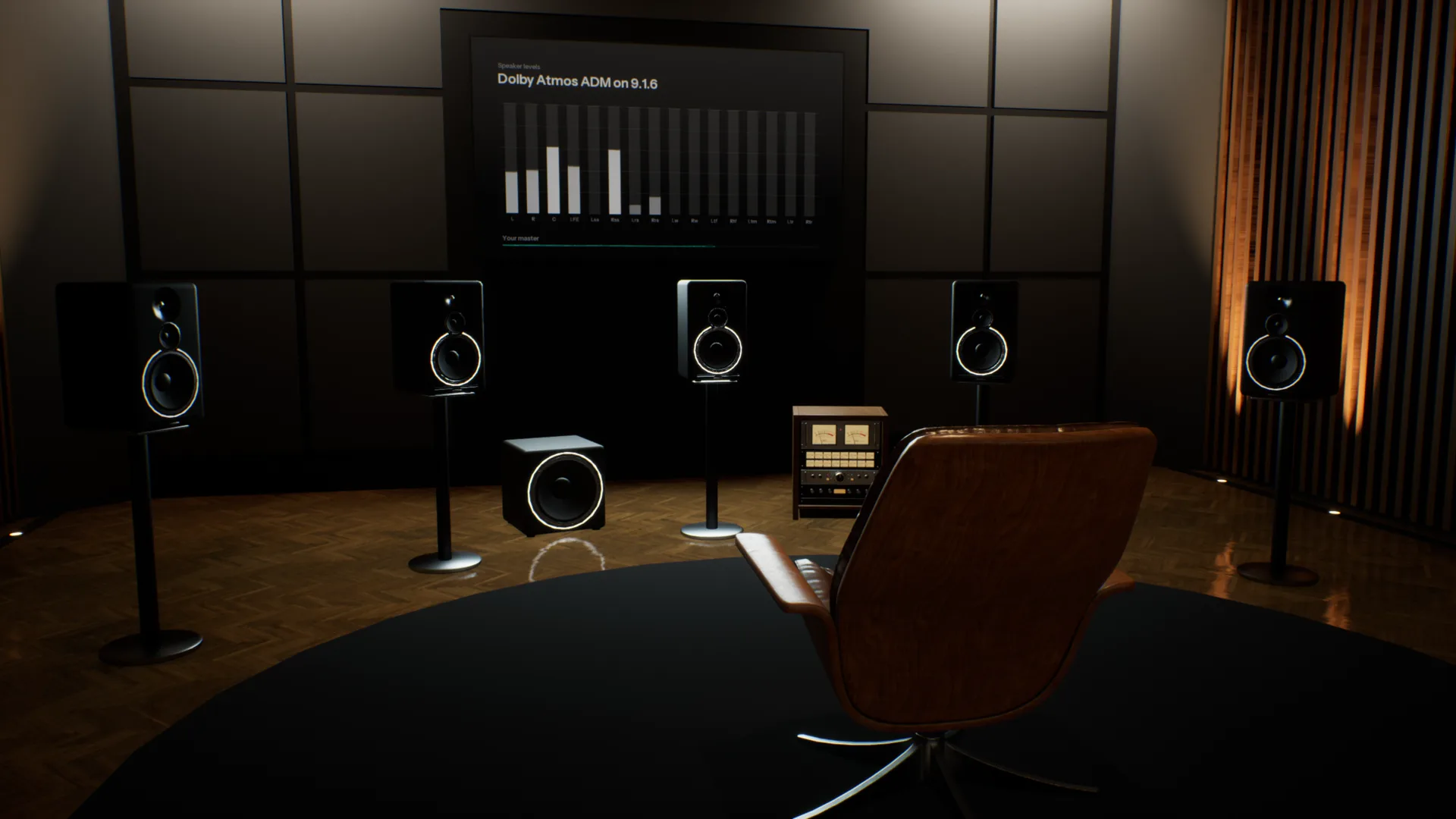
- Stereo Studio (mains and nearfields), Home Studio (five monitor pairs), Apartment (home cinema, TV, pocket speaker, phones, laptop, bookshelf speakers), Garage (car), Spatial Studio (9.1.6, Dolby Atmos)
- Rendering
- Binaural, with reflections, late reverb and a wave-based low end
- Headphones
- Calibrated to a neutral target from real measurements; any model works
- Head tracking
- Optional, with your webcam
- Room tuning
- As designed, or calibrated with room correction
- Audio files
- WAV, BW64 with ADM, AIFF, FLAC, MP3 and Ogg Vorbis
- Channel layouts
- Stereo, 5.1, 7.1.4 and Dolby Atmos ADM
- Films
- MP4, MOV and M4V, with the sound track through the room
- References
- Unlimited, matched by loudness, 50 ms switching
- Other apps
- Any app on your computer, or any audio input
- Controls
- Keyboard and mouse, or a game controller
- Platform
- Mac and Windows
System requirements
| Requirement | Minimum8-bit or Low graphics | RecommendedMedium graphics at 60 fps | HighHigh graphics at 60 fps |
|---|---|---|---|
| System | macOS Sonoma 14 or later | macOS Sonoma 14 or later | macOS Sonoma 14 or later |
| Chip | Apple M1 or later | Apple M4 Pro, M1 Max or better | Apple M4 Max or an Ultra chip |
| Memory | 8 GB | 16 GB | 16 GB |
| Storage | 4 GB free (1.6 GB download) | 4 GB free (1.6 GB download) | 4 GB free (1.6 GB download) |
| Audio | Headphones | Headphones | Headphones |
- Intel Macs are not supported.
- On M1 and M2, Overhear starts on 8-bit or Low graphics.
- On first launch Overhear measures your computer and picks the graphics level for you.
- Screen resolution barely matters: each graphics level renders at a fixed size and scales to your display.
Questions
Can you mix on headphones?
Yes. What headphones leave out is the room: each ear hears only its own side, nothing reflects, and the bass does not build up the way it does in a real space. That is why a headphone mix can sound too wide or too heavy in the low end on speakers. Overhear puts the room back, on the headphones you already own.
Why does my mix sound different on different speakers?
Every speaker and every room reshapes the balance. Small speakers lose the low end, a TV narrows the image, and a room lifts some bass notes and cancels others. Overhear plays the same mix on studio monitors, a home cinema, a TV, a pocket speaker and a phone in seconds, so you can fix what does not translate.
How do I check my mix in a car without a car?
Open your mix in the Garage, get in and press play. The car has its own speakers, cabin reflections and low end, so you hear the boom and the one-sided image a real car gives you. You can change seats, and an Atmos master is folded down to the car speakers.
Why does my mix sound different in the car?
A car cabin is small and nearly sealed. It lifts some low frequencies, cancels others, and puts you off to one side of the speakers. A mix balanced on headphones often comes out boomy or lopsided there.
How do I mix low end on headphones?
Headphones play the bass without a room, so it is hard to judge how much there is. In a real room the low end builds up on some notes and cancels on others. Overhear calculates those room modes as waves, so you can walk to where they happen and check your bass against a loudness-matched reference.
How is it different from other virtual room tools?
Most put you in one fixed seat and play back responses measured or modelled at that spot. Overhear calculates the speakers, reflections, reverb and bass modes of each room for wherever you stand, so you can move through it and hear it change. Translation checks and reference A/B are in the same app.
What changes when I walk around the room?
Mostly the bass. The low end of each room is calculated as waves, so it builds up near the back wall and thins out in the nulls, as it does in a real room. Moving off-axis also changes the stereo image and how much room you hear against the speakers.
Which headphones does it work with?
Any good pair, open or closed. Choose your model and Overhear corrects it to a neutral target from real measurements. A model that is not listed still works, without the correction.
How do reference tracks work?
Add as many as you like. Each one is matched to your track by loudness, so the louder track never wins by default, and switching between them takes 50 milliseconds. They play through the same room, from wherever you are standing.
Is it a plug-in? What do I need?
It is a desktop app for Mac and Windows. Any good pair of headphones works, with no head tracker or other hardware. It can also play other apps through the rooms, such as Spotify, your browser or your DAW, without installing a driver.
Does it support Dolby Atmos?
Yes. Open an ADM BW64 master, or a 5.1 or 7.1.4 file, and it plays through the 9.1.6 speakers of the Spatial Studio, rendered binaurally for your headphones. In the Stereo Studio and the car it is folded down to the speakers there.
When can I use it, and what will it cost?
Overhear is in development. Join the waitlist and we will email you when it is ready, with pricing.
In development. Join the waitlist and we will email you when it is ready.