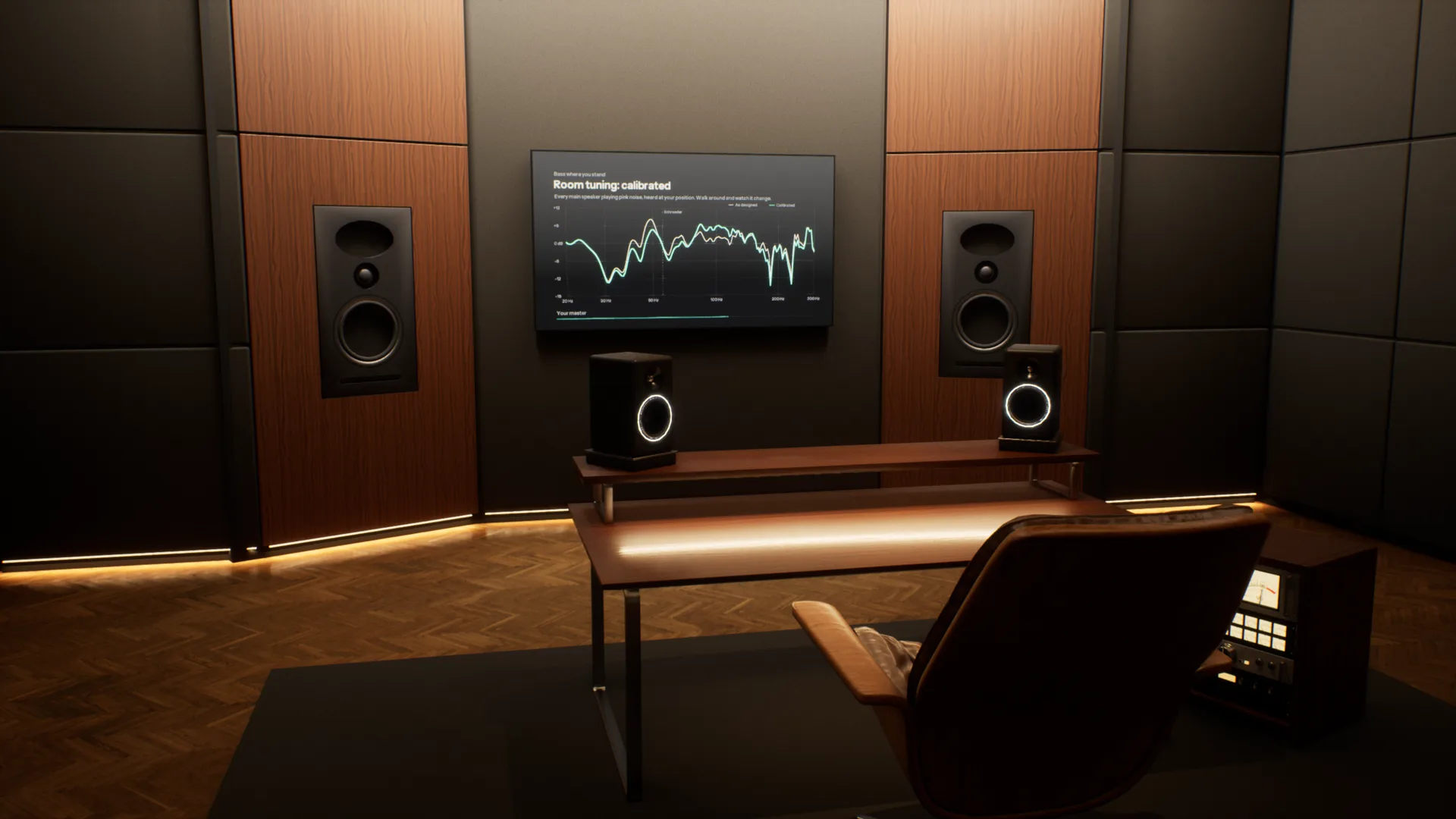
Most music is now mixed on headphones, far from the rooms it will be played in. Overhear puts those rooms around your headphones, from a mastering studio to a car and a living room, so you can check your mix translates before it leaves.
A full acoustic model of every room. Speakers, reflections, reverb and bass modes are calculated for wherever you stand, and change as you move. Most virtual monitoring tools play back one fixed seat.
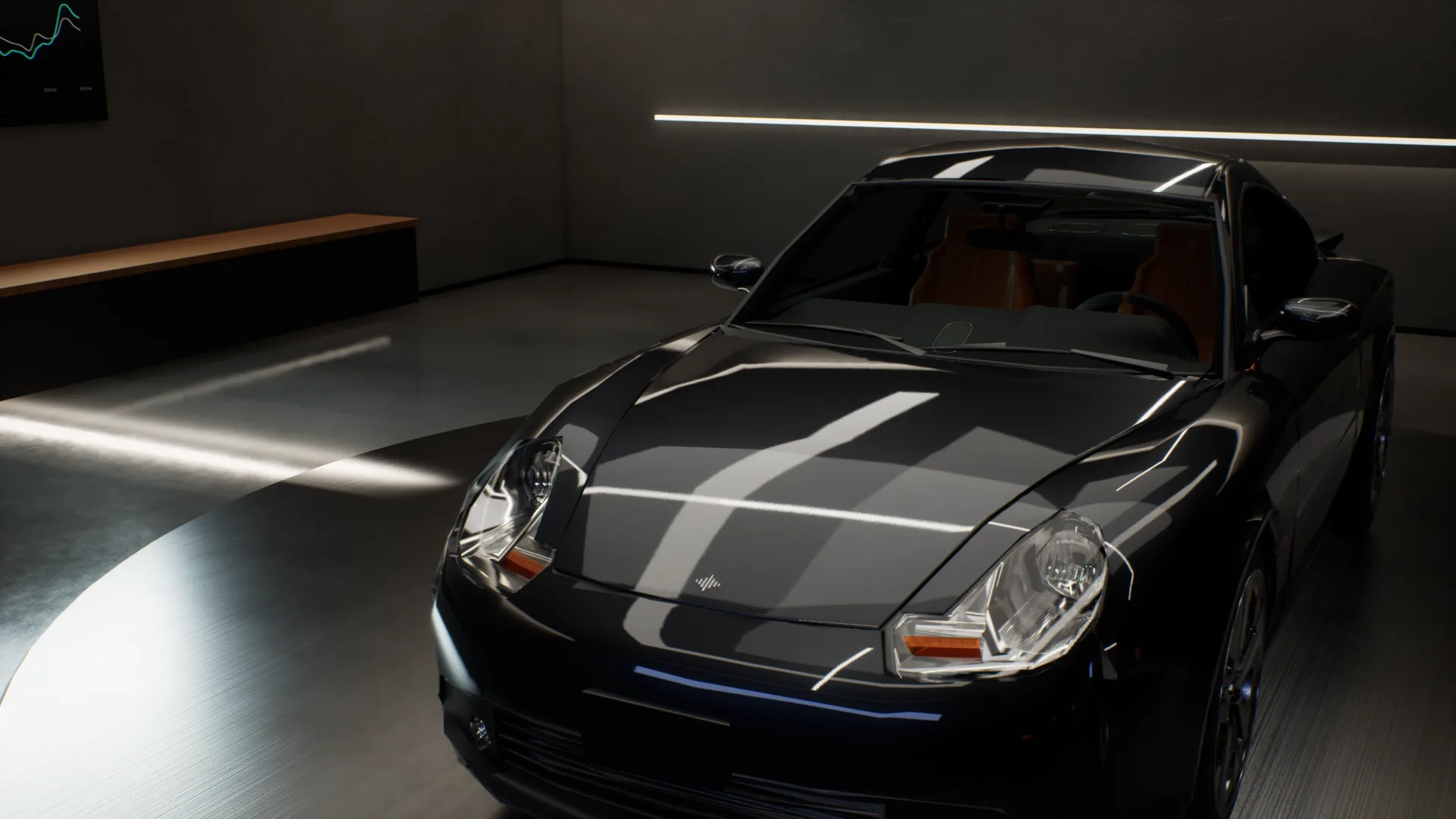
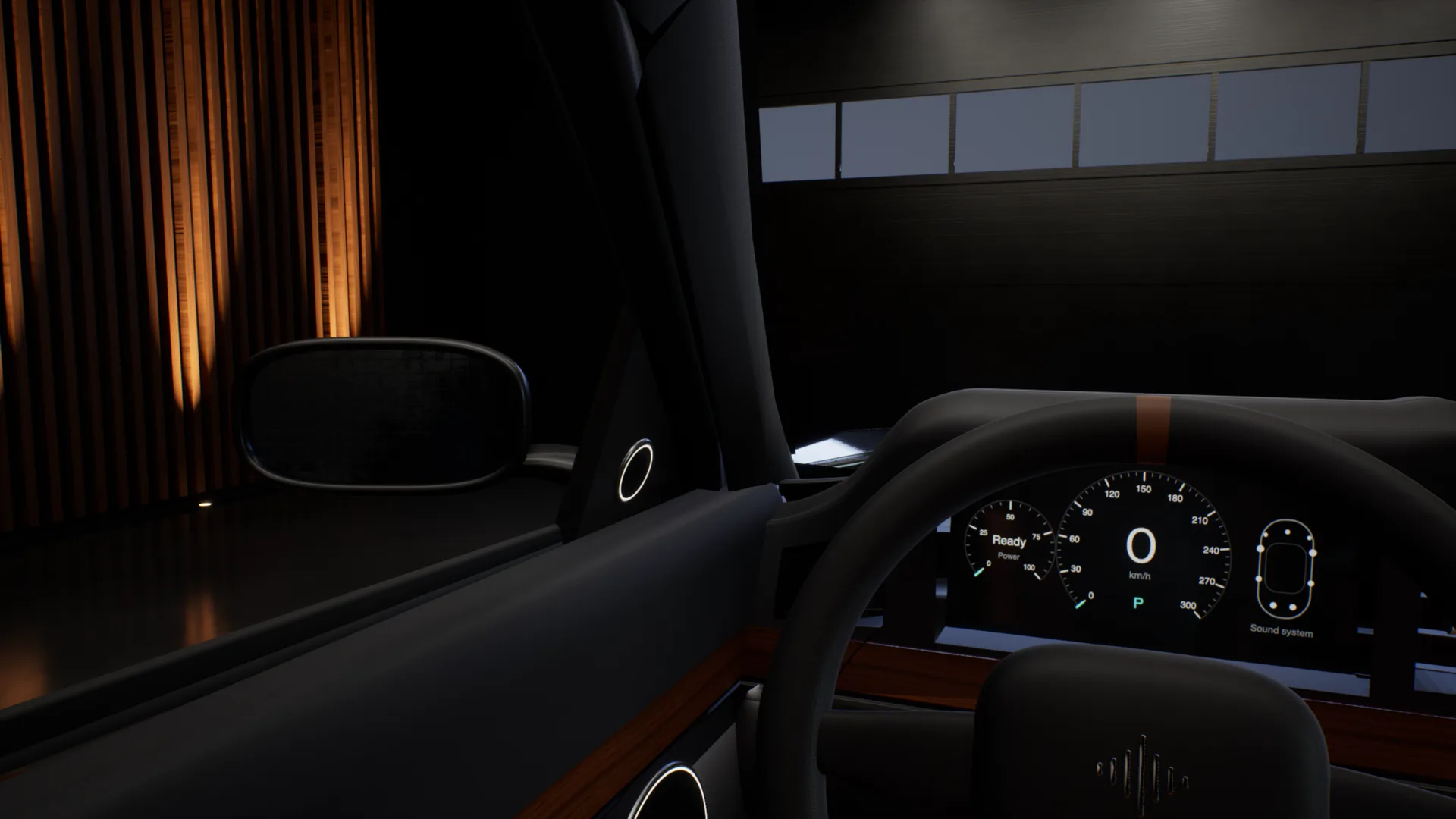
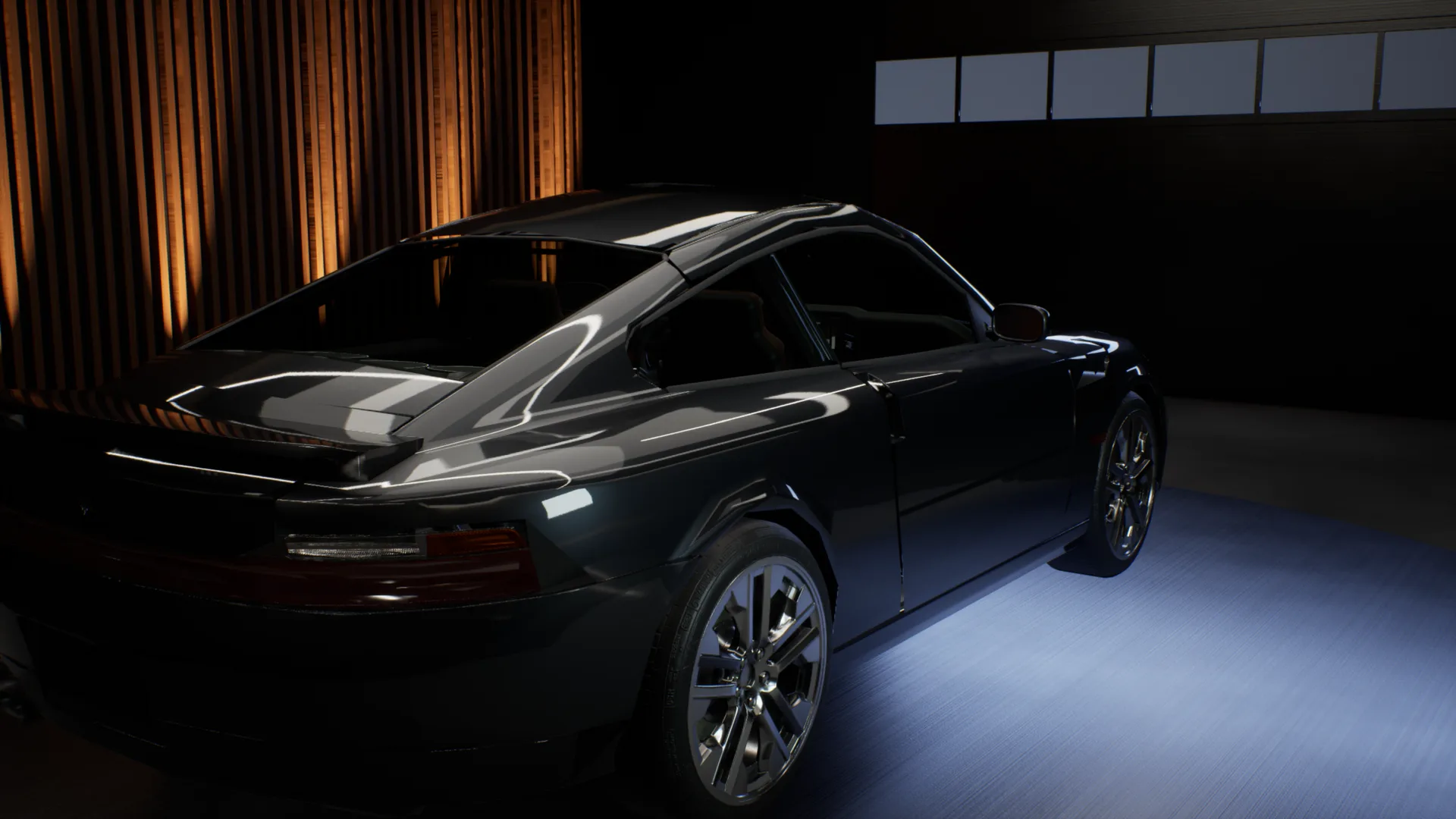
The car test, without the car.
Outside the car, into the driver seat, across to the passenger seat, into the back, then headphones on to hear the mix flat. One take, recorded in the app.
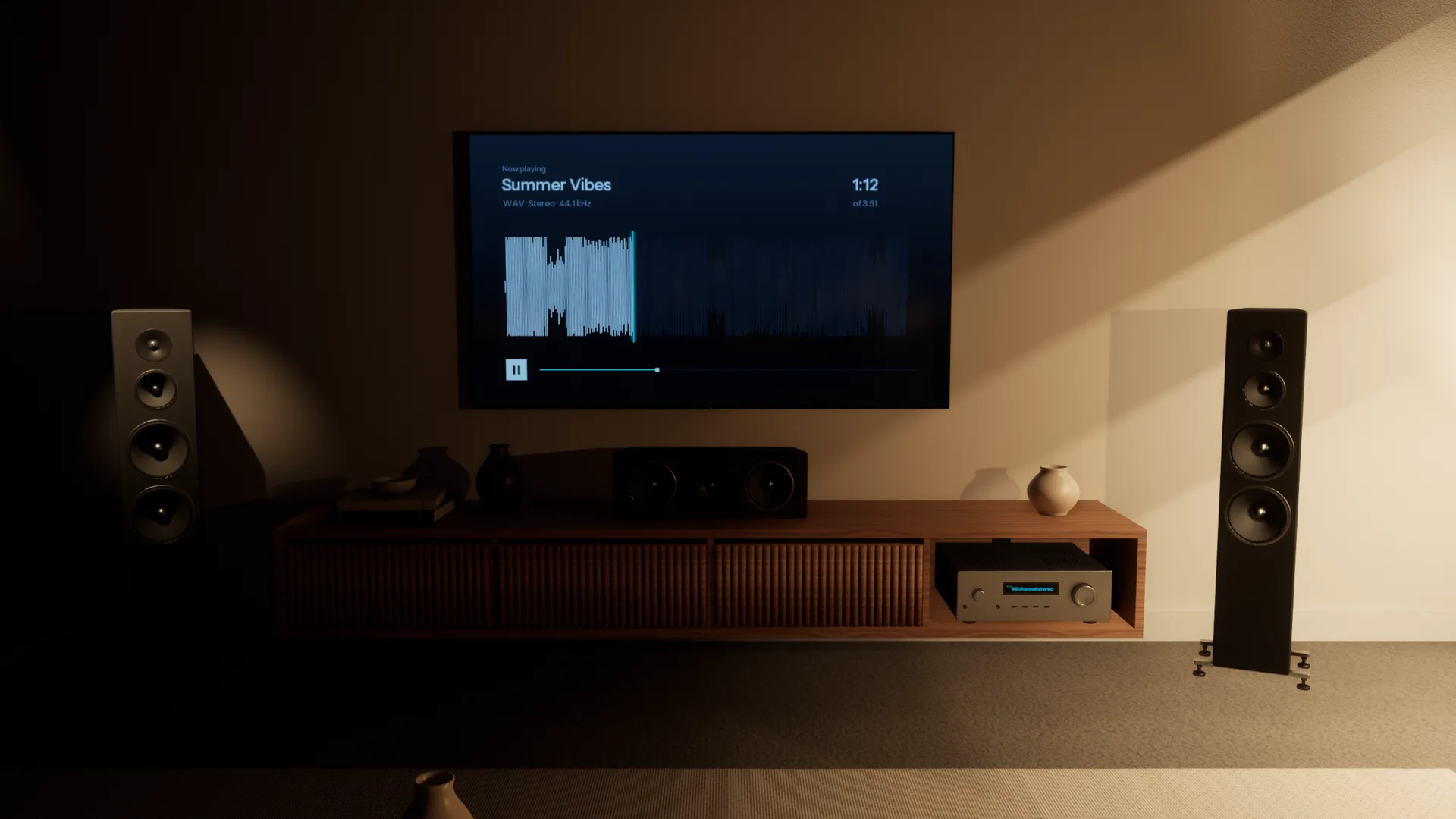
Every speaker your listeners own.
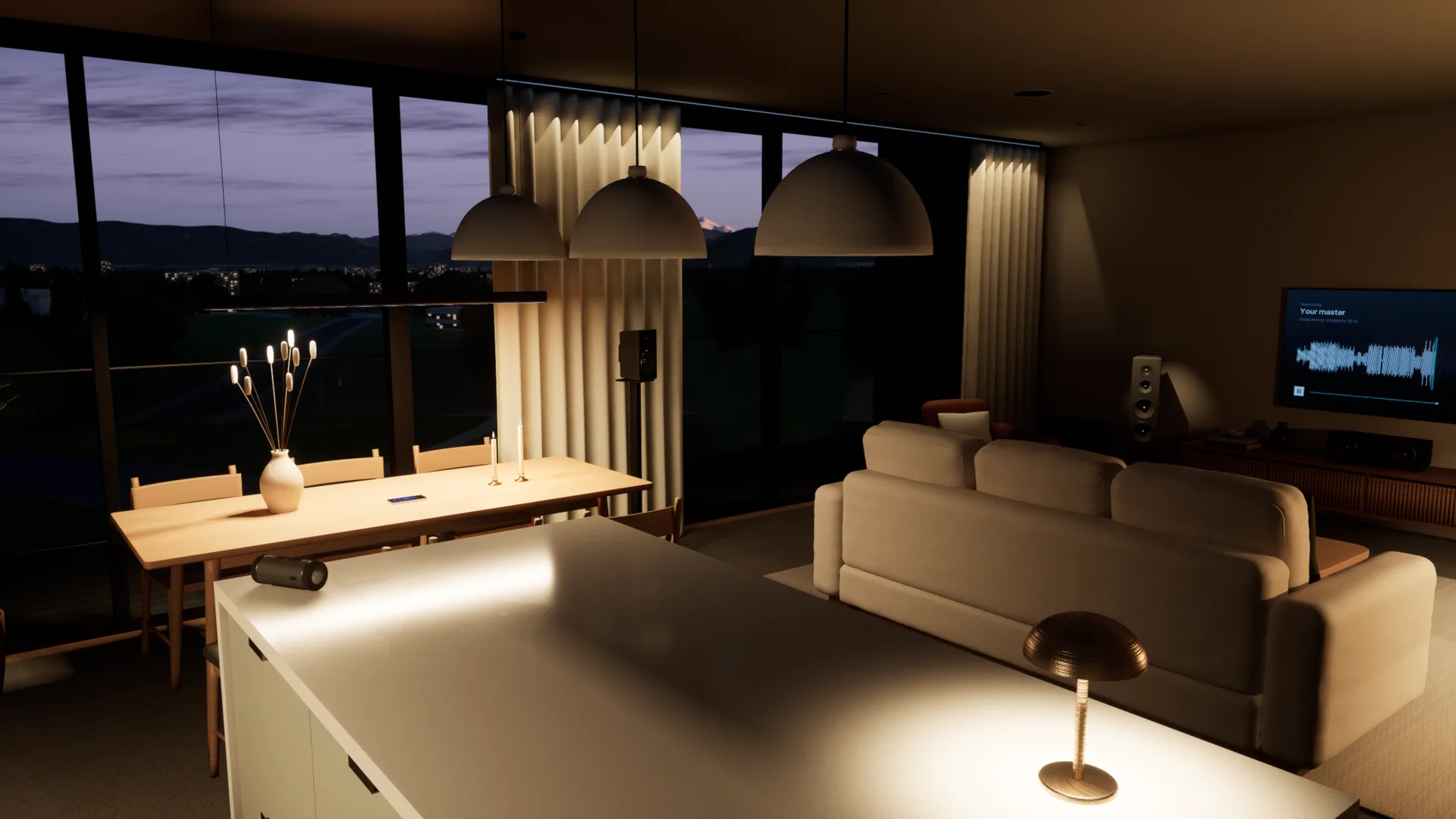
A home cinema, the TV's own speakers, a pocket speaker in the kitchen, a phone on the table. Walk through the Apartment and play your mix on each of them, all on your headphones.
Every room, accurately simulated.
Each space is acoustically modelled from the walls in, so it sounds the way the real room would. Walk anywhere, sit anywhere, and you hear what you would hear standing there.
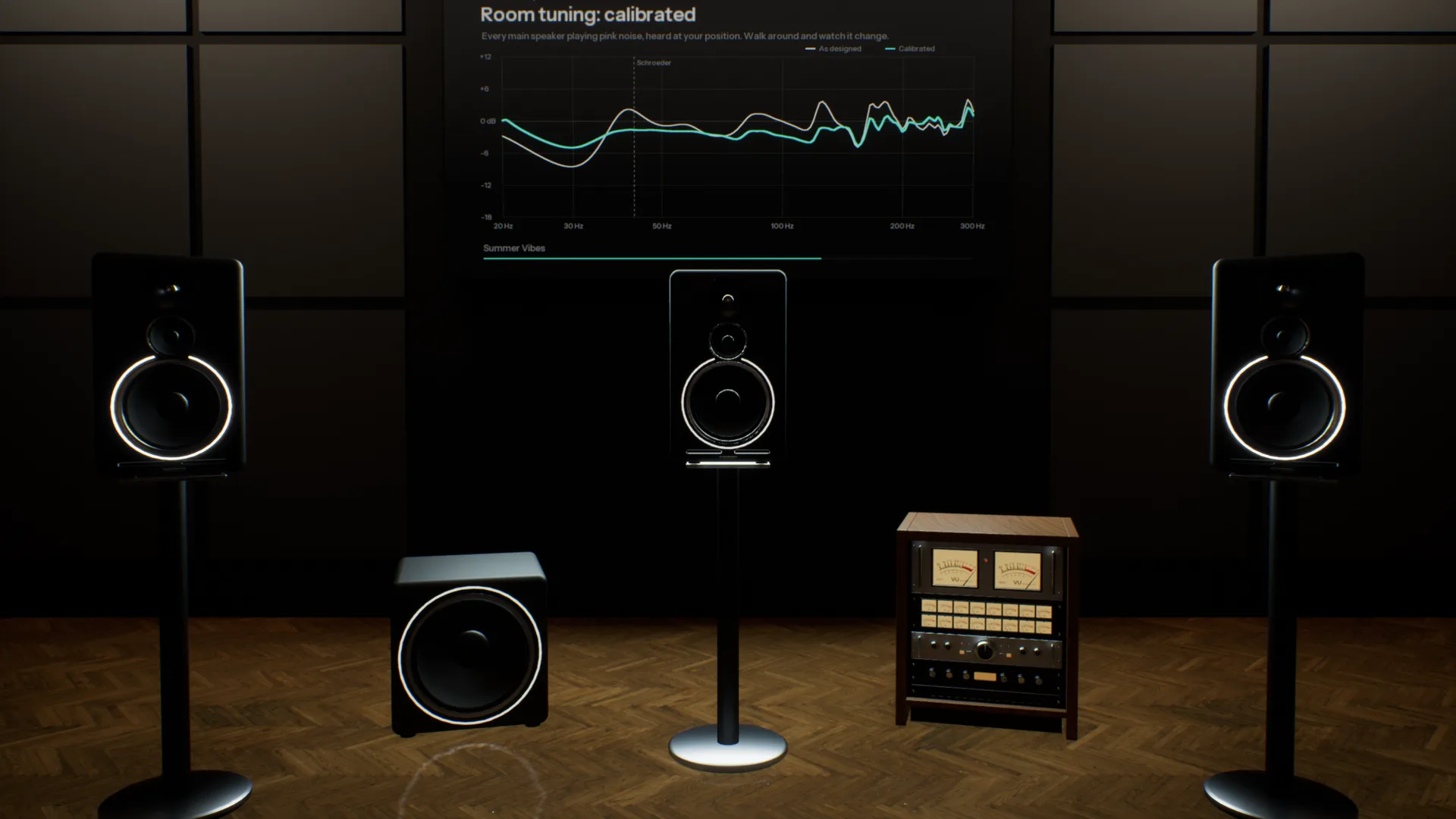
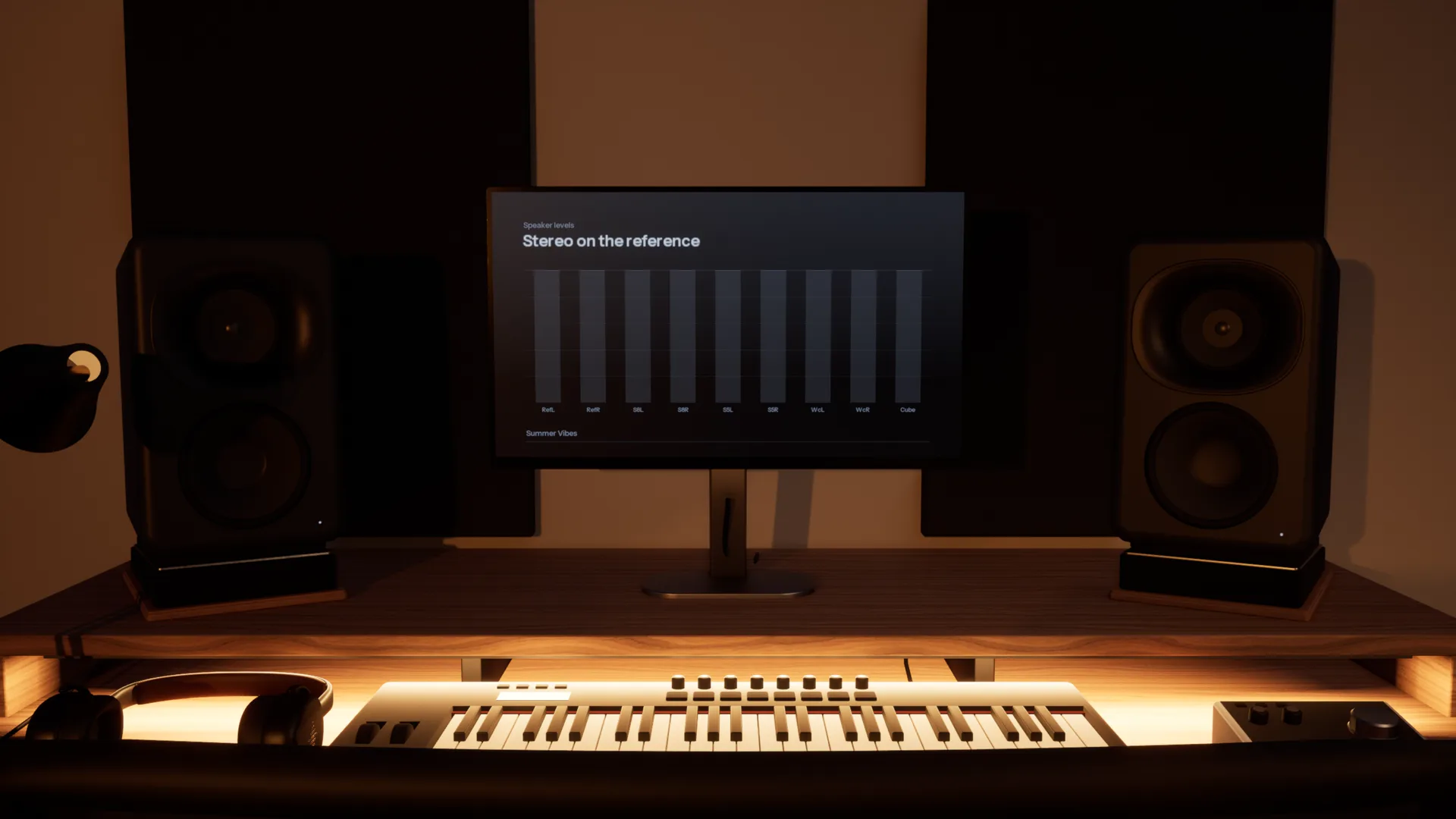
Five pairs of monitors on one desk.
A three-way reference, an 8-inch, a 5-inch, a white cone and a single cube, in a room like the one you mix in. Switch with one key and hear what each does to your low end and your vocal.
Check it where it will be played.
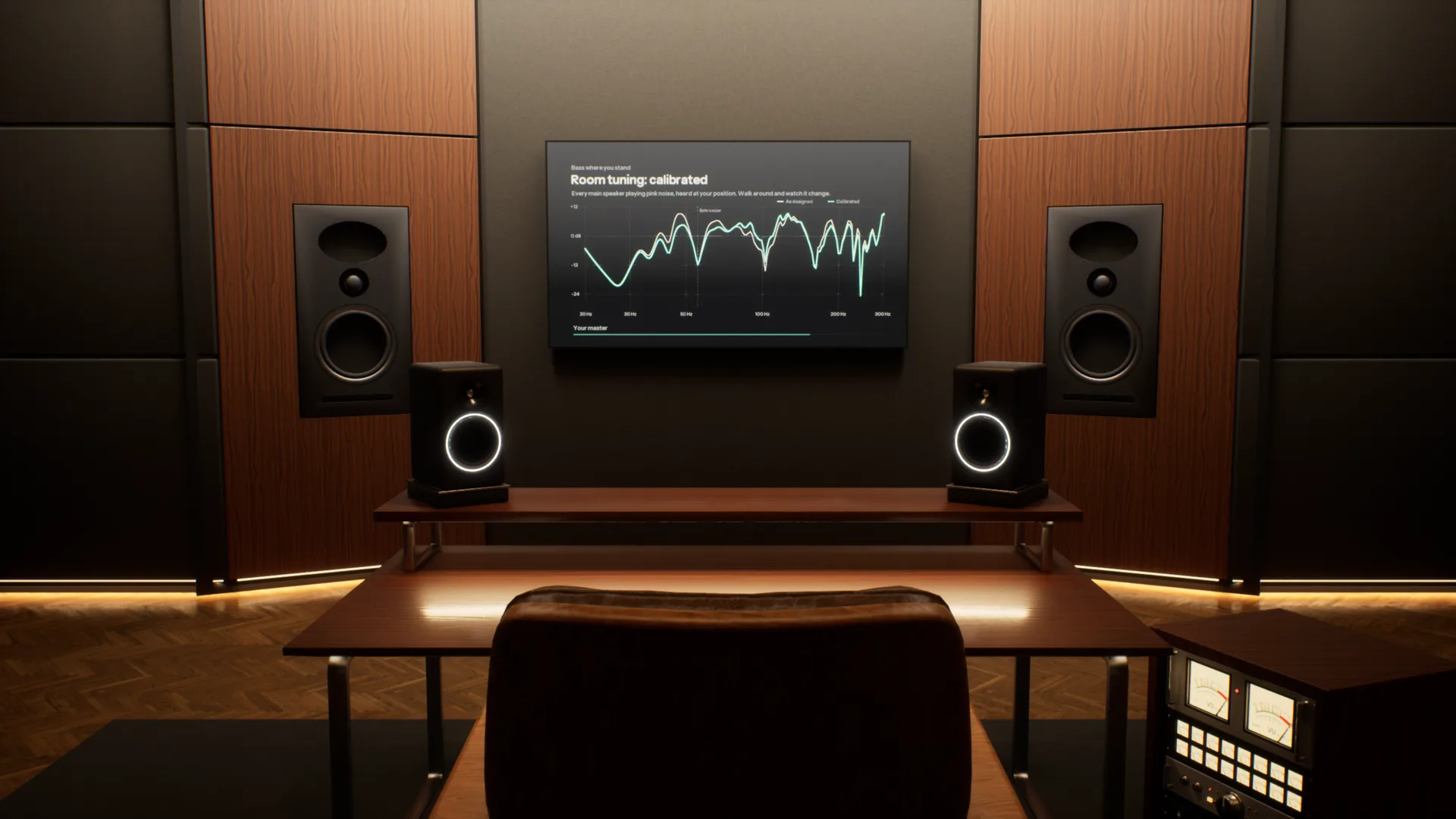
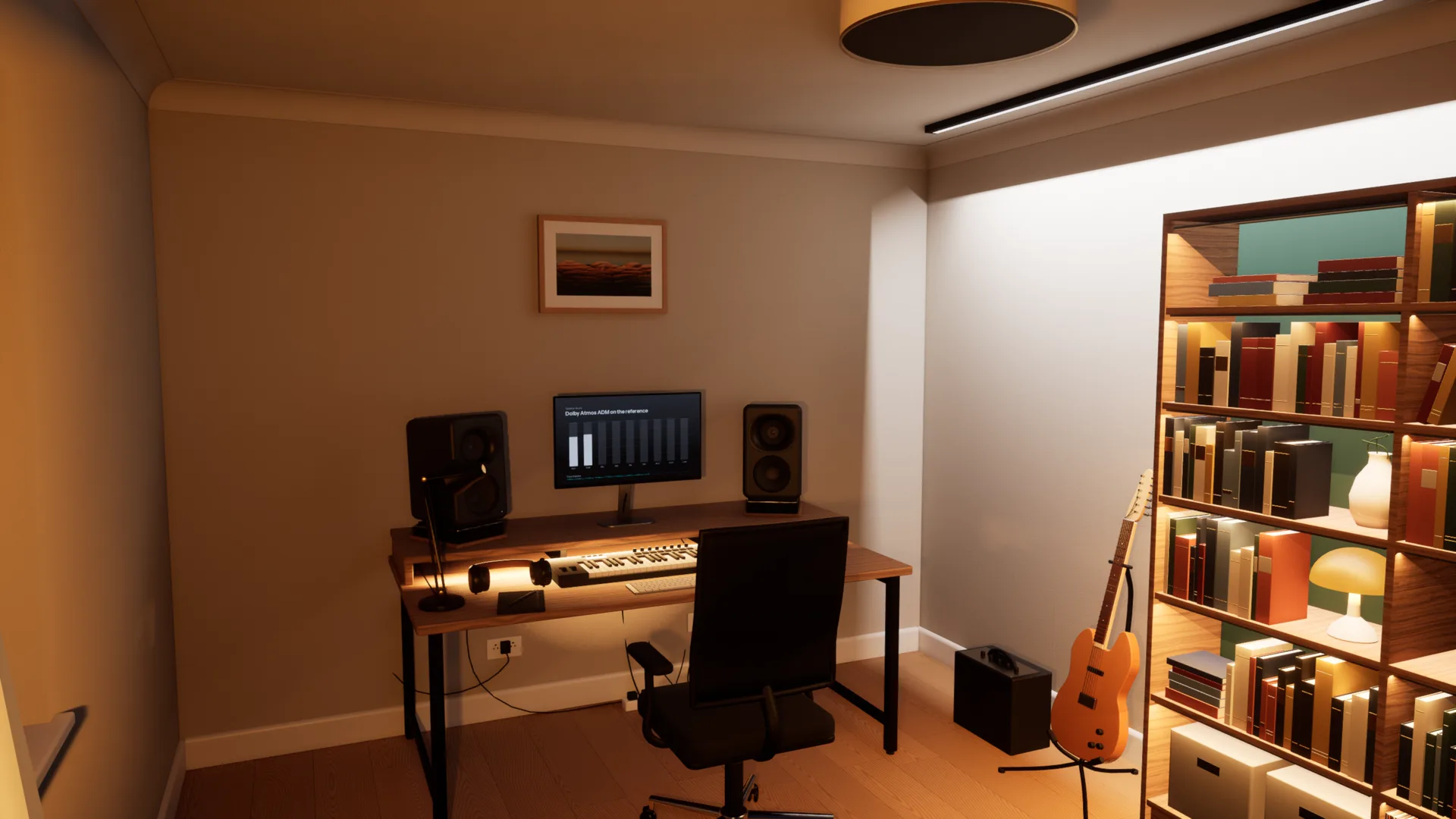
Five spaces, from a treated mastering room to a living room. Each is a different test of the same mix.
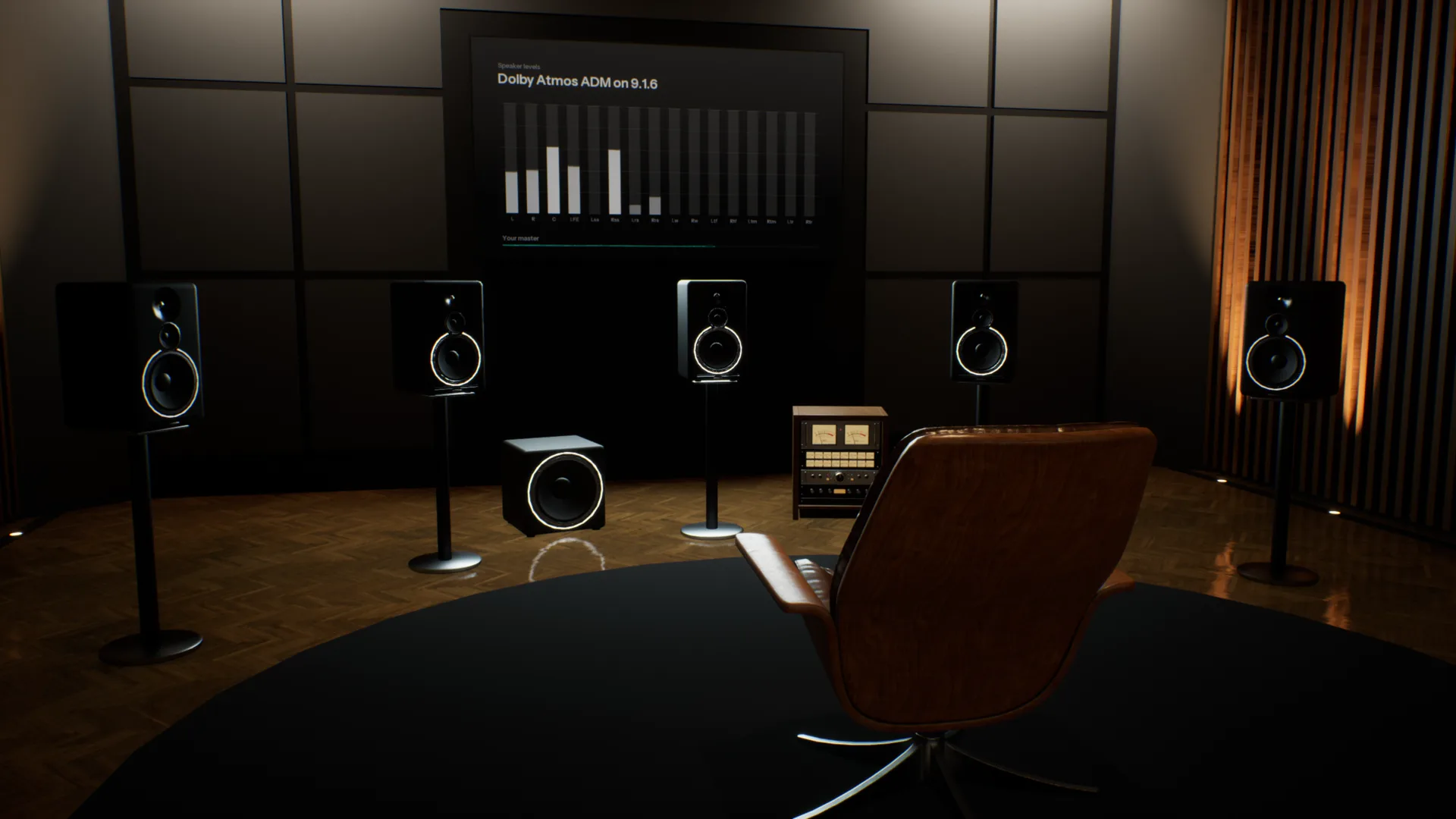
Your references, in the same room.
Add as many tracks as you like, streaming rips included. Each is matched to yours by loudness and switches in 50 milliseconds, so you compare the music, not the level.
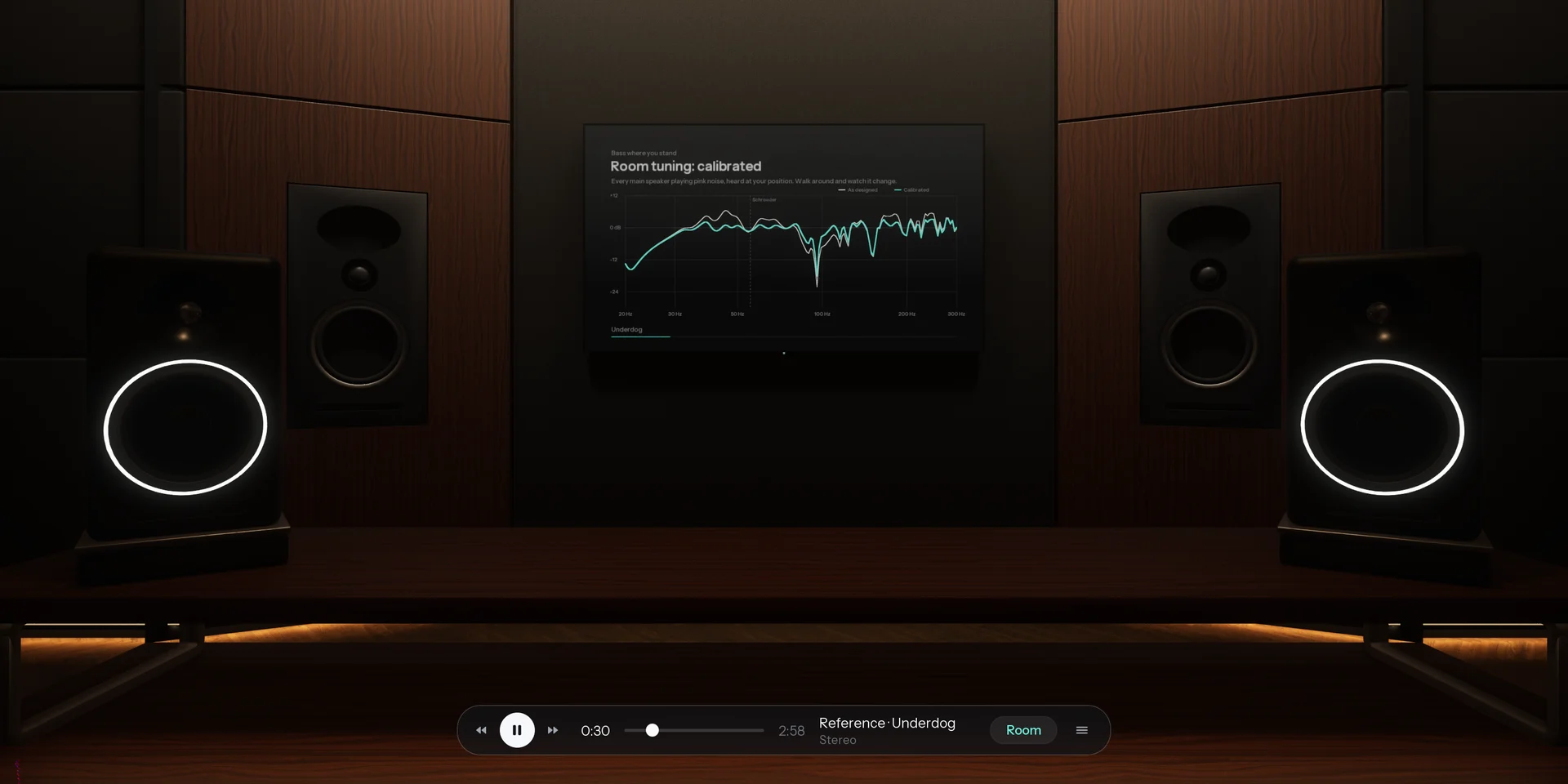
Spotify, YouTube or your DAW, through the room.
Calibrated to your headphones. Choose your model and Overhear corrects it to a neutral target from real measurements, so every room sounds as it should on the pair you already own.
How it compares
Most virtual room tools play back one listening position. Overhear models the whole space.
| Feature | A typical virtual room | Overhear |
|---|---|---|
| Where you listen | One fixed seat, head turns only | Anywhere in the room, standing or seated |
| Rooms | One studio, sometimes a car | Five, from a mastering room to a living room |
| Everyday speakers | A list of presets | A home cinema, TV, pocket speaker, phone and laptop you walk between |
| Low end | Measured or modelled at that seat | Calculated as waves, changes as you move |
| The car | A fixed preset, if any | A car you sit in, with seats to change |
| Reference tracks | A separate plug-in | Built in and matched by loudness |
Specifications
- Spaces
- Stereo Studio (mains and nearfields), Home Studio (five monitor pairs), Apartment (home cinema, TV, pocket speaker, phones, laptop, bookshelf speakers), Garage (car), Spatial Studio (9.1.6, Dolby Atmos)
- Rendering
- Binaural, with reflections, late reverb and a wave-based low end
- Headphones
- Calibrated to a neutral target from real measurements; any model works
- Head tracking
- Optional, with your webcam
- Room tuning
- As designed, or calibrated with room correction
- Audio files
- WAV, BW64 with ADM, AIFF, FLAC, MP3 and Ogg Vorbis
- Channel layouts
- Stereo, 5.1, 7.1.4 and Dolby Atmos ADM
- Films
- MP4, MOV and M4V, with the sound track through the room
- References
- Unlimited, matched by loudness, 50 ms switching
- Other apps
- Any app on your computer, or any audio input
- Controls
- Keyboard and mouse, or a game controller
- Platform
- Mac and Windows
System requirements
| Requirement | Minimum8-bit or Low graphics | RecommendedMedium graphics at 60 fps | HighHigh graphics at 60 fps |
|---|---|---|---|
| System | macOS Sonoma 14 or later | macOS Sonoma 14 or later | macOS Sonoma 14 or later |
| Chip | Apple M1 or later | Apple M4 Pro, M1 Max or better | Apple M4 Max or an Ultra chip |
| Memory | 8 GB | 16 GB | 16 GB |
| Storage | 4 GB free (1.6 GB download) | 4 GB free (1.6 GB download) | 4 GB free (1.6 GB download) |
| Audio | Headphones | Headphones | Headphones |
- Intel Macs are not supported.
- On M1 and M2, Overhear starts on 8-bit or Low graphics.
- On first launch Overhear measures your computer and picks the graphics level for you.
- Screen resolution barely matters: each graphics level renders at a fixed size and scales to your display.
Questions
Kann man auf Kopfhörern mischen?
Ja. Was Kopfhörern fehlt, ist der Raum: Jedes Ohr hört nur seine eigene Seite, nichts reflektiert, und der Bass baut sich nicht so auf wie in einem echten Raum. Deshalb klingt ein Kopfhörermix auf Lautsprechern oft zu breit oder zu basslastig. Overhear bringt den Raum zurück, auf den Kopfhörern, die du schon hast.
Warum klingt mein Mix auf verschiedenen Lautsprechern anders?
Jeder Lautsprecher und jeder Raum verändert die Balance. Kleine Lautsprecher verlieren den Tieftonbereich, ein TV verengt das Stereobild, und ein Raum hebt manche Basstöne an und löscht andere aus. Overhear spielt denselben Mix in Sekunden auf Studiomonitoren, einem Heimkino, einem TV, einem Mini-Lautsprecher und einem Handy, damit du beheben kannst, was nicht übertragbar ist.
Wie prüfe ich meinen Mix im Auto, ohne Auto?
Öffne deinen Mix in der Garage, steig ein und drück Play. Das Auto hat eigene Lautsprecher, Kabinenreflexionen und Bässe, so hörst du das Dröhnen und das einseitige Stereobild eines echten Autos. Du kannst den Platz wechseln, und ein Atmos-Master wird auf die Autolautsprecher heruntergemischt.
Warum klingt mein Mix im Auto anders?
Eine Autokabine ist klein und fast geschlossen. Sie hebt manche tiefe Frequenzen an, löscht andere aus und setzt dich seitlich zu den Lautsprechern. Ein auf Kopfhörern abgestimmter Mix klingt dort oft dröhnend oder schief.
Wie mische ich den Bass auf Kopfhörern?
Kopfhörer spielen den Bass ohne Raum, deshalb ist schwer einzuschätzen, wie viel davon da ist. In einem echten Raum baut sich der Tieftonbereich bei manchen Tönen auf und löscht sich bei anderen aus. Overhear berechnet diese Raummoden als Wellen, damit du dorthin gehen kannst, wo sie entstehen, und deinen Bass mit einer nach Lautheit angeglichenen Referenz vergleichen kannst.
Was unterscheidet es von anderen virtuellen Raum-Tools?
Die meisten setzen dich auf einen festen Platz und spielen an dieser Stelle gemessene oder modellierte Impulsantworten ab. Overhear berechnet Lautsprecher, Reflexionen, Hall und Bassmoden jedes Raums für jede Position, an der du stehst, sodass du dich darin bewegen und die Veränderung hören kannst. Übertragbarkeitschecks und Referenz-A/B sind in derselben App.
Was ändert sich, wenn ich durch den Raum gehe?
Vor allem der Bass. Der Tieftonbereich jedes Raums wird als Wellen berechnet, er baut sich also an der Rückwand auf und wird in den Auslöschungen dünner, wie in einem echten Raum. Abseits der Achse ändern sich auch das Stereobild und wie viel Raum du gegenüber den Lautsprechern hörst.
Mit welchen Kopfhörern funktioniert es?
Mit jedem guten Paar, offen oder geschlossen. Wähle dein Modell, und Overhear korrigiert es anhand echter Messungen auf ein neutrales Ziel. Ein Modell, das nicht aufgeführt ist, funktioniert trotzdem, nur ohne die Korrektur.
Wie funktionieren Referenztracks?
Füge so viele hinzu, wie du willst. Jeder wird nach Lautheit an deinen Track angeglichen, damit der lautere Track nicht automatisch gewinnt, und das Umschalten dauert 50 Millisekunden. Sie spielen durch denselben Raum, von dort, wo du gerade stehst.
Ist es ein Plug-in? Was brauche ich?
Es ist eine Desktop-App für Mac und Windows. Jeder gute Kopfhörer funktioniert, ohne Headtracker oder andere Hardware. Sie kann auch andere Apps durch die Räume abspielen, etwa Spotify, deinen Browser oder deine DAW, ohne Treiberinstallation.
Unterstützt es Dolby Atmos?
Ja. Öffne ein ADM-BW64-Master oder eine 5.1- oder 7.1.4-Datei, und sie spielt über die 9.1.6-Lautsprecher des Spatial Studio, binaural für deine Kopfhörer gerendert. Im Stereo Studio und im Auto wird sie auf die dortigen Lautsprecher heruntergemischt.
Wann kann ich es nutzen, und was wird es kosten?
Overhear ist in Entwicklung. Trag dich in die Warteliste ein, wir schreiben dir mit Preisen, sobald es fertig ist.
In development. Join the waitlist and we will email you when it is ready.