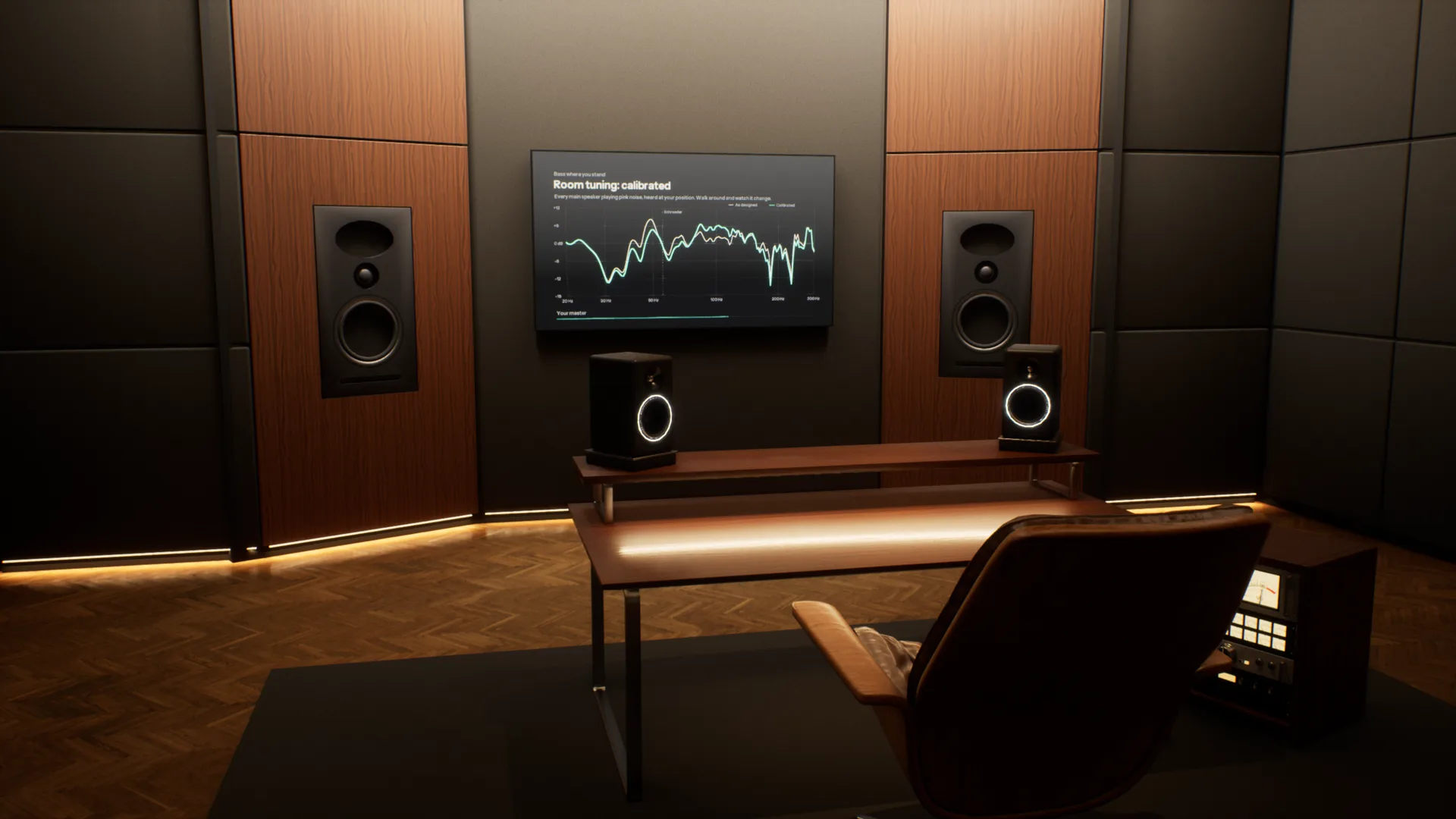
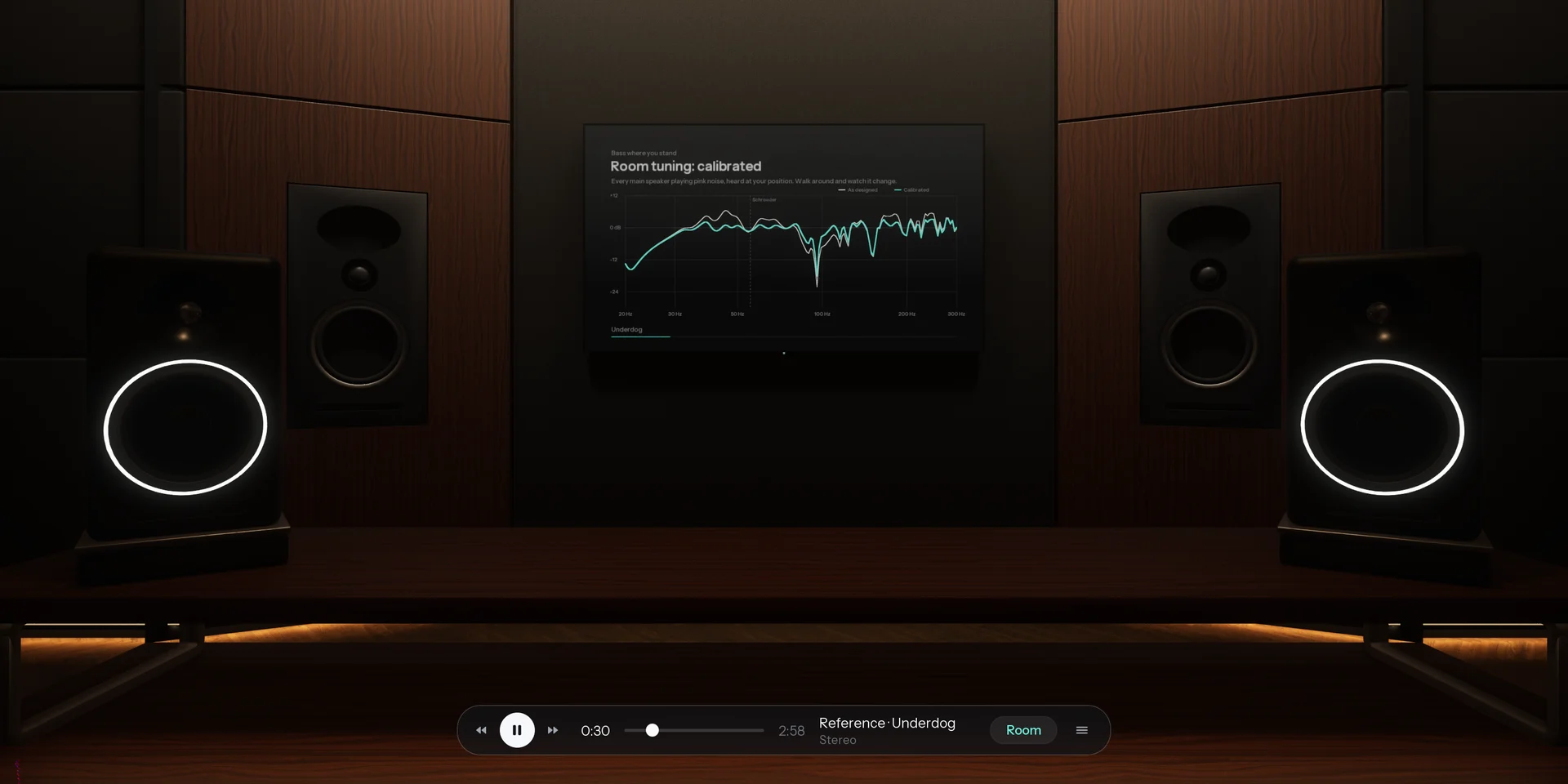
Most music is now mixed on headphones, far from the rooms it will be played in. Overhear puts those rooms around your headphones, from a mastering studio to a car and a living room, so you can check your mix translates before it leaves.
A full acoustic model of every room. Speakers, reflections, reverb and bass modes are calculated for wherever you stand, and change as you move. Most virtual monitoring tools play back one fixed seat.
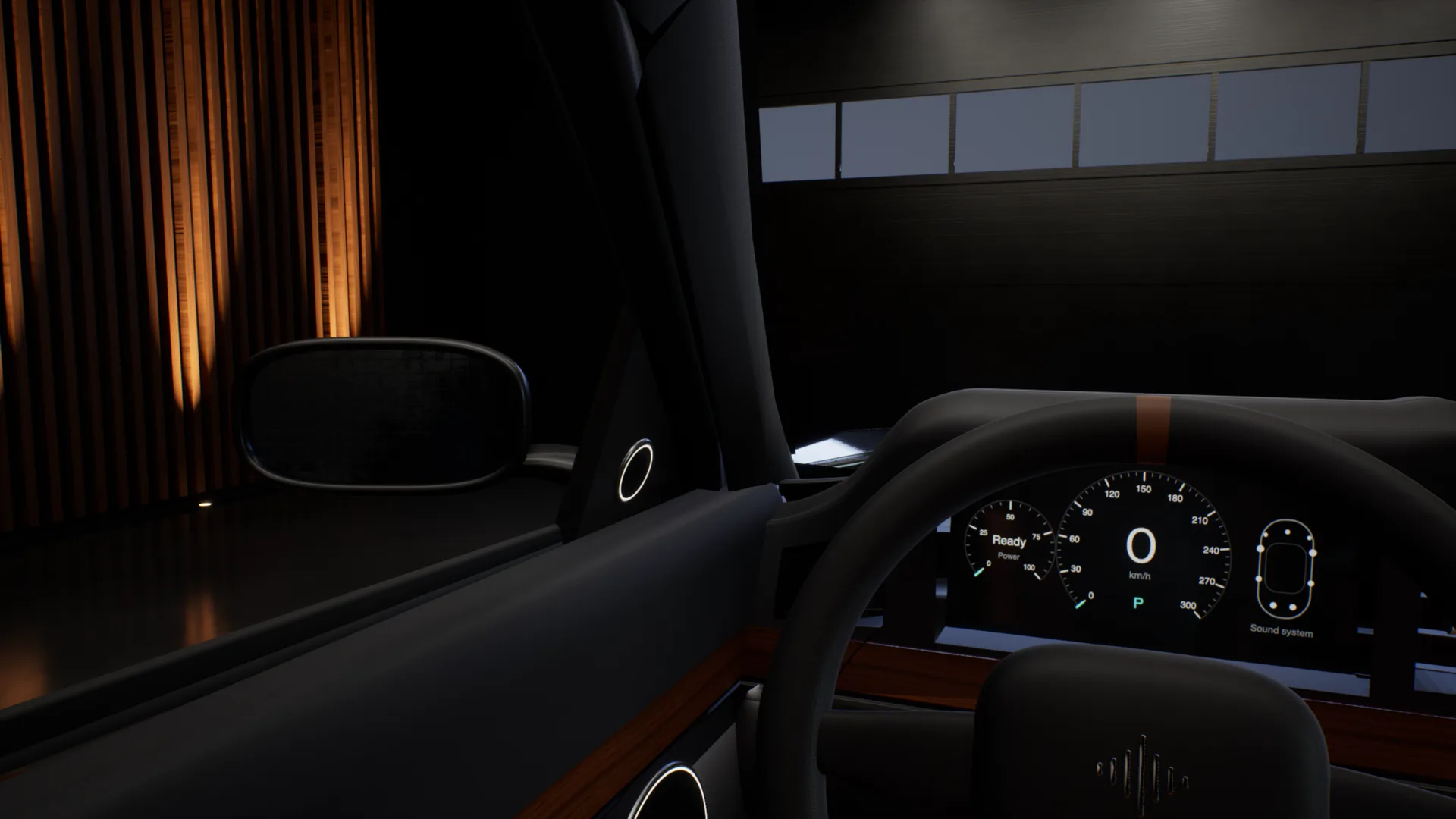
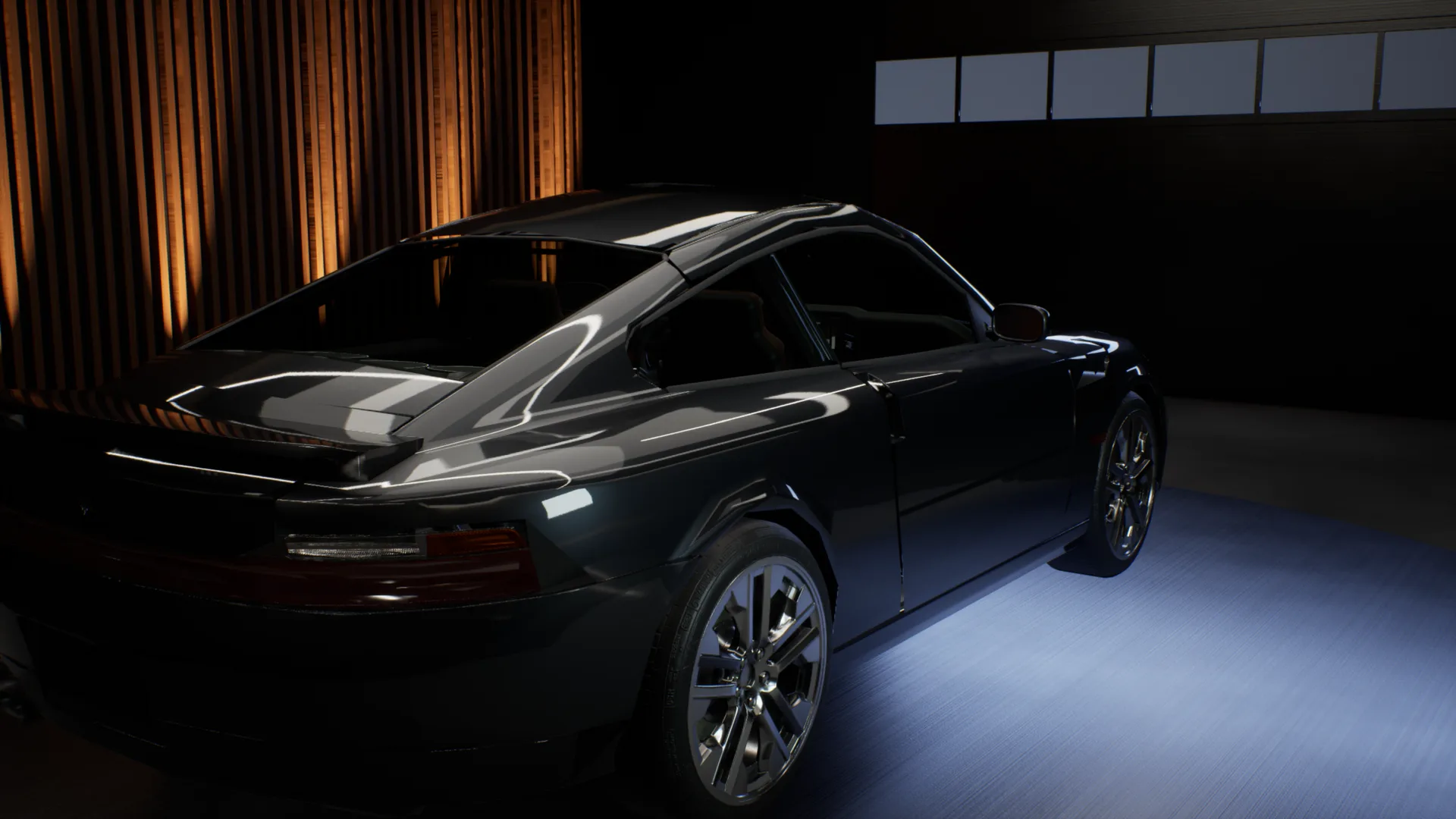
The car test, without the car.
Outside the car, into the driver seat, across to the passenger seat, into the back, then headphones on to hear the mix flat. One take, recorded in the app.

Every speaker your listeners own.
A home cinema, the TV's own speakers, a pocket speaker in the kitchen, a phone on the table. Walk through the Apartment and play your mix on each of them, all on your headphones.
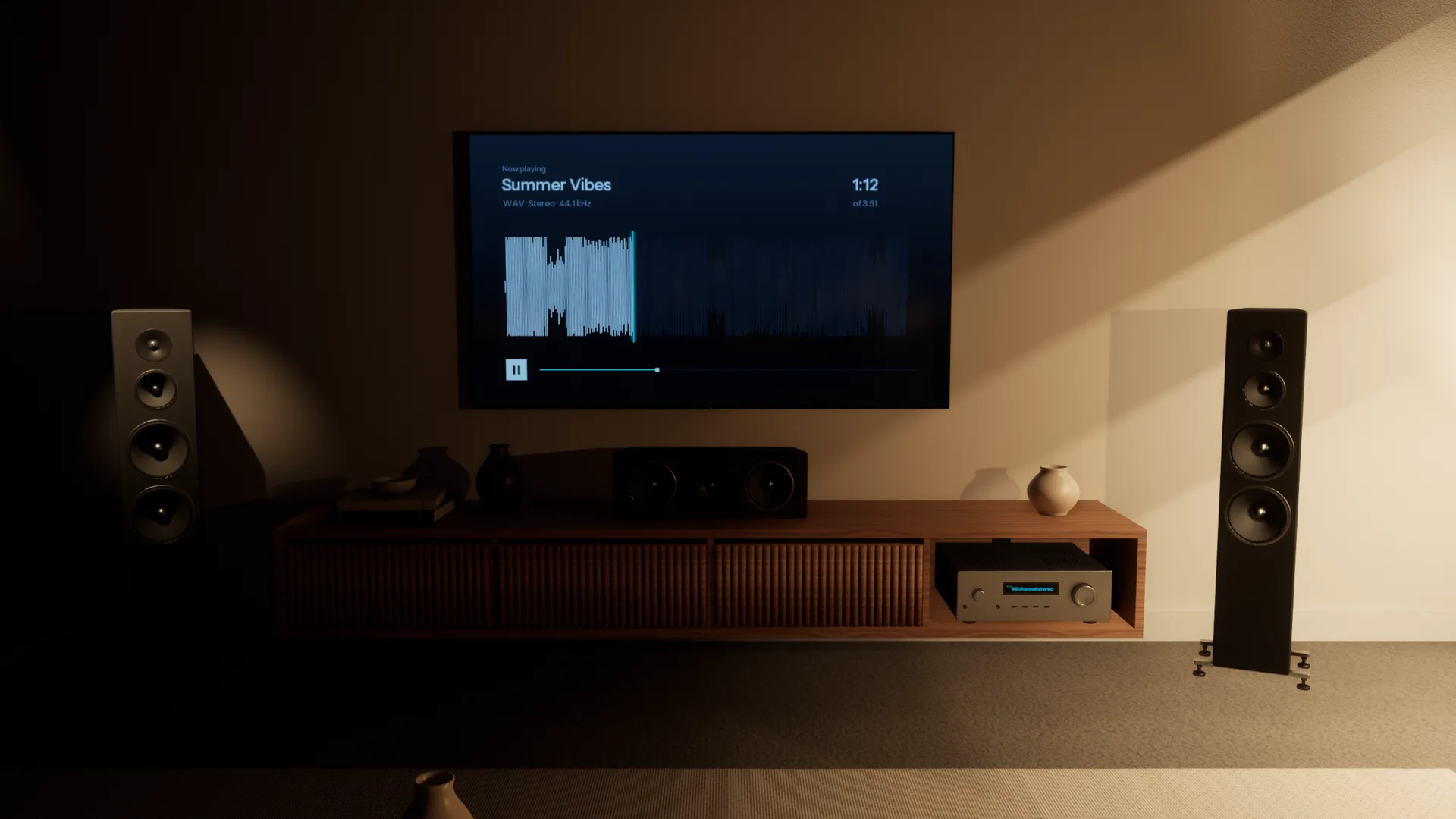
Every room, accurately simulated.
Each space is acoustically modelled from the walls in, so it sounds the way the real room would. Walk anywhere, sit anywhere, and you hear what you would hear standing there.
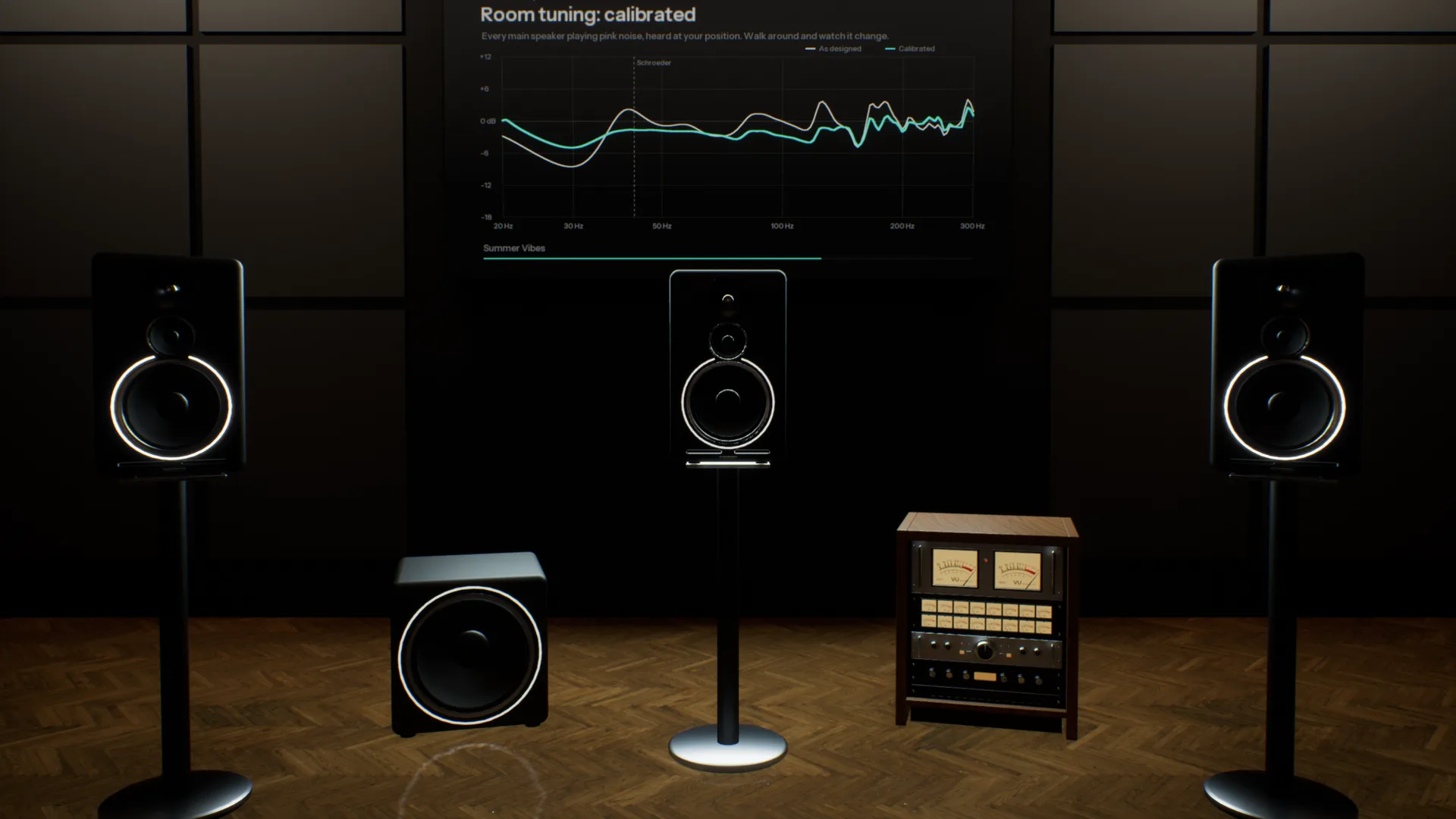
Five pairs of monitors on one desk.
A three-way reference, an 8-inch, a 5-inch, a white cone and a single cube, in a room like the one you mix in. Switch with one key and hear what each does to your low end and your vocal.
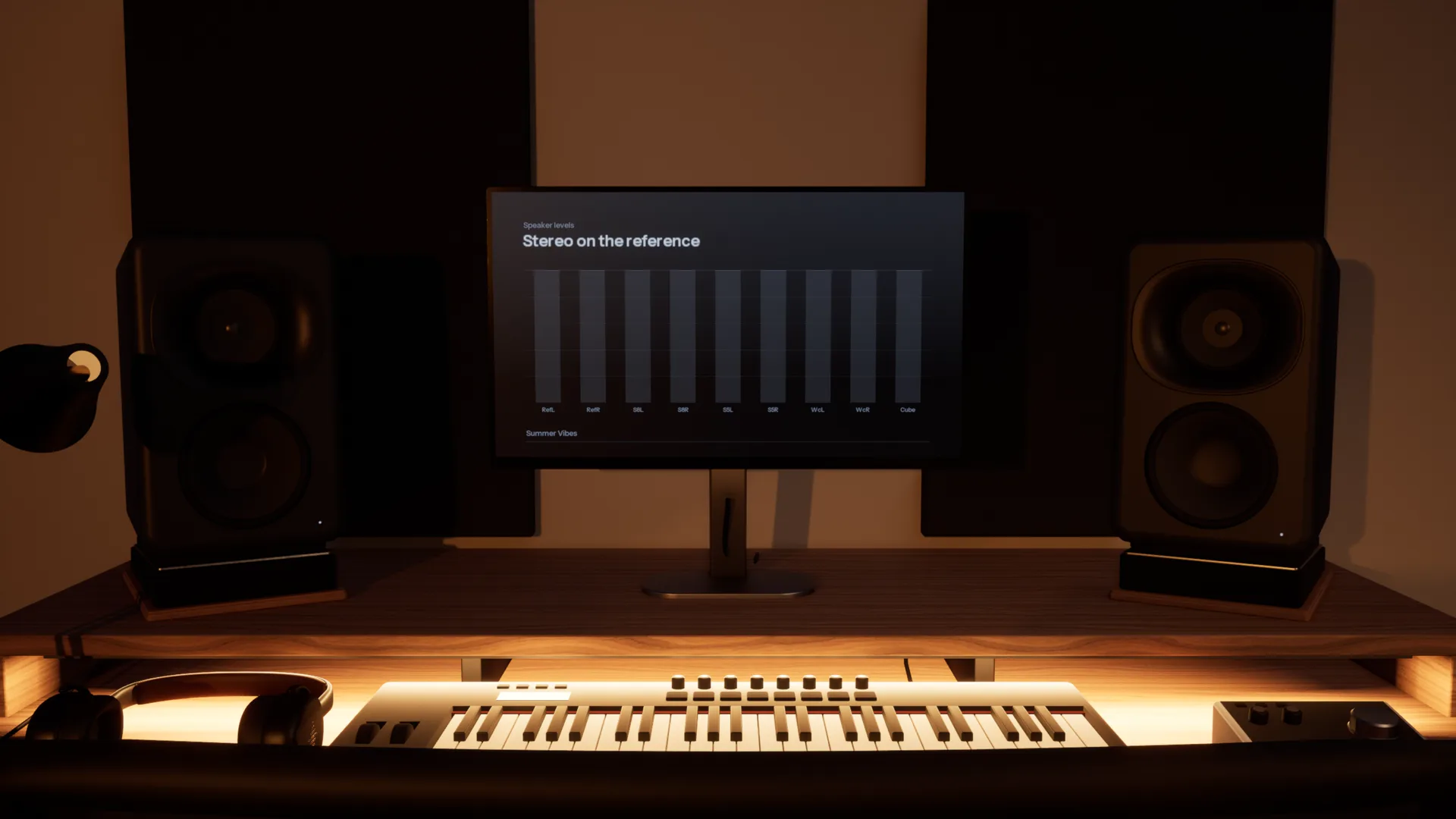
Check it where it will be played.
Five spaces, from a treated mastering room to a living room. Each is a different test of the same mix.
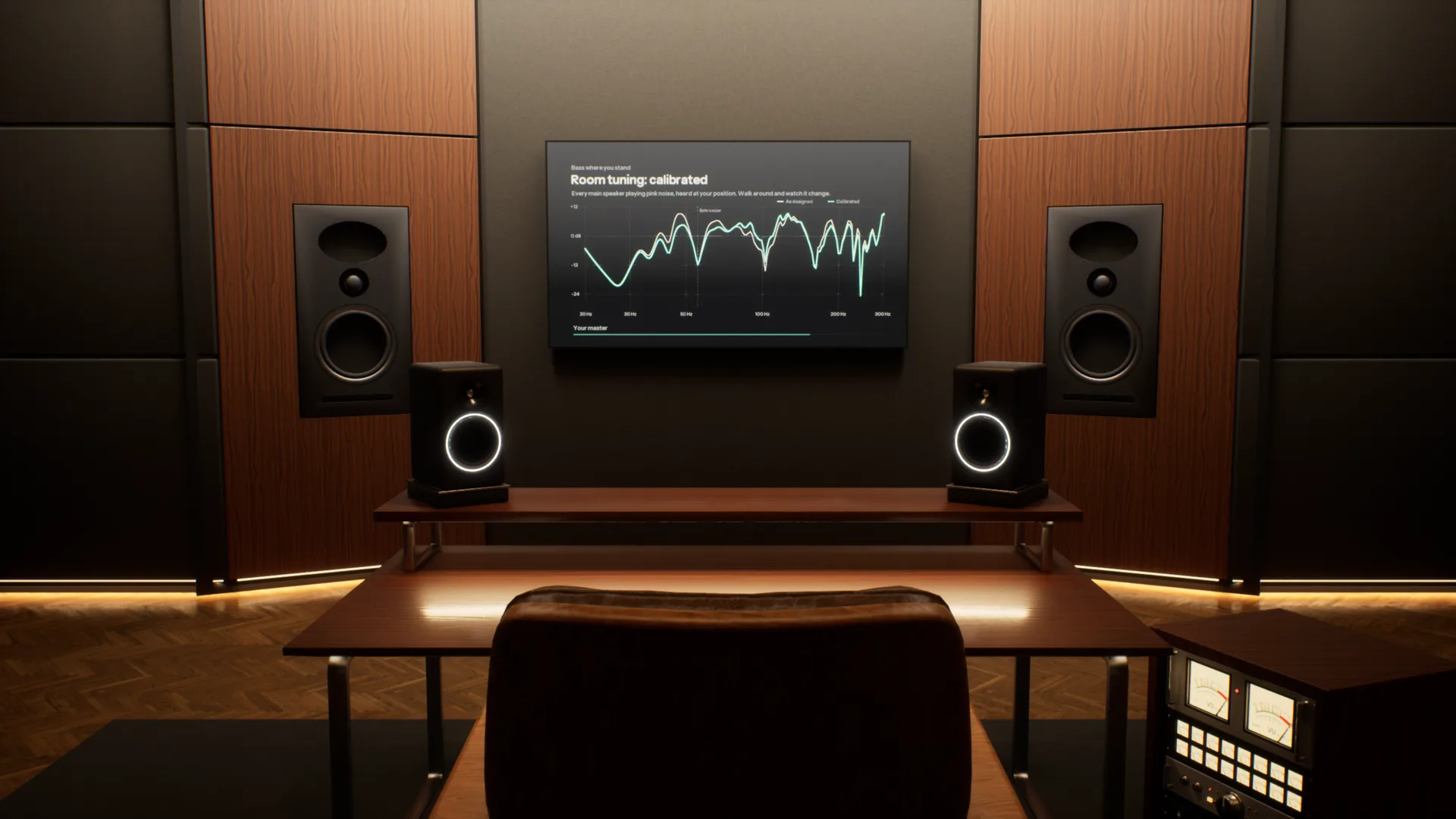
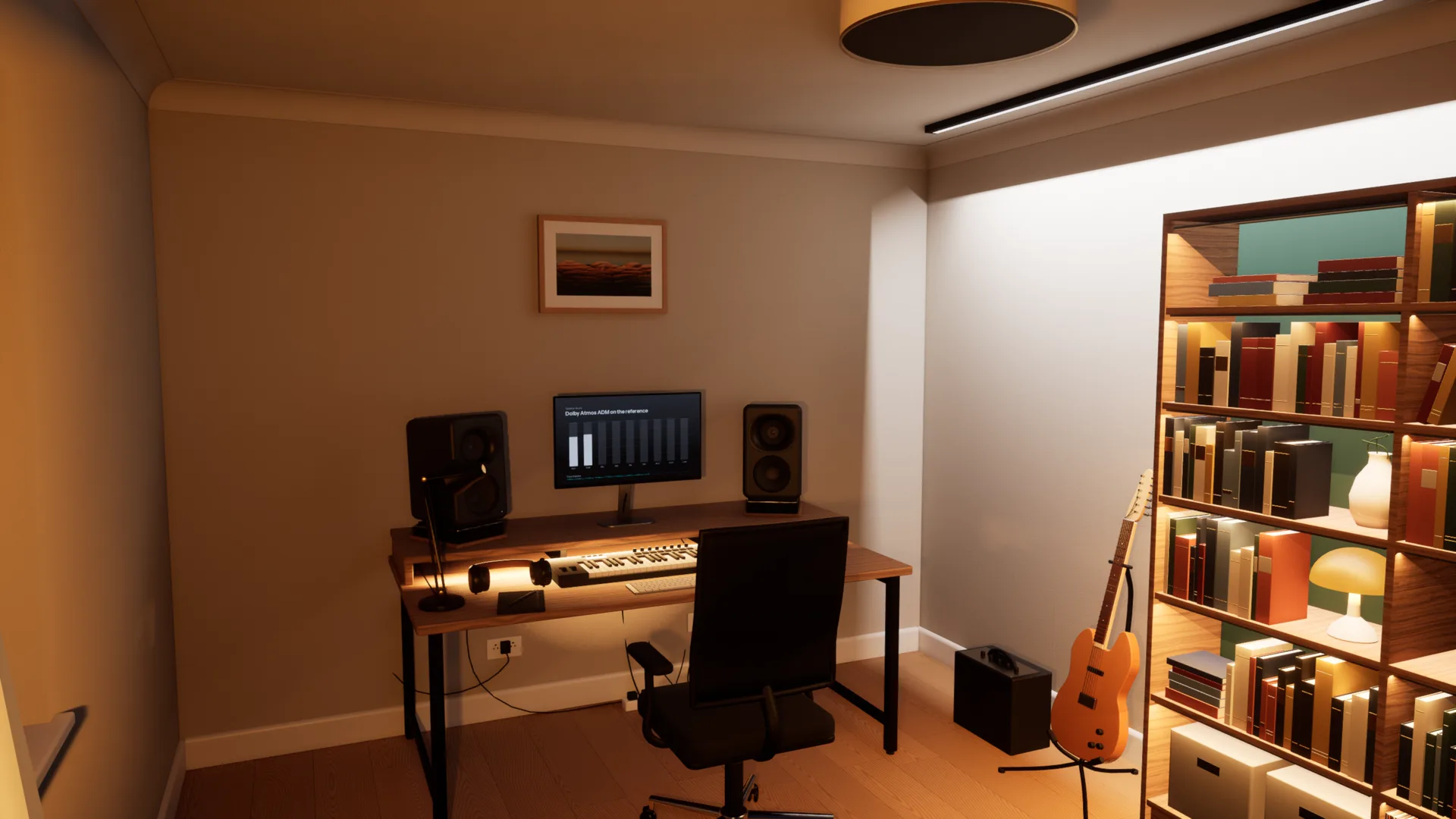
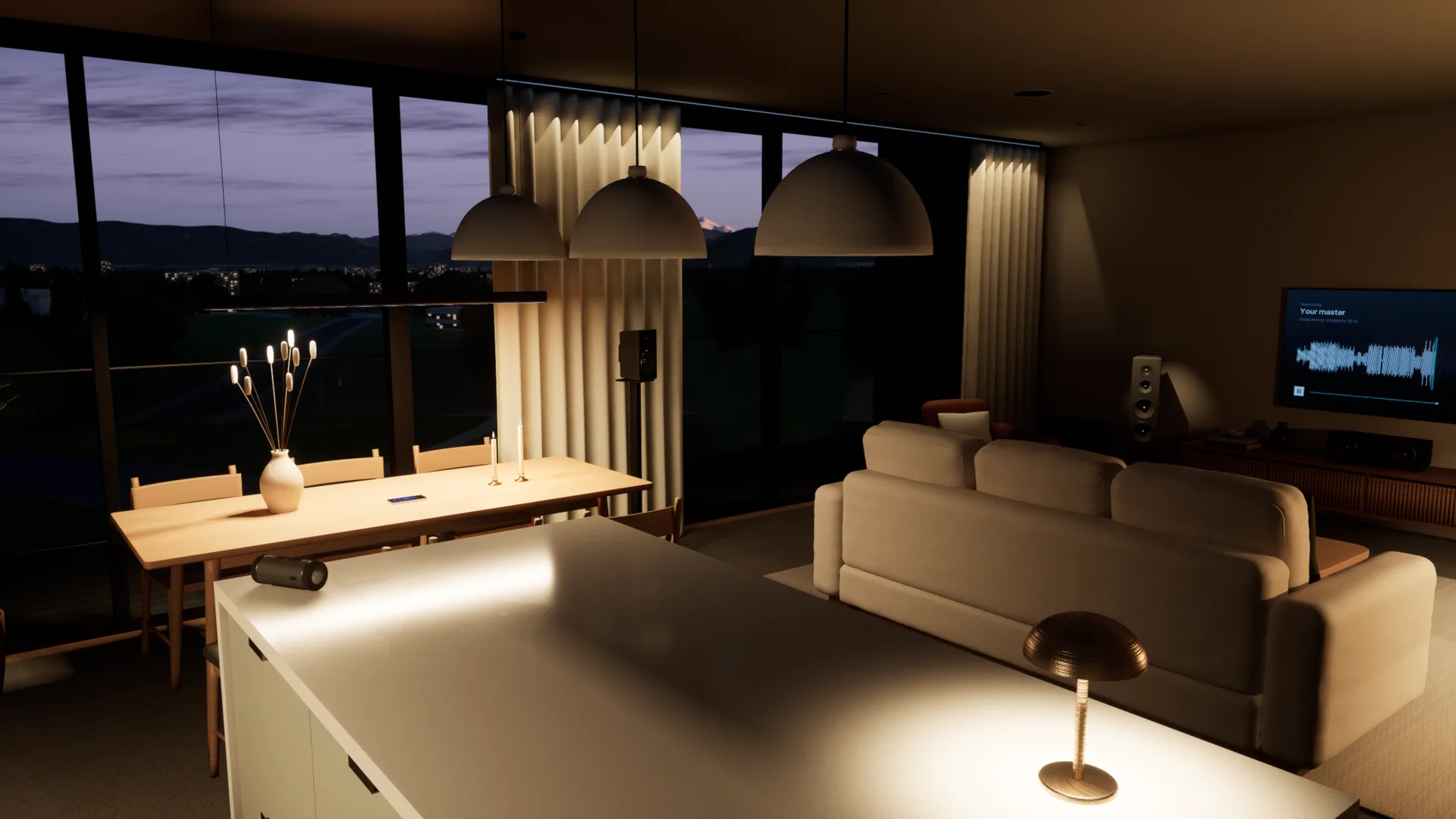
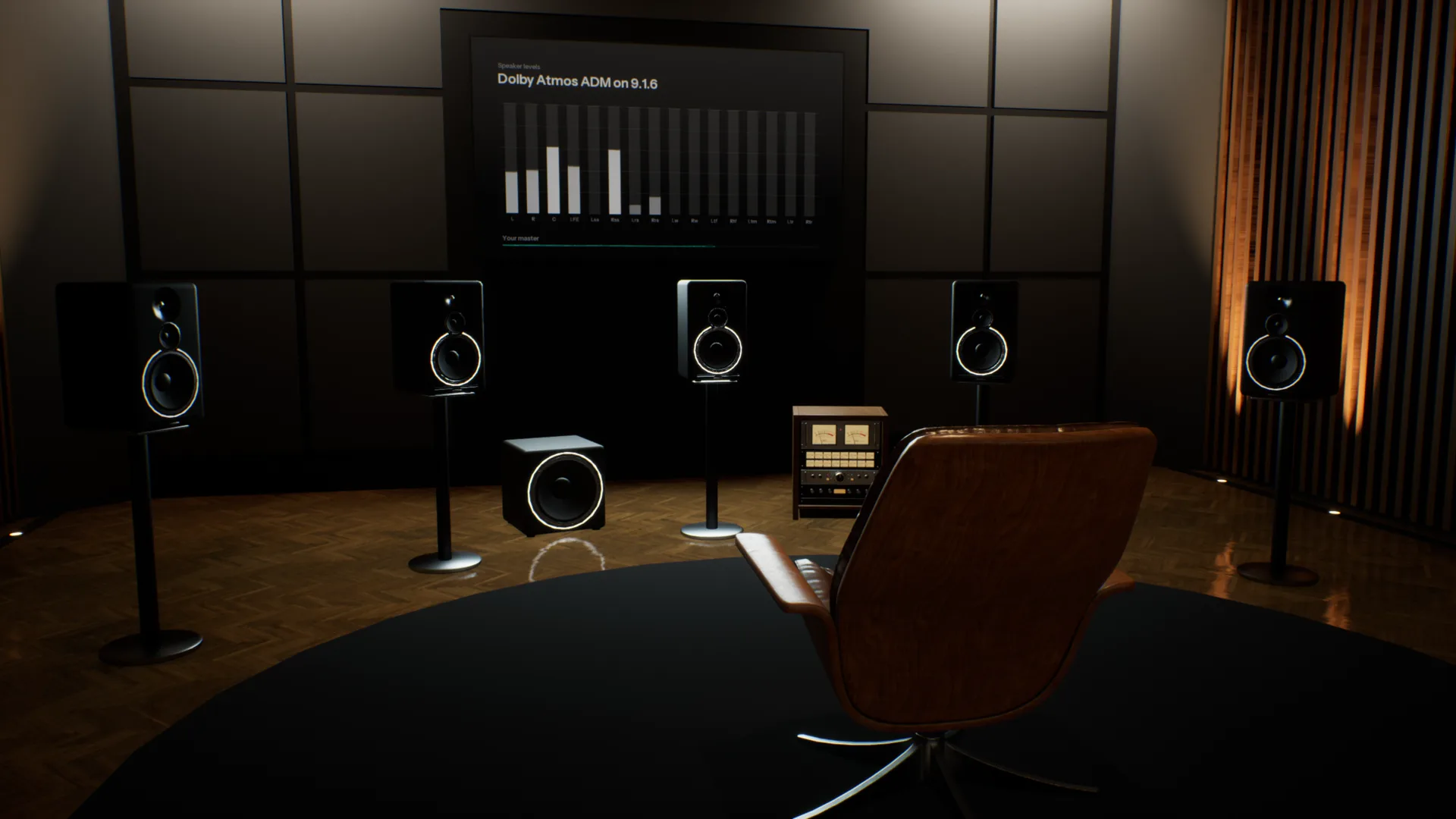
Your references, in the same room.
Add as many tracks as you like, streaming rips included. Each is matched to yours by loudness and switches in 50 milliseconds, so you compare the music, not the level.
Spotify, YouTube or your DAW, through the room.
Calibrated to your headphones. Choose your model and Overhear corrects it to a neutral target from real measurements, so every room sounds as it should on the pair you already own.
How it compares
Most virtual room tools play back one listening position. Overhear models the whole space.
| Feature | A typical virtual room | Overhear |
|---|---|---|
| Where you listen | One fixed seat, head turns only | Anywhere in the room, standing or seated |
| Rooms | One studio, sometimes a car | Five, from a mastering room to a living room |
| Everyday speakers | A list of presets | A home cinema, TV, pocket speaker, phone and laptop you walk between |
| Low end | Measured or modelled at that seat | Calculated as waves, changes as you move |
| The car | A fixed preset, if any | A car you sit in, with seats to change |
| Reference tracks | A separate plug-in | Built in and matched by loudness |
Specifications
- Spaces
- Stereo Studio (mains and nearfields), Home Studio (five monitor pairs), Apartment (home cinema, TV, pocket speaker, phones, laptop, bookshelf speakers), Garage (car), Spatial Studio (9.1.6, Dolby Atmos)
- Rendering
- Binaural, with reflections, late reverb and a wave-based low end
- Headphones
- Calibrated to a neutral target from real measurements; any model works
- Head tracking
- Optional, with your webcam
- Room tuning
- As designed, or calibrated with room correction
- Audio files
- WAV, BW64 with ADM, AIFF, FLAC, MP3 and Ogg Vorbis
- Channel layouts
- Stereo, 5.1, 7.1.4 and Dolby Atmos ADM
- Films
- MP4, MOV and M4V, with the sound track through the room
- References
- Unlimited, matched by loudness, 50 ms switching
- Other apps
- Any app on your computer, or any audio input
- Controls
- Keyboard and mouse, or a game controller
- Platform
- Mac and Windows
System requirements
| Requirement | Minimum8-bit or Low graphics | RecommendedMedium graphics at 60 fps | HighHigh graphics at 60 fps |
|---|---|---|---|
| System | macOS Sonoma 14 or later | macOS Sonoma 14 or later | macOS Sonoma 14 or later |
| Chip | Apple M1 or later | Apple M4 Pro, M1 Max or better | Apple M4 Max or an Ultra chip |
| Memory | 8 GB | 16 GB | 16 GB |
| Storage | 4 GB free (1.6 GB download) | 4 GB free (1.6 GB download) | 4 GB free (1.6 GB download) |
| Audio | Headphones | Headphones | Headphones |
- Intel Macs are not supported.
- On M1 and M2, Overhear starts on 8-bit or Low graphics.
- On first launch Overhear measures your computer and picks the graphics level for you.
- Screen resolution barely matters: each graphics level renders at a fixed size and scales to your display.
Questions
¿Se puede mezclar con auriculares?
Sí. Lo que los auriculares eliminan es la sala: cada oído oye solo su lado, nada se refleja y los graves no se acumulan como en un espacio real. Por eso una mezcla hecha con auriculares puede sonar demasiado abierta o con demasiados graves en altavoces. Overhear te devuelve la sala, con los auriculares que ya tienes.
¿Por qué mi mezcla suena distinta en distintos altavoces?
Cada altavoz y cada sala cambian el balance. Los altavoces pequeños pierden los graves, una TV estrecha la imagen y una sala realza algunas notas graves y cancela otras. Overhear reproduce la misma mezcla en monitores de estudio, un cine en casa, una TV, un altavoz portátil y un móvil en segundos, para que corrijas lo que no se traduce bien.
¿Cómo pruebo mi mezcla en un coche sin tener coche?
Abre tu mezcla en el Garage, súbete y dale a reproducir. El coche tiene sus propios altavoces, reflexiones de habitáculo y graves, así que oyes el retumbe y la imagen descentrada que da un coche real. Puedes cambiar de asiento, y un máster Atmos se reduce a los altavoces del coche.
¿Por qué mi mezcla suena distinta en el coche?
El habitáculo de un coche es pequeño y casi hermético. Realza algunas frecuencias graves, cancela otras y te coloca a un lado de los altavoces. Una mezcla equilibrada con auriculares suele sonar ahí retumbante o desequilibrada.
¿Cómo mezclo los graves con auriculares?
Los auriculares reproducen los graves sin sala, así que es difícil juzgar cuántos hay. En una sala real los graves se acumulan en algunas notas y se cancelan en otras. Overhear calcula esos modos de sala como ondas, para que camines hasta donde se producen y compares tus graves con una referencia igualada por sonoridad.
¿En qué se diferencia de otras herramientas de sala virtual?
La mayoría te ponen en un asiento fijo y reproducen respuestas medidas o modeladas en ese punto. Overhear calcula los altavoces, las reflexiones, la reverberación y los modos de graves de cada sala para donde estés, así que puedes moverte por ella y oír cómo cambia. Las pruebas de traducción y el A/B de referencias están en la misma app.
¿Qué cambia cuando camino por la sala?
Sobre todo los graves. Los graves de cada sala se calculan como ondas, así que se acumulan cerca de la pared trasera y se adelgazan en los nulos, como en una sala real. Salir del eje también cambia la imagen estéreo y cuánta sala oyes frente a los altavoces.
¿Con qué auriculares funciona?
Con cualquier buen par, abierto o cerrado. Elige tu modelo y Overhear lo corrige hacia un objetivo neutro a partir de mediciones reales. Un modelo que no aparece en la lista también funciona, sin la corrección.
¿Cómo funcionan los temas de referencia?
Añade todos los que quieras. Cada uno se iguala a tu tema por sonoridad, así el tema más fuerte nunca gana por defecto, y cambiar entre ellos lleva 50 milisegundos. Suenan en la misma sala, desde donde estés.
¿Es un plug-in? ¿Qué necesito?
Es una app de escritorio para Mac y Windows. Sirve cualquier buen par de auriculares, sin head tracker ni otro hardware. También puede reproducir otras apps a través de las salas, como Spotify, tu navegador o tu DAW, sin instalar drivers.
¿Es compatible con Dolby Atmos?
Sí. Abre un máster ADM BW64, o un archivo 5.1 o 7.1.4, y suena por los altavoces 9.1.6 del Spatial Studio, renderizado en binaural para tus auriculares. En el Stereo Studio y en el coche se hace un downmix a los altavoces de cada espacio.
¿Cuándo podré usarlo y cuánto costará?
Overhear está en desarrollo. Únete a la lista de espera y te escribiremos cuando esté listo, con los precios.
In development. Join the waitlist and we will email you when it is ready.