Channel Pitch
Pitch correction, pitch shift with formant control, and two-voice harmony.
Last updated: 11/11/2026
The pitch controls are mainly for vocals and only appear on tracks where they make sense. Pitch correction and harmony use the song key, so check that it is right in the Key menu.
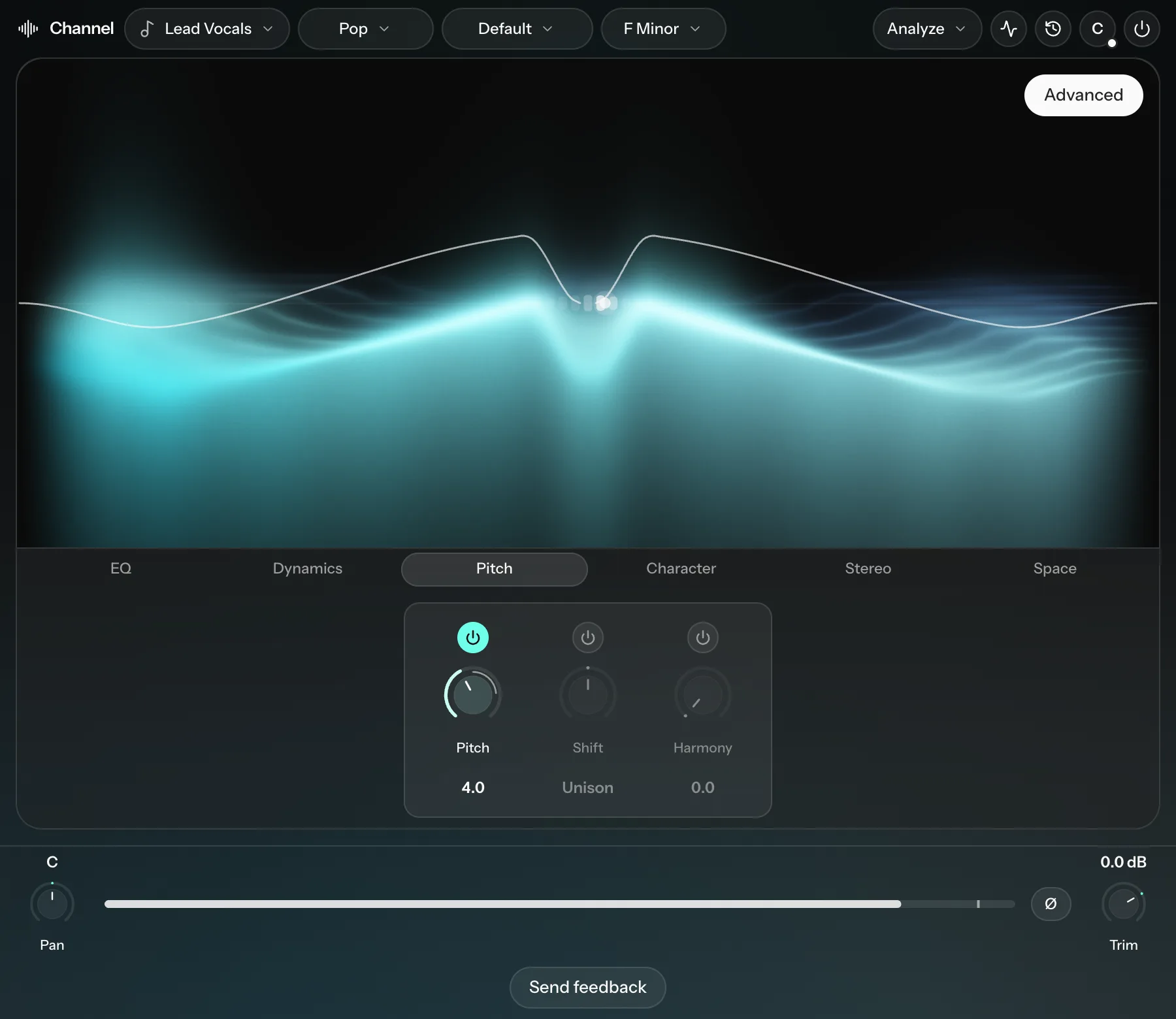
| Knob | What it does |
|---|---|
| Pitch | Pitch correction, from 0 to 10. Low values sound natural; 9 to 10 gives a hard, robotic effect. |
| Shift | Moves the pitch up or down. |
| Harmony | Adds two harmony voices. Higher values make them louder. |
Shift
Under Target, choose how Shift counts:
- In key moves in steps of the song's scale (a 3rd, a 5th and so on), up to an octave either way.
- Chromatic moves in semitones, up to 24 either way (two octaves).
The Formants row controls the character of the voice:
| Control | What it does |
|---|---|
| Follow | How much the formants (the voice's character) follow the pitch. At 0 the voice keeps its own character. At 100% it follows fully, which sounds like a chipmunk when shifted up. The default is 25%. |
| Shift | Moves the formants on their own, up to 12 semitones either way. Lower sounds deeper and bigger; higher sounds smaller and brighter. |
| Humanize | Adds a small, natural drift to the pitch (a few cents), so a shifted voice sounds less static. |
Harmony
Harmony adds two voices, Voice 1 (a 3rd by default) and Voice 2 (a 5th by default). Each can be a 3rd, 5th, 6th, Oct, Low 3rd, Low 5th, Low oct or Off. Target switches between In key and Chromatic, as with Shift.
The defaults (In key, a 3rd and a 5th) are a good place to start.