Channel Simple mode
Six macro knobs that each move several Channel settings at once.
Last updated: 11/11/2026
Simple mode is the view Cryo Mix Channel opens in. It has six macro knobs, and each one moves several settings at once.
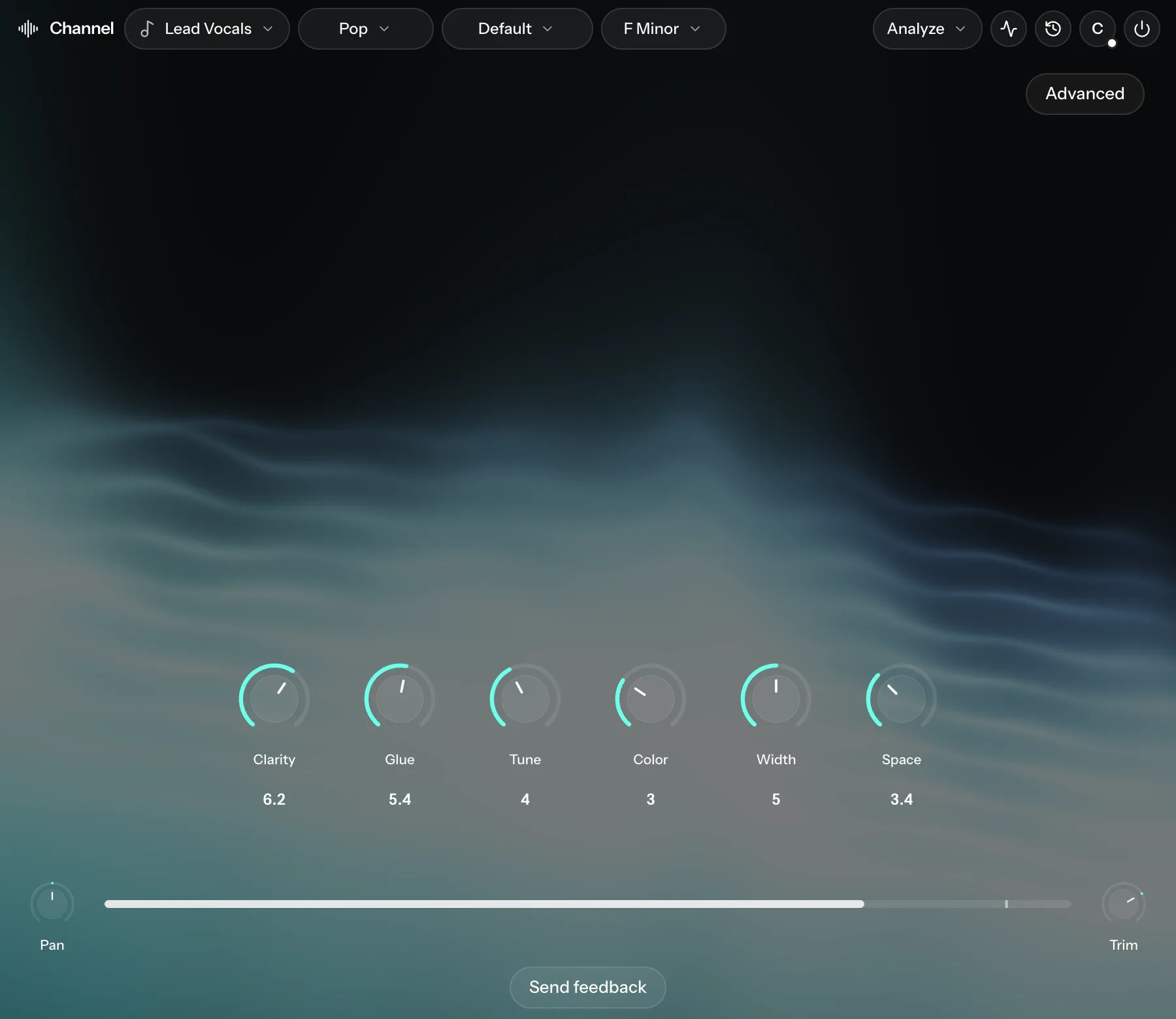
| Knob | What it moves |
|---|---|
| Clarity | EQ Correction and Air lift over the whole turn. In the top half it also adds Air and gently cuts Mids. |
| Glue | Leveler and Compression over the whole turn. De-ess and Smooth join in further up, kept light. |
| Tune | Pitch correction. |
| Color | Saturation (Color). |
| Width | Stereo Width up to halfway. Chorus fades in over the top half. |
| Space | Adds space in stages: Short reverb first, then Long reverb, then Delay, with Dream at the very top (8 to 10). |
A macro is hidden when the track has none of its effects. For example, Tune only appears on tracks that can be pitch-corrected.
Going further
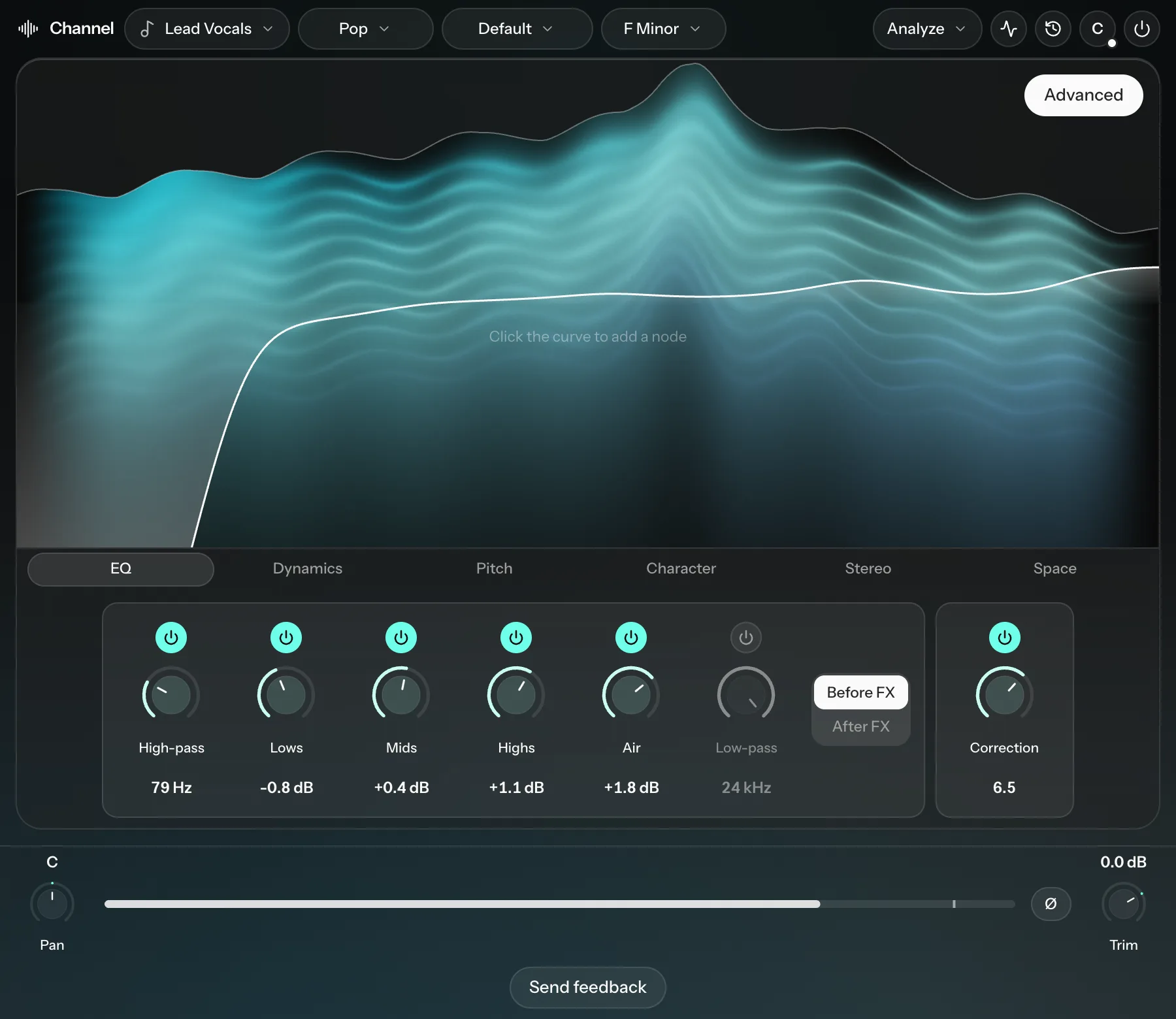
Click Advanced at the top right to see every control, grouped into EQ, Dynamics, Pitch, Character, Stereo and Space. Click it again to go back to Simple.
Which controls appear depends on the instrument. For example, a kick has no pitch controls.