Channel Stereo
Chorus, Phaser, Flanger, Tremolo, Auto-pan and Width.
Last updated: 11/11/2026
Apart from Width, these are creative effects rather than mix fixes.
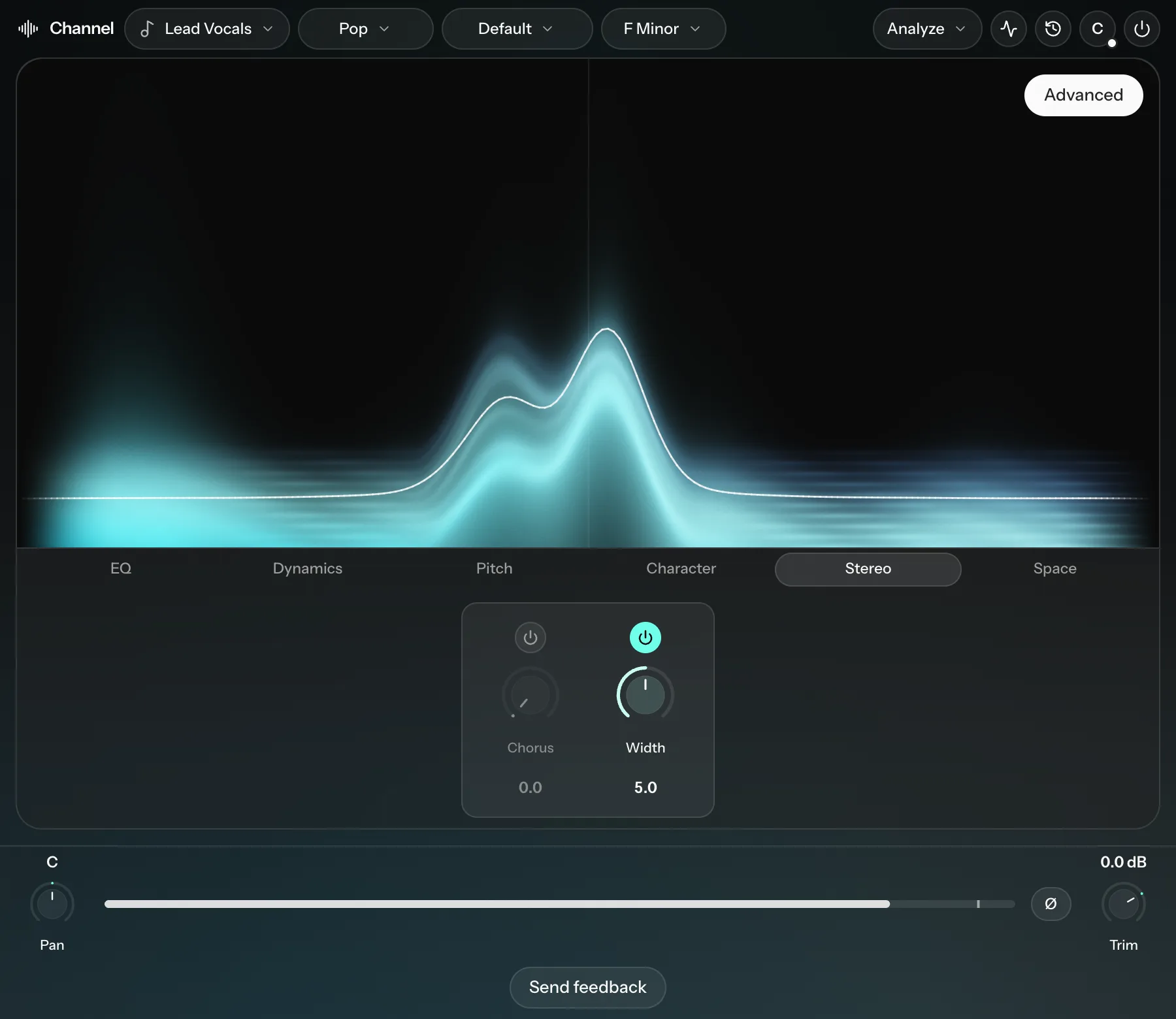
| Knob | What it does |
|---|---|
| Chorus | Layers slightly detuned copies of the track for a wider, fuller sound. Used lightly, it widens without obvious wobble. |
| Phaser (Phaser designer) | A sweeping, swirling modulation effect. |
| Flanger (Flanger designer) | A jet-like comb-filter sweep. |
| Tremolo | Moves the volume up and down in a steady rhythm. |
| Auto-pan | Moves the track from left to right and back. |
| Width | Lower values narrow the track toward mono; higher values widen it. From 8 to 10 a short delay between left and right adds extra width. Check the track in mono when you use that range. |
Phaser and Flanger are strong effects, best kept to a few parts you want to stand out, such as backing vocals or guitars.
Settings
| Effect | Settings |
|---|---|
| Chorus (Chorus designer) | Voices (2, 3, 4, 6 or 8), Motion (Sine or Linear), Rate, Depth, Delay, Stereo |
| Phaser (Phaser designer) | Motion, Stages (4 to 12), Rate, Depth, Centre, Range, Reso, Stereo |
| Flanger (Flanger designer) | Comb (Jet or Hollow), Motion, Rate, Delay, Width, Feedback, Tone, Stereo |
| Tremolo (Tremolo pulse) and Auto-pan (Auto-pan field) | Timing (Free or Sync to the song tempo), Shape (Sine or Triangle), Division (2 bars to 1/16, with Sync), Rate (with Free), Phase (-180° to 180°) |
Width has no extra settings.