Set up Cryo Mix Master
Load Cryo Mix Master on the master channel, choose a genre, click Analyze master and play the song.
Last updated: 11/11/2026
When your mix is where you want it, put Cryo Mix Master on the master channel.
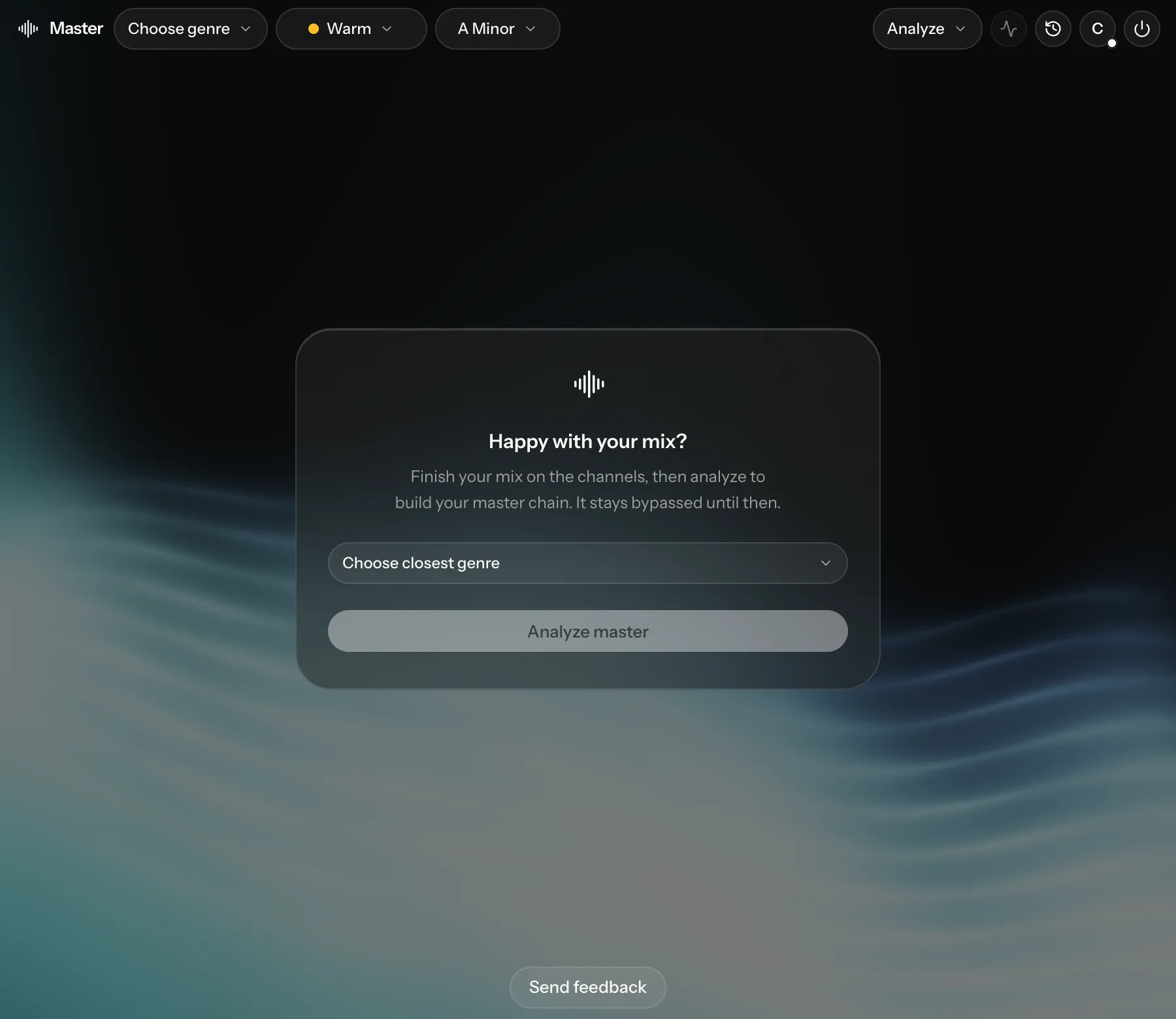
- The plug-in opens with Happy with your mix?. Your master chain stays bypassed until the analysis is done.
- Choose your genre. Analyze master stays greyed out until you do.
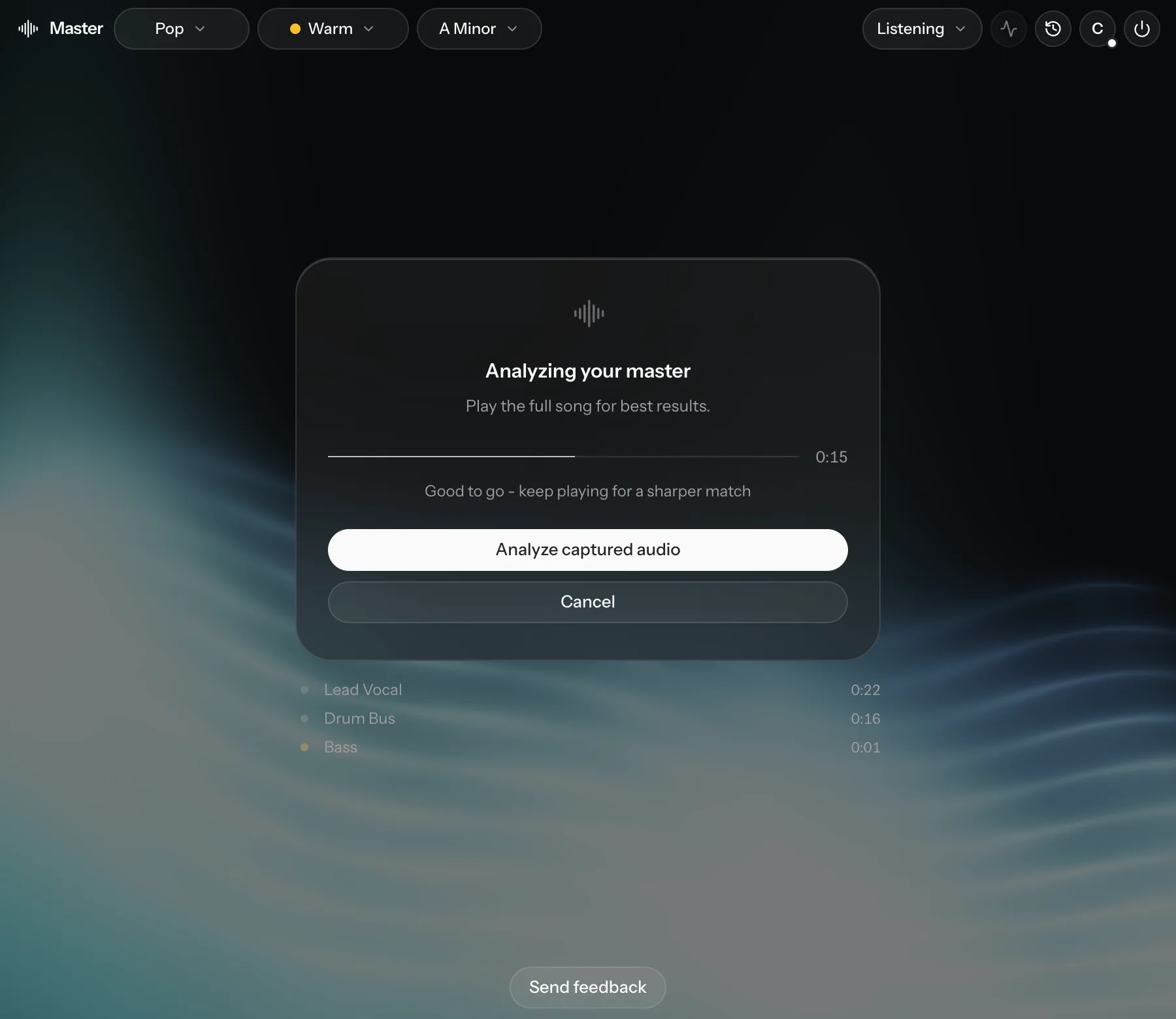
- Click Analyze master and play the song, ideally from start to finish. The card reads Analyzing your master while it listens.
- Click Analyze captured audio. Cryo Mix builds your master chain and switches it on.
About 30 seconds of audio fills the progress bar. You can analyze after about 5 seconds, but the full song gives the most accurate master.
To start again later, use Re-analyze master in the Analyze menu.