Nova Canvas
Place every track on one canvas: left to right is pan, top to bottom is volume.
Last updated: 11/11/2026
Canvas shows every track in the project as a node. Left to right is pan; from Loud at the top to Quiet at the bottom is volume. Drag a node to move that track.
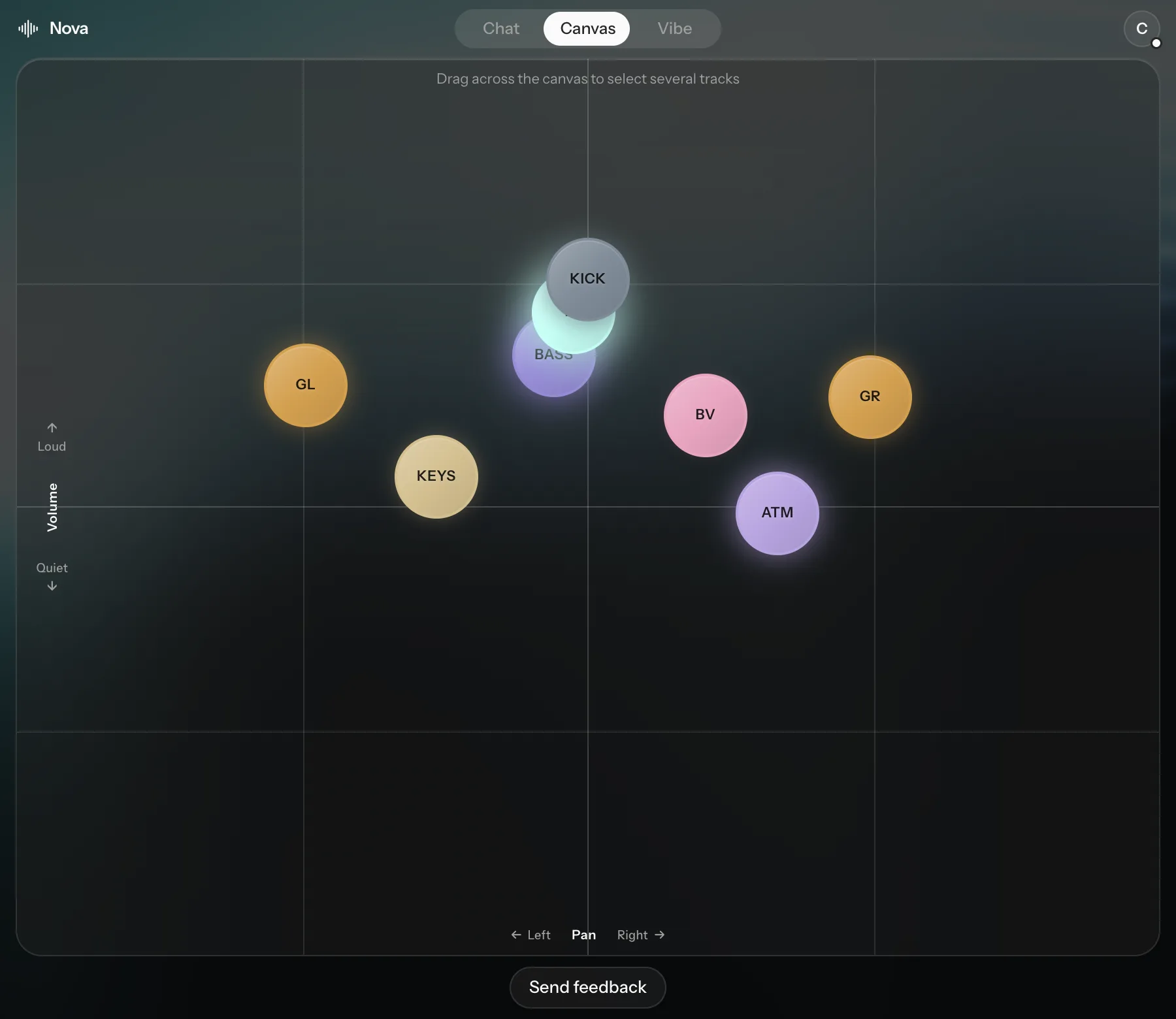
- Click a node to open its editor: type an exact volume, turn the pan knob, or use that track's Simple macros.
- Select several by dragging a box around them or Shift-clicking. Then drag the handles at the edges to spread their volume, their pan, or both.
Tracks appear on the Canvas once they've been analyzed and sorted by instrument.