Nova chat
Ask for a change in plain language, and Nova works out which settings to change.
Last updated: 11/11/2026
Cryo Mix Nova has three views: Chat, Canvas and Vibe. Load it on any channel in the project.
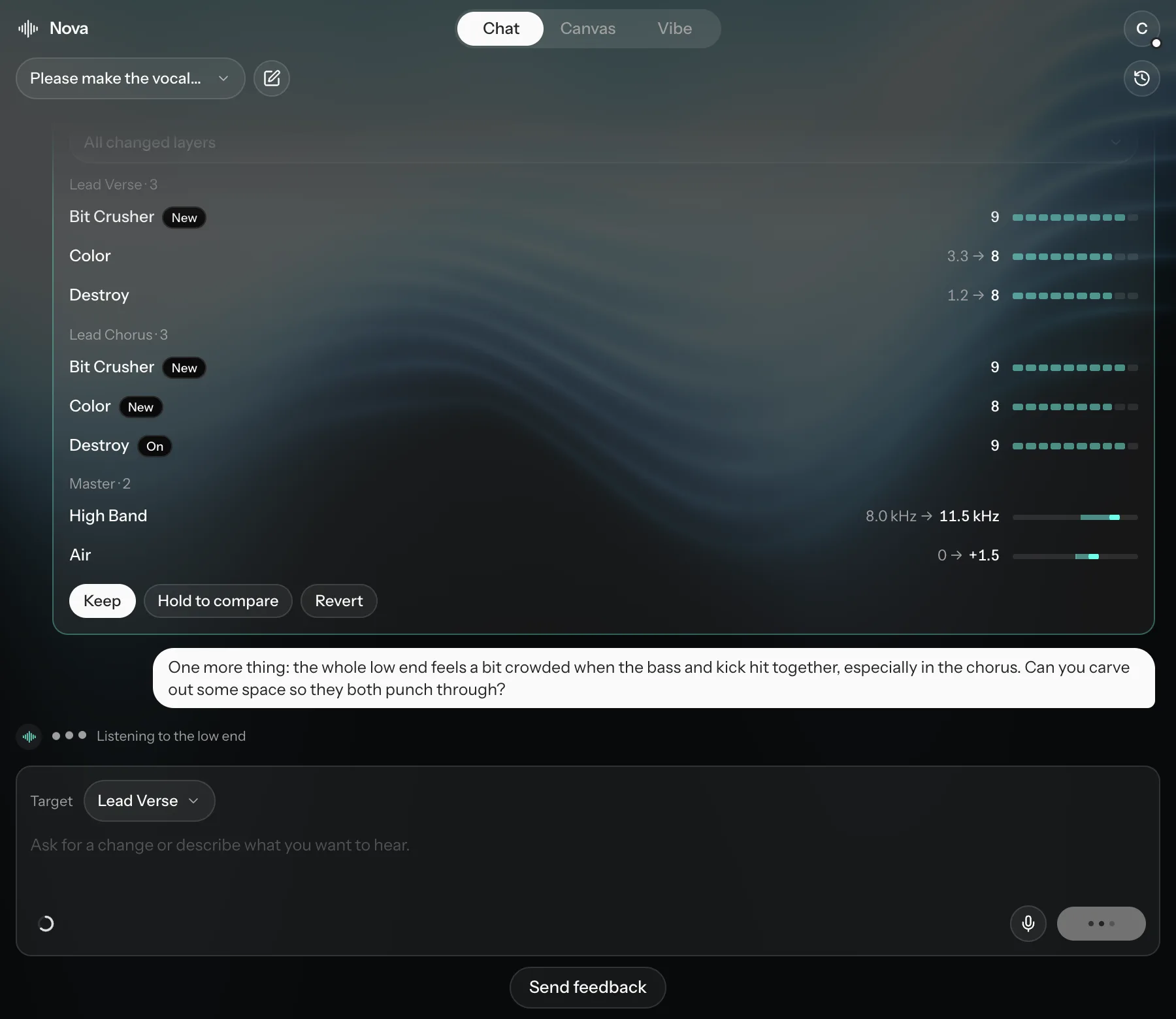
In Chat, describe what you want to hear, for example "tighten the vocal", "more air" or "glue the master". Nova works out which settings to change, on which tracks.
- Target picks what Nova works on: Whole Mix, one track, or the master.
- Click the microphone to dictate instead of typing.
- Nova's changes arrive as proposals. Hold to compare lets you hear before and after. Keep keeps the change; Revert undoes it, for one layer or all of them.
- Chats lists your past conversations, and New chat starts a fresh one. History shows everything that has changed in the project.
The Nova usage ring shows how much of this month's Nova usage you have left.