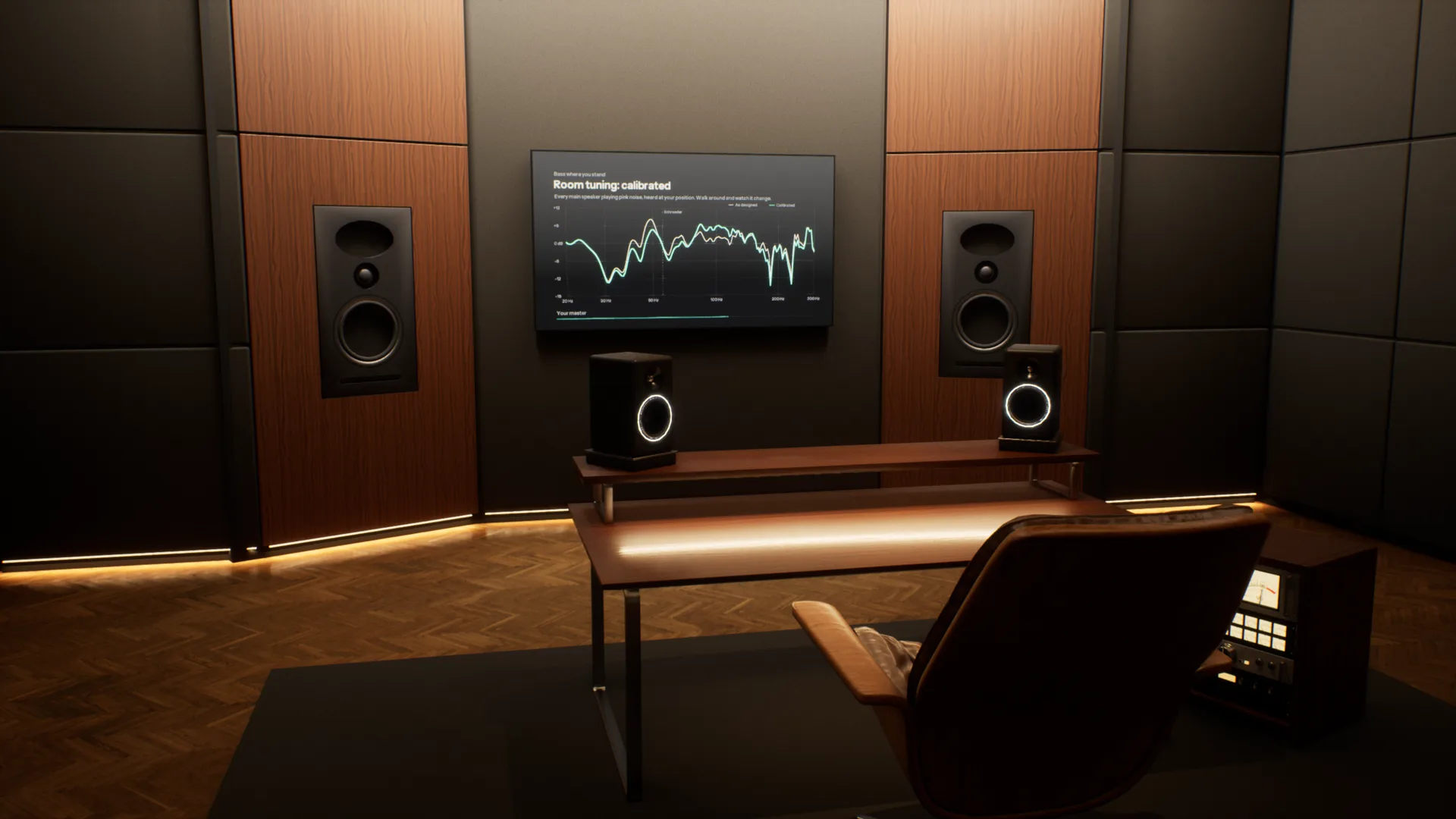
Most music is now mixed on headphones, far from the rooms it will be played in. Overhear puts those rooms around your headphones, from a mastering studio to a car and a living room, so you can check your mix translates before it leaves.
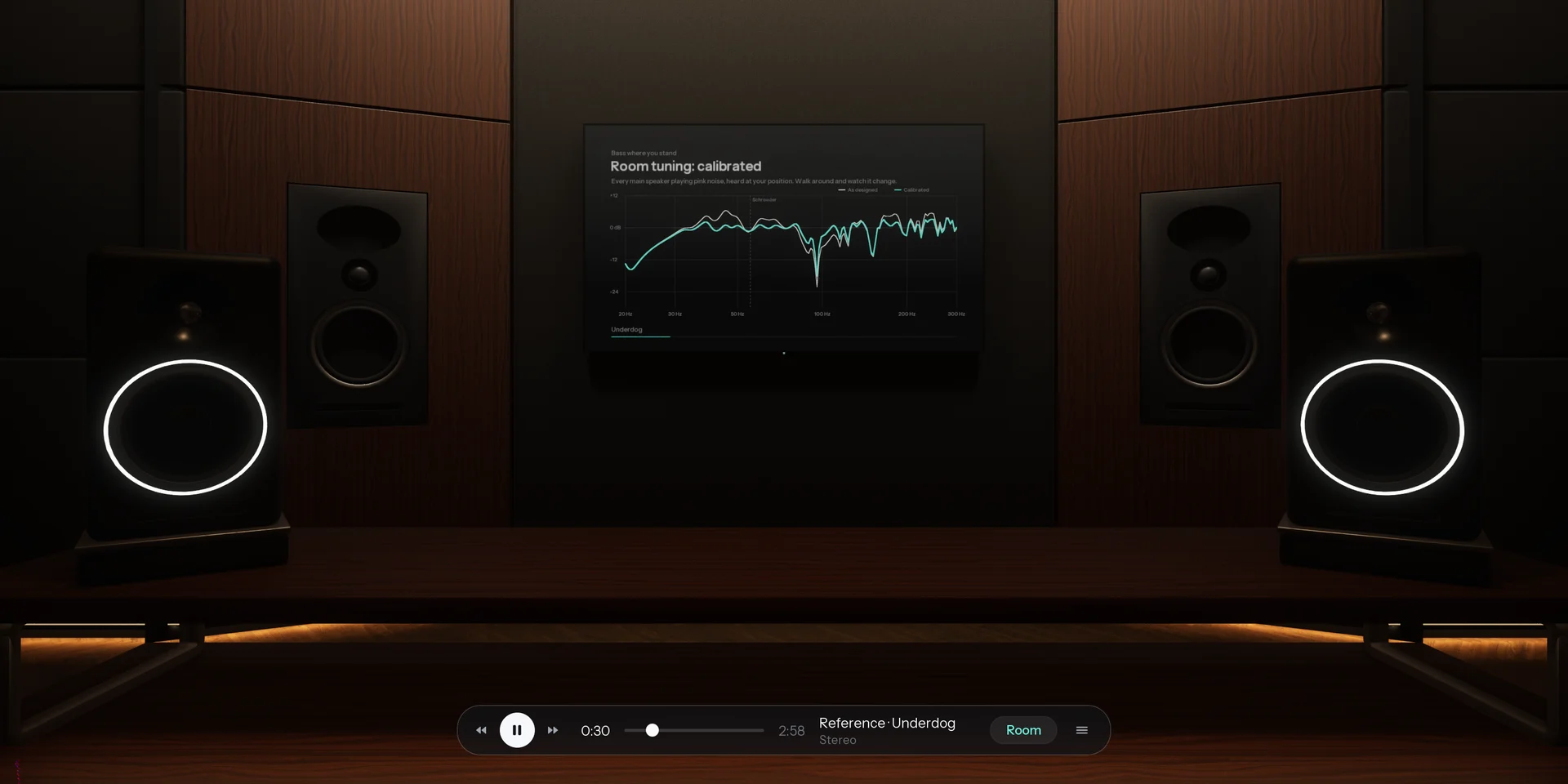
A full acoustic model of every room. Speakers, reflections, reverb and bass modes are calculated for wherever you stand, and change as you move. Most virtual monitoring tools play back one fixed seat.
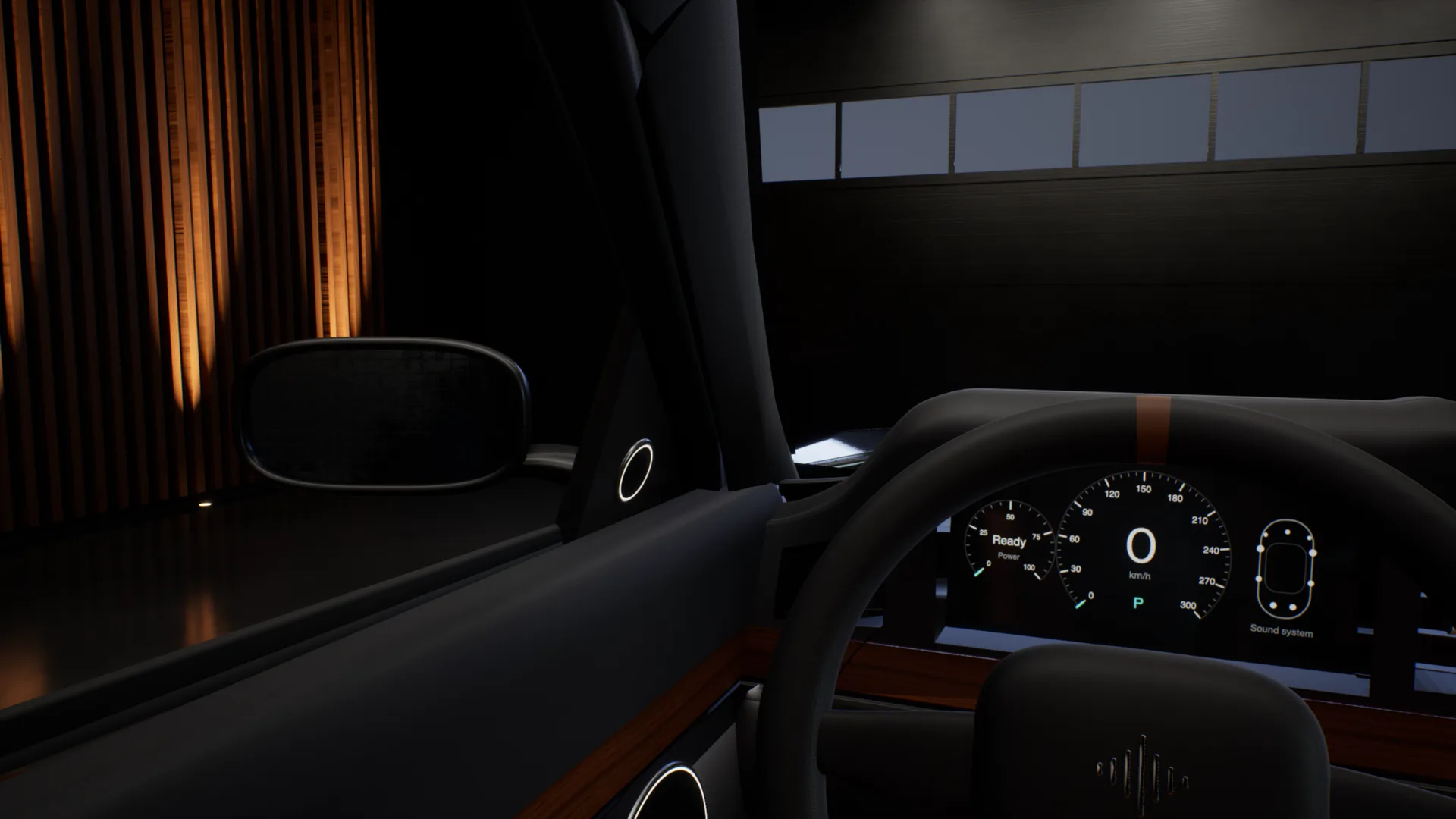
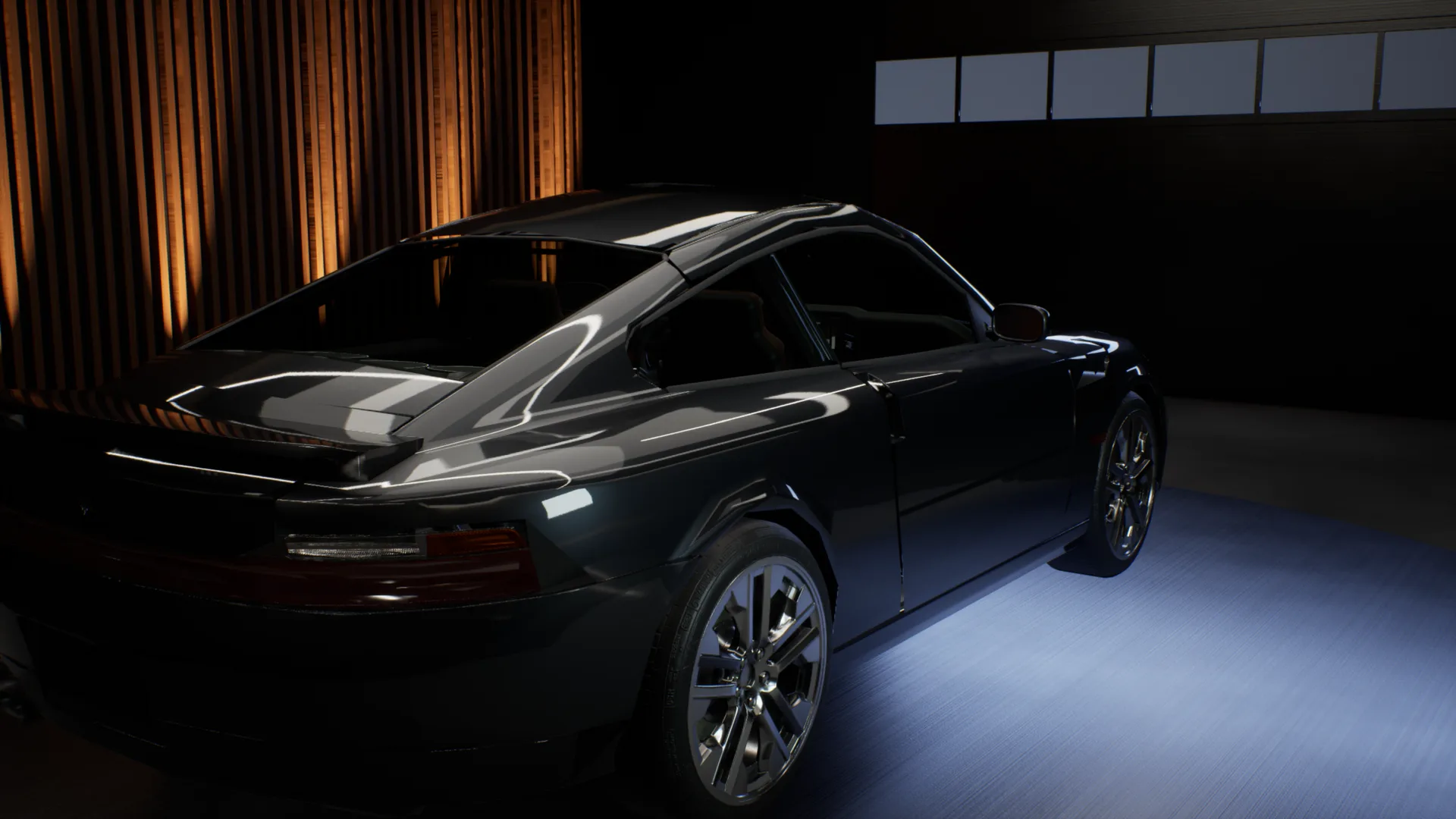
The car test, without the car.
Outside the car, into the driver seat, across to the passenger seat, into the back, then headphones on to hear the mix flat. One take, recorded in the app.

Every speaker your listeners own.
A home cinema, the TV's own speakers, a pocket speaker in the kitchen, a phone on the table. Walk through the Apartment and play your mix on each of them, all on your headphones.
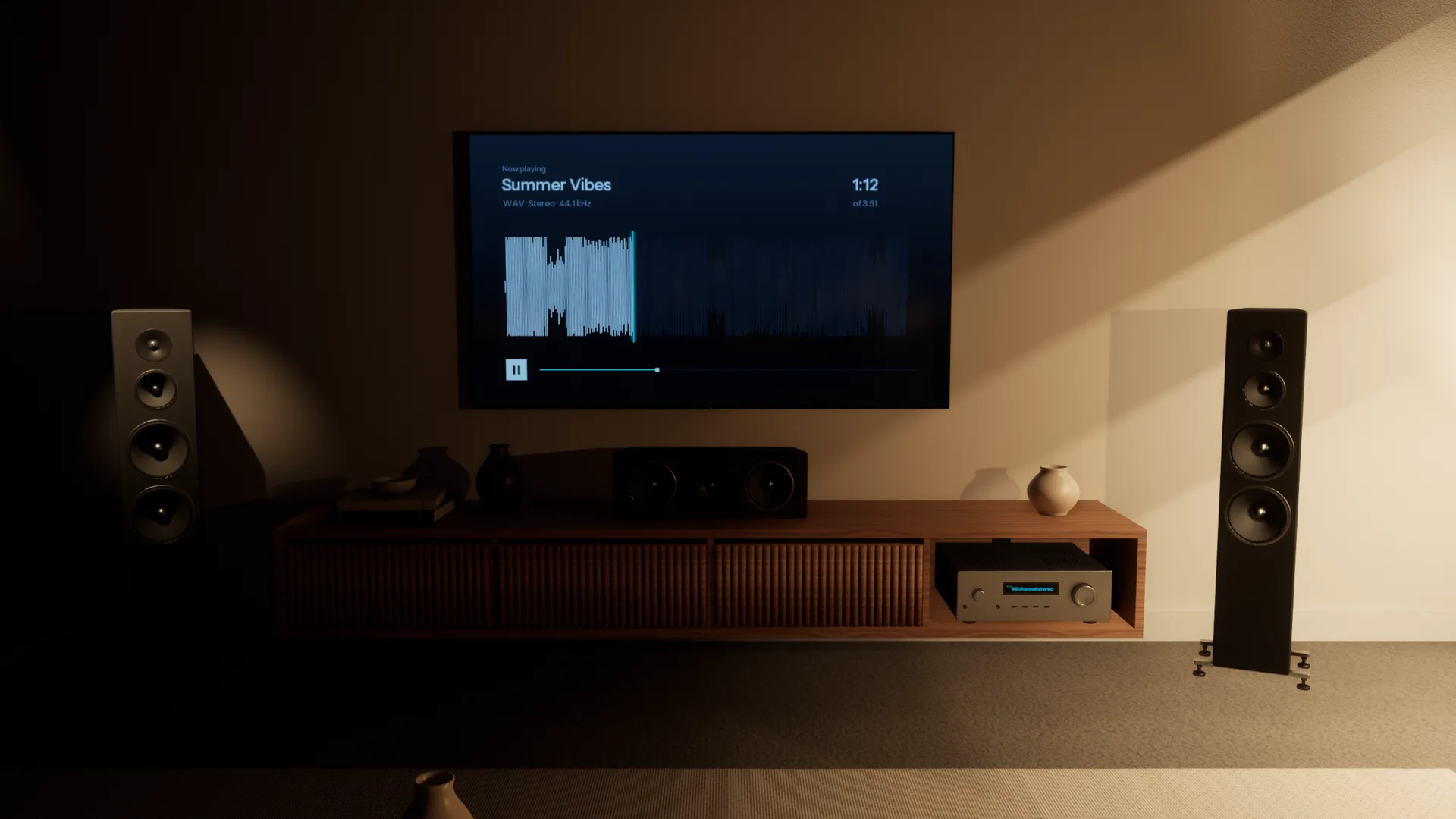
Every room, accurately simulated.
Each space is acoustically modelled from the walls in, so it sounds the way the real room would. Walk anywhere, sit anywhere, and you hear what you would hear standing there.
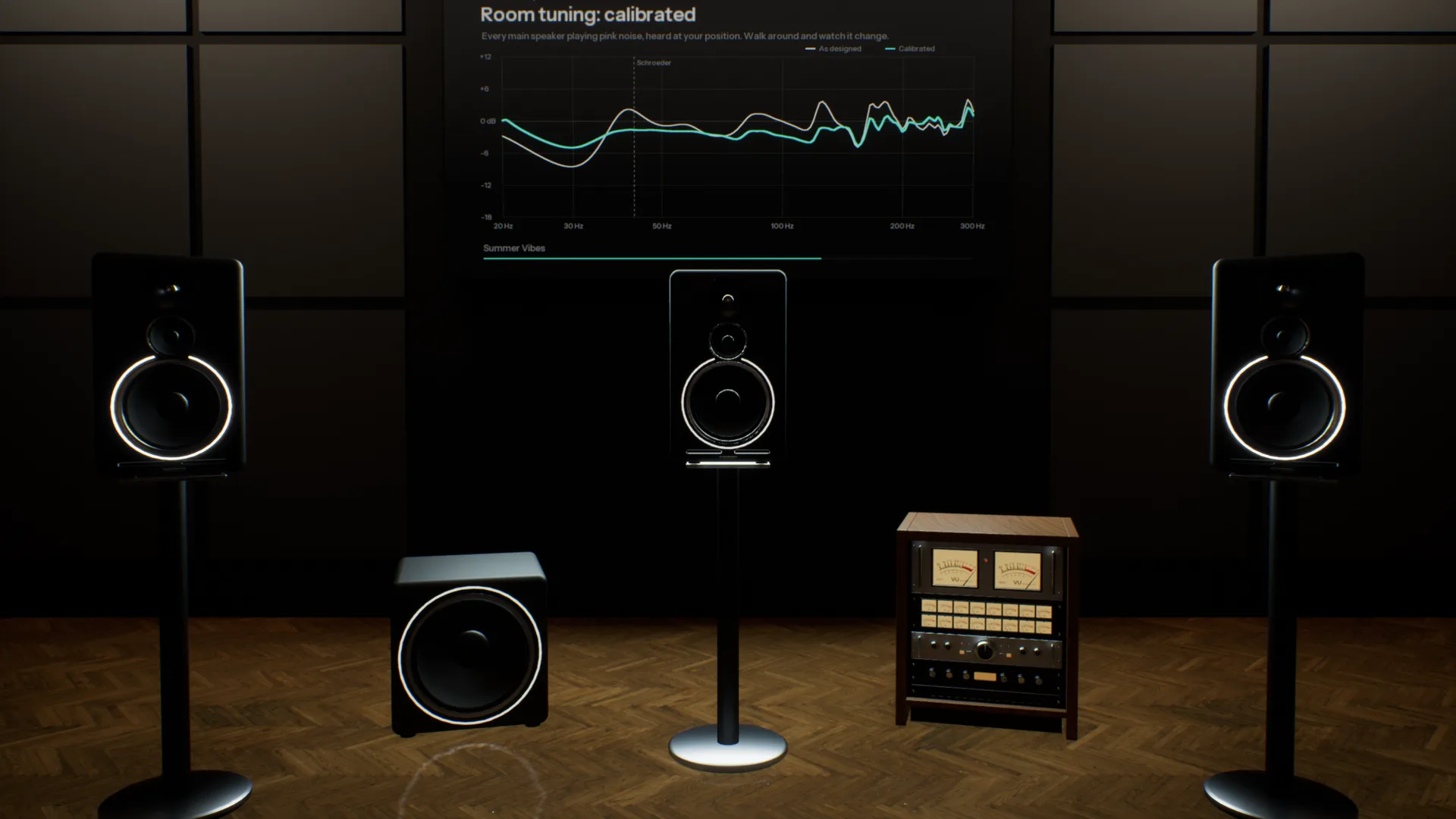
Five pairs of monitors on one desk.
A three-way reference, an 8-inch, a 5-inch, a white cone and a single cube, in a room like the one you mix in. Switch with one key and hear what each does to your low end and your vocal.
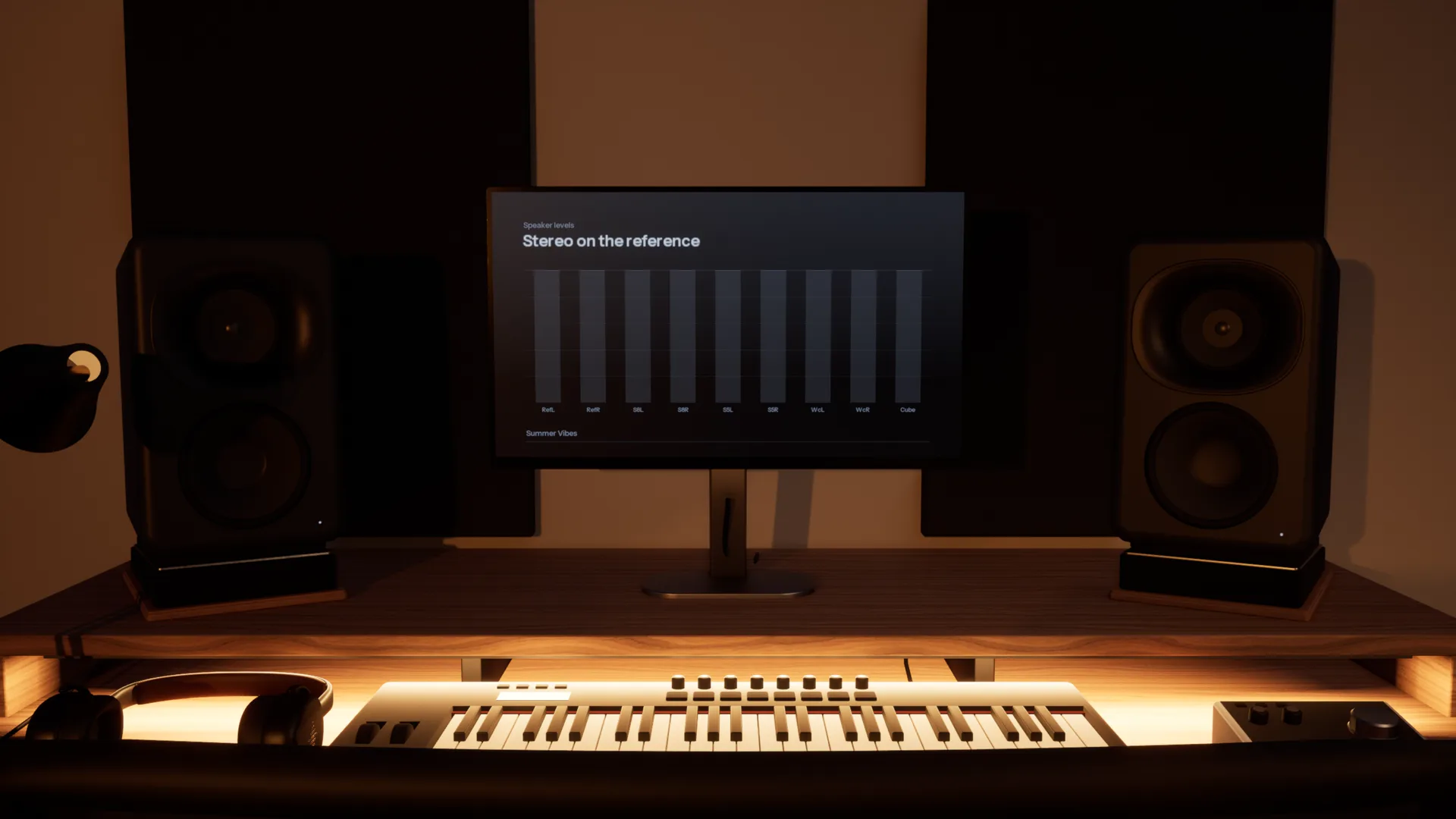
Check it where it will be played.
Five spaces, from a treated mastering room to a living room. Each is a different test of the same mix.
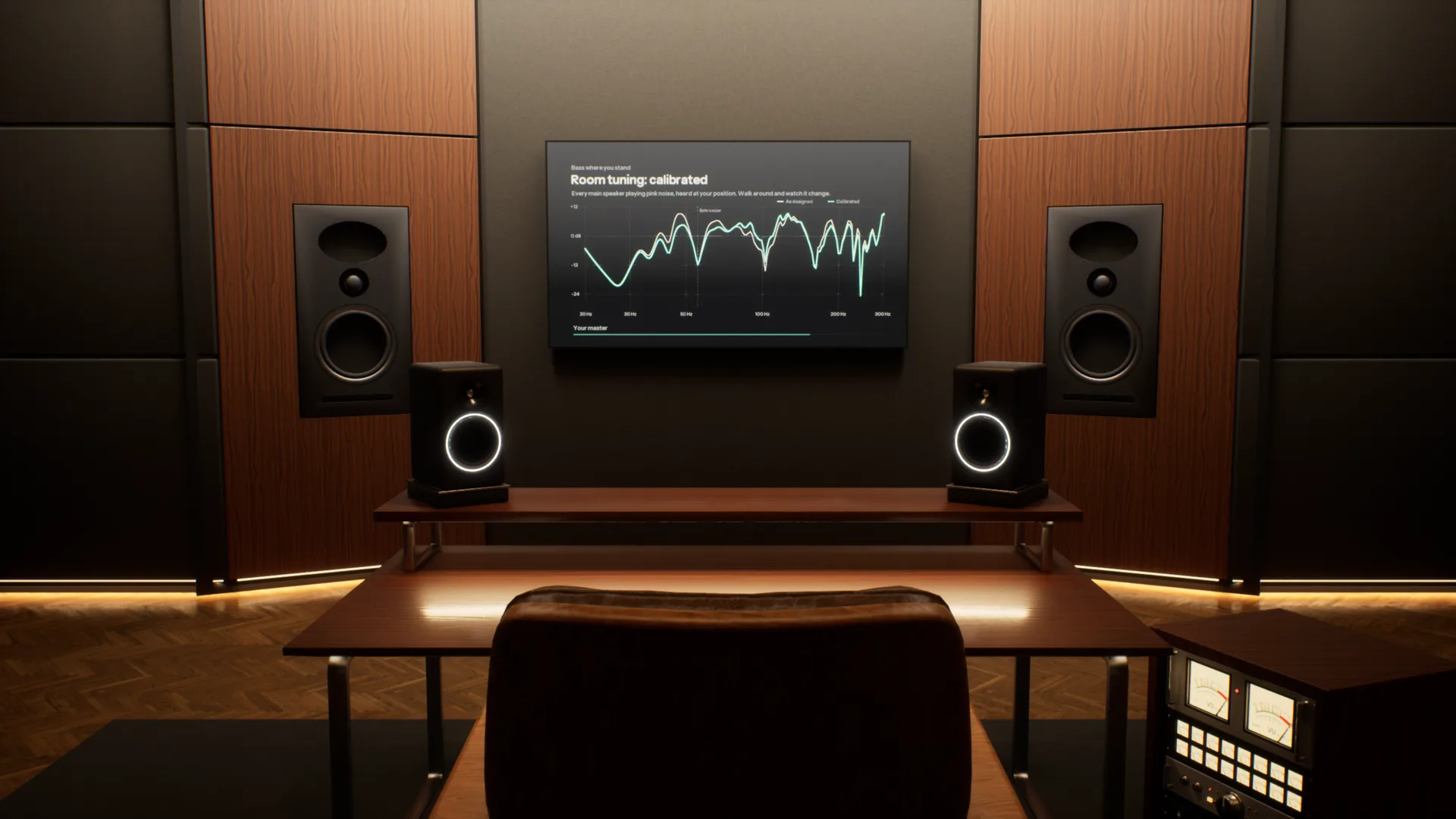
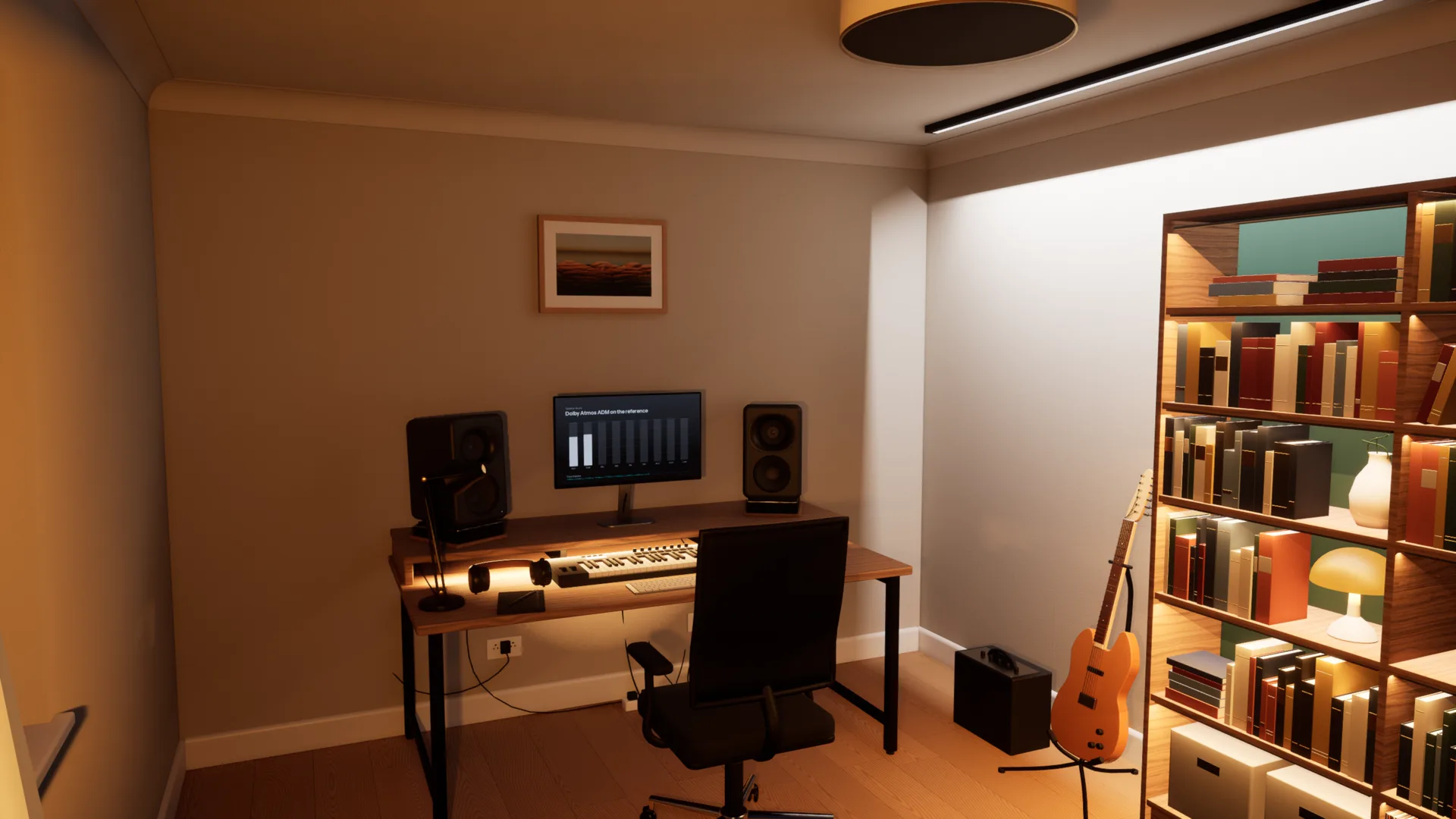
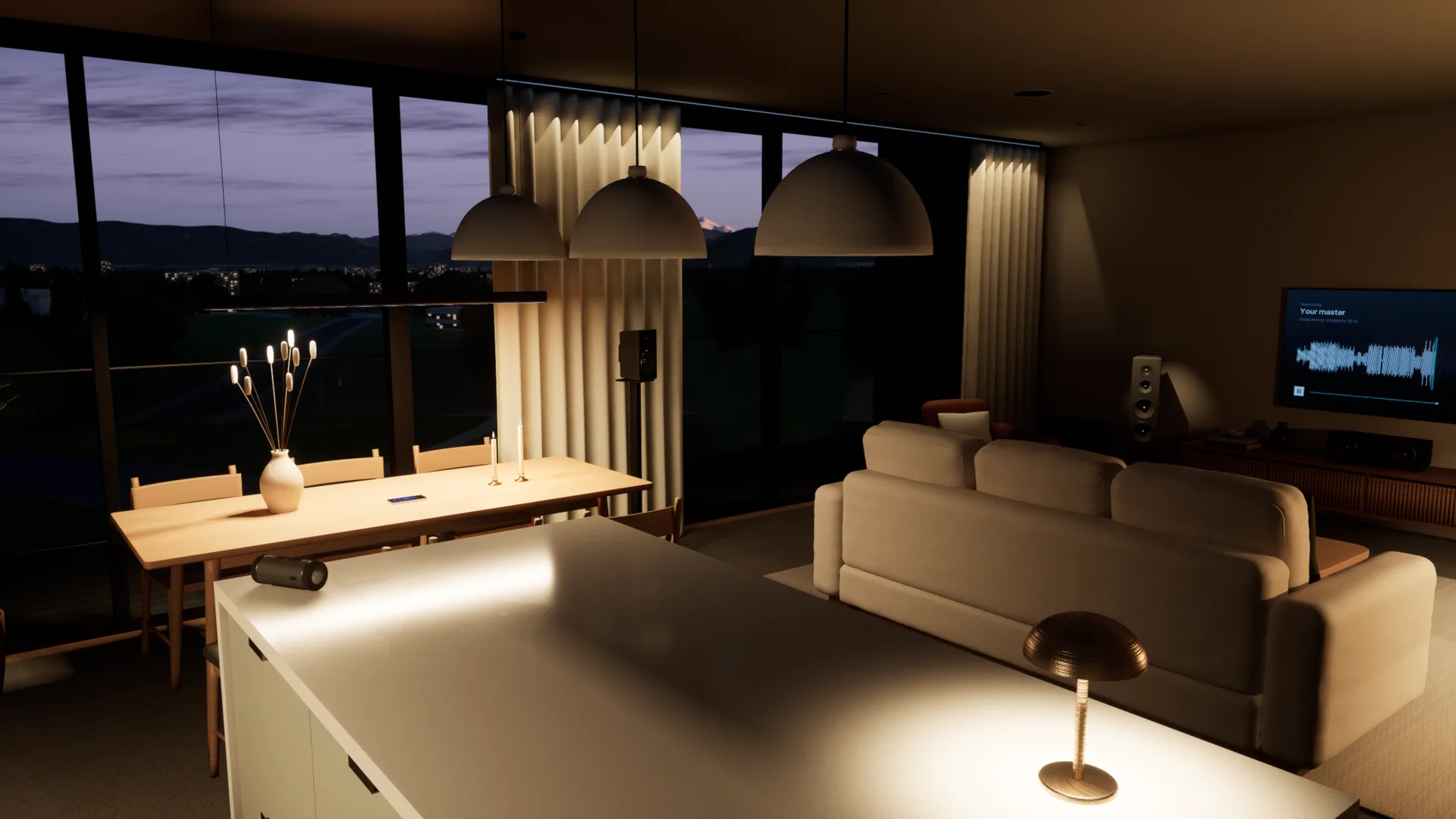
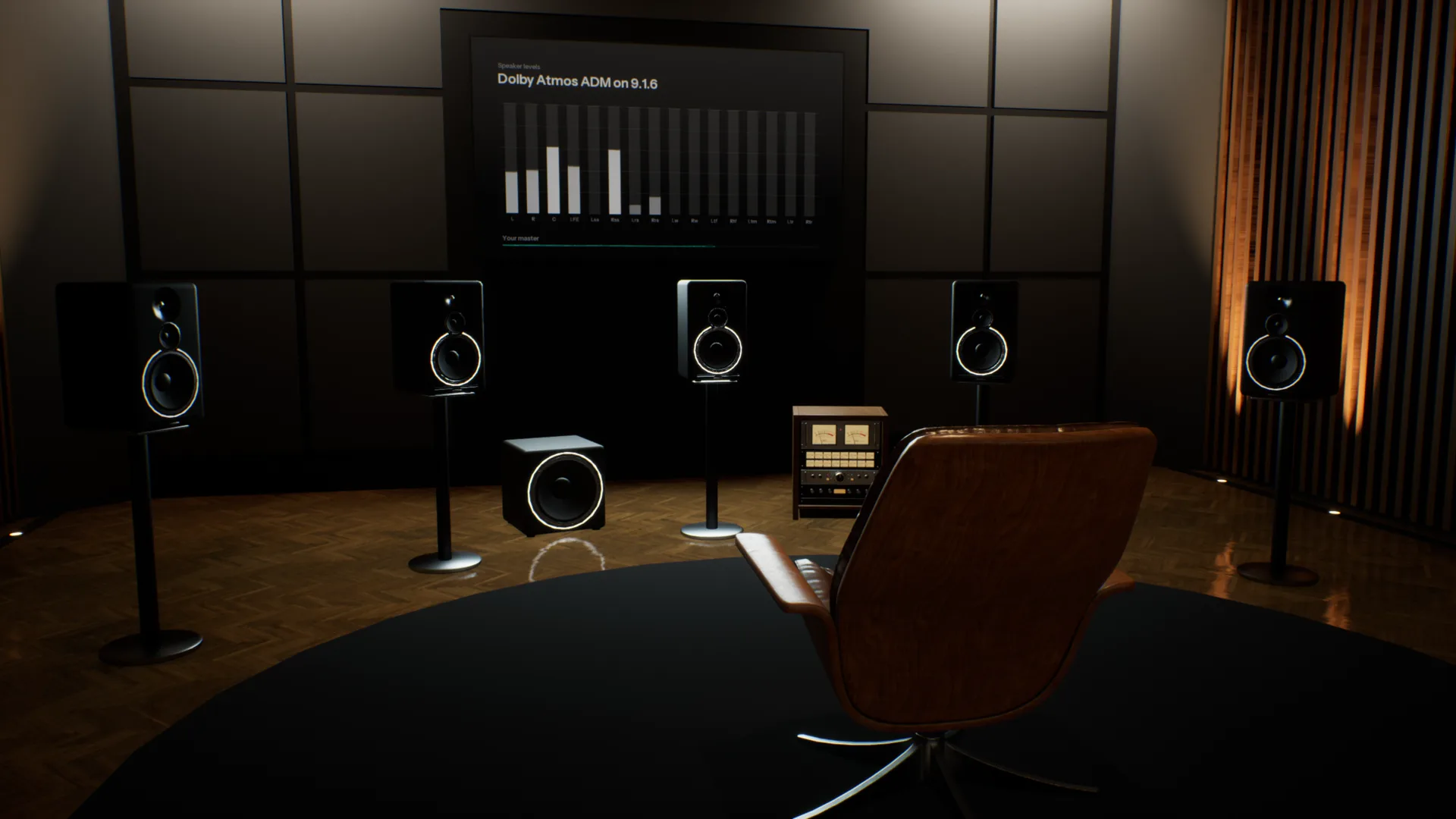
Your references, in the same room.
Add as many tracks as you like, streaming rips included. Each is matched to yours by loudness and switches in 50 milliseconds, so you compare the music, not the level.
Spotify, YouTube or your DAW, through the room.
Calibrated to your headphones. Choose your model and Overhear corrects it to a neutral target from real measurements, so every room sounds as it should on the pair you already own.
How it compares
Most virtual room tools play back one listening position. Overhear models the whole space.
| Feature | A typical virtual room | Overhear |
|---|---|---|
| Where you listen | One fixed seat, head turns only | Anywhere in the room, standing or seated |
| Rooms | One studio, sometimes a car | Five, from a mastering room to a living room |
| Everyday speakers | A list of presets | A home cinema, TV, pocket speaker, phone and laptop you walk between |
| Low end | Measured or modelled at that seat | Calculated as waves, changes as you move |
| The car | A fixed preset, if any | A car you sit in, with seats to change |
| Reference tracks | A separate plug-in | Built in and matched by loudness |
Specifications
- Spaces
- Stereo Studio (mains and nearfields), Home Studio (five monitor pairs), Apartment (home cinema, TV, pocket speaker, phones, laptop, bookshelf speakers), Garage (car), Spatial Studio (9.1.6, Dolby Atmos)
- Rendering
- Binaural, with reflections, late reverb and a wave-based low end
- Headphones
- Calibrated to a neutral target from real measurements; any model works
- Head tracking
- Optional, with your webcam
- Room tuning
- As designed, or calibrated with room correction
- Audio files
- WAV, BW64 with ADM, AIFF, FLAC, MP3 and Ogg Vorbis
- Channel layouts
- Stereo, 5.1, 7.1.4 and Dolby Atmos ADM
- Films
- MP4, MOV and M4V, with the sound track through the room
- References
- Unlimited, matched by loudness, 50 ms switching
- Other apps
- Any app on your computer, or any audio input
- Controls
- Keyboard and mouse, or a game controller
- Platform
- Mac and Windows
System requirements
| Requirement | Minimum8-bit or Low graphics | RecommendedMedium graphics at 60 fps | HighHigh graphics at 60 fps |
|---|---|---|---|
| System | macOS Sonoma 14 or later | macOS Sonoma 14 or later | macOS Sonoma 14 or later |
| Chip | Apple M1 or later | Apple M4 Pro, M1 Max or better | Apple M4 Max or an Ultra chip |
| Memory | 8 GB | 16 GB | 16 GB |
| Storage | 4 GB free (1.6 GB download) | 4 GB free (1.6 GB download) | 4 GB free (1.6 GB download) |
| Audio | Headphones | Headphones | Headphones |
- Intel Macs are not supported.
- On M1 and M2, Overhear starts on 8-bit or Low graphics.
- On first launch Overhear measures your computer and picks the graphics level for you.
- Screen resolution barely matters: each graphics level renders at a fixed size and scales to your display.
Questions
Si può mixare in cuffia?
Sì. Ciò che manca alle cuffie è la stanza: ogni orecchio sente solo il proprio lato, nulla viene riflesso e le basse non si accumulano come in uno spazio reale. Per questo un mix fatto in cuffia può suonare troppo largo o troppo pesante in basso sulle casse. Overhear ti restituisce la stanza, con le cuffie che hai già.
Perché il mio mix suona diverso su diffusori diversi?
Ogni diffusore e ogni stanza rimodellano il bilanciamento. I diffusori piccoli perdono le basse, una TV restringe l'immagine e una stanza esalta alcune note basse e ne cancella altre. Overhear riproduce lo stesso mix su monitor da studio, un home theater, una TV, uno speaker portatile e un telefono in pochi secondi, così puoi correggere ciò che non si traduce.
Come verifico il mio mix in auto senza un'auto?
Apri il tuo mix nel Garage, sali e premi play. L'auto ha i suoi altoparlanti, le riflessioni dell'abitacolo e le sue basse, così senti il rimbombo e l'immagine sbilanciata di un'auto vera. Puoi cambiare posto, e un master Atmos viene ridotto agli altoparlanti dell'auto.
Perché il mio mix suona diverso in auto?
Un abitacolo è piccolo e quasi chiuso. Esalta alcune basse frequenze, ne cancella altre e ti mette da un lato rispetto agli altoparlanti. Un mix bilanciato in cuffia lì spesso risulta rimbombante o sbilanciato.
Come si mixano le basse in cuffia?
Le cuffie riproducono le basse senza una stanza, quindi è difficile capire quante ce ne siano. In una stanza vera le basse si accumulano su alcune note e si cancellano su altre. Overhear calcola questi modi della stanza come onde, così puoi andare dove si formano e confrontare le tue basse con un riferimento allineato in loudness.
In cosa è diverso da altri strumenti di stanza virtuale?
La maggior parte ti mette in una posizione fissa e riproduce risposte misurate o modellate in quel punto. Overhear calcola diffusori, riflessioni, riverbero e modi di bassa frequenza di ogni stanza per il punto in cui ti trovi, così puoi muoverti al suo interno e sentirla cambiare. Verifiche di traduzione e A/B dei riferimenti sono nella stessa app.
Cosa cambia quando cammino nella stanza?
Soprattutto le basse. Le basse frequenze di ogni stanza sono calcolate come onde, quindi crescono vicino alla parete di fondo e si assottigliano nei nulli, come in una stanza vera. Spostarsi fuori asse cambia anche l'immagine stereo e quanta stanza senti rispetto ai diffusori.
Con quali cuffie funziona?
Con qualsiasi buona cuffia, aperta o chiusa. Scegli il tuo modello e Overhear lo corregge verso un target neutro da misurazioni reali. Un modello non in elenco funziona comunque, senza la correzione.
Come funzionano le tracce di riferimento?
Aggiungine quante vuoi. Ognuna viene allineata alla tua traccia in loudness, così quella più forte non vince in automatico, e passare dall'una all'altra richiede 50 millisecondi. Suonano nella stessa stanza, da dove ti trovi.
È un plug-in? Cosa mi serve?
È un'app desktop per Mac e Windows. Va bene qualsiasi buona cuffia, senza head tracker né altro hardware. Può anche riprodurre altre app attraverso le stanze, come Spotify, il browser o la tua DAW, senza installare driver.
Supporta il Dolby Atmos?
Sì. Apri un master ADM BW64, o un file 5.1 o 7.1.4, e suona sui diffusori 9.1.6 dello Spatial Studio, renderizzato in binaurale per le tue cuffie. Nello Stereo Studio e in auto viene ridotto in downmix sui diffusori presenti.
Quando potrò usarlo e quanto costerà?
Overhear è in sviluppo. Iscriviti alla lista d'attesa e ti scriveremo quando sarà pronto, con i prezzi.
In development. Join the waitlist and we will email you when it is ready.