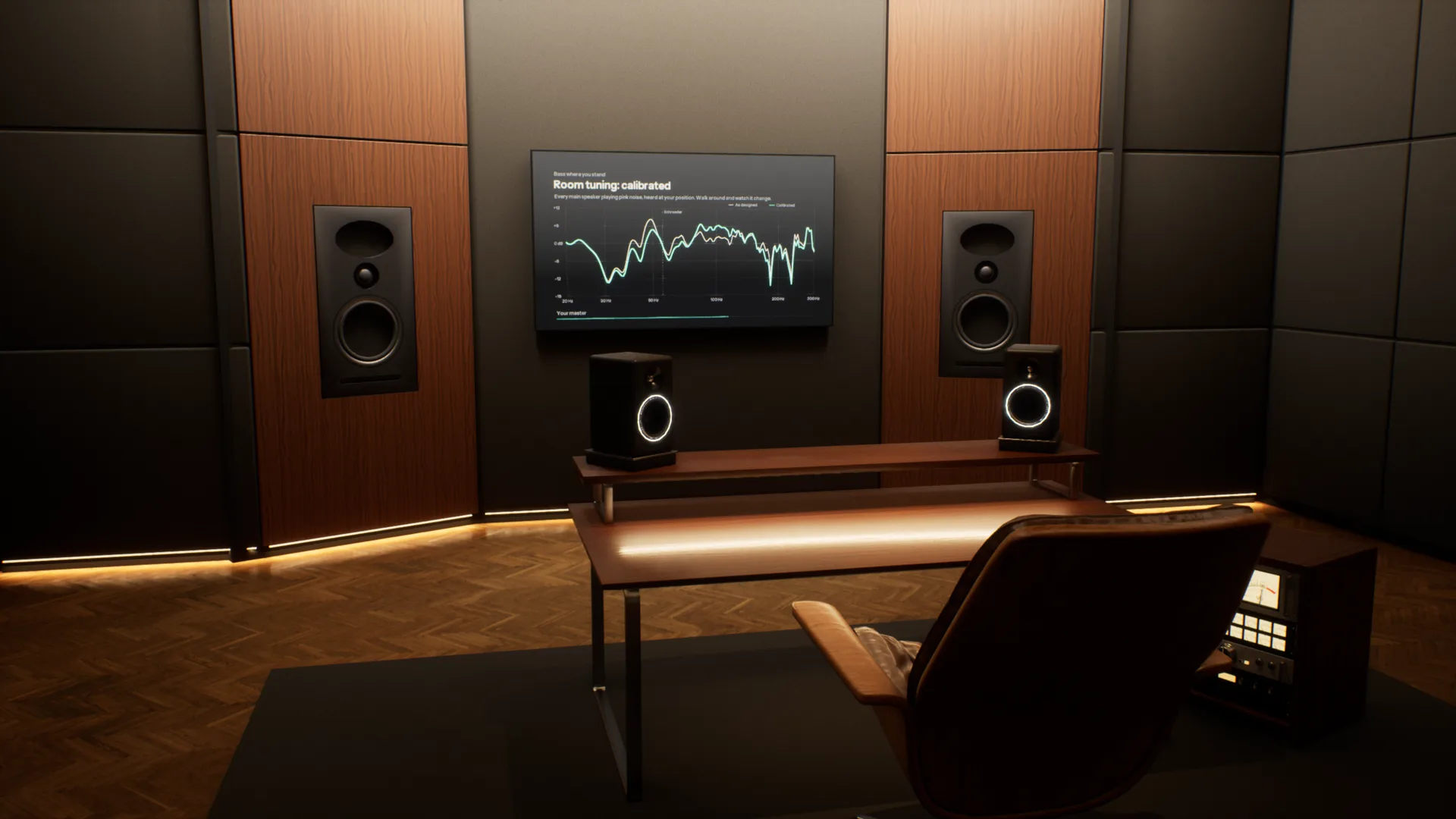
Most music is now mixed on headphones, far from the rooms it will be played in. Overhear puts those rooms around your headphones, from a mastering studio to a car and a living room, so you can check your mix translates before it leaves.
A full acoustic model of every room. Speakers, reflections, reverb and bass modes are calculated for wherever you stand, and change as you move. Most virtual monitoring tools play back one fixed seat.
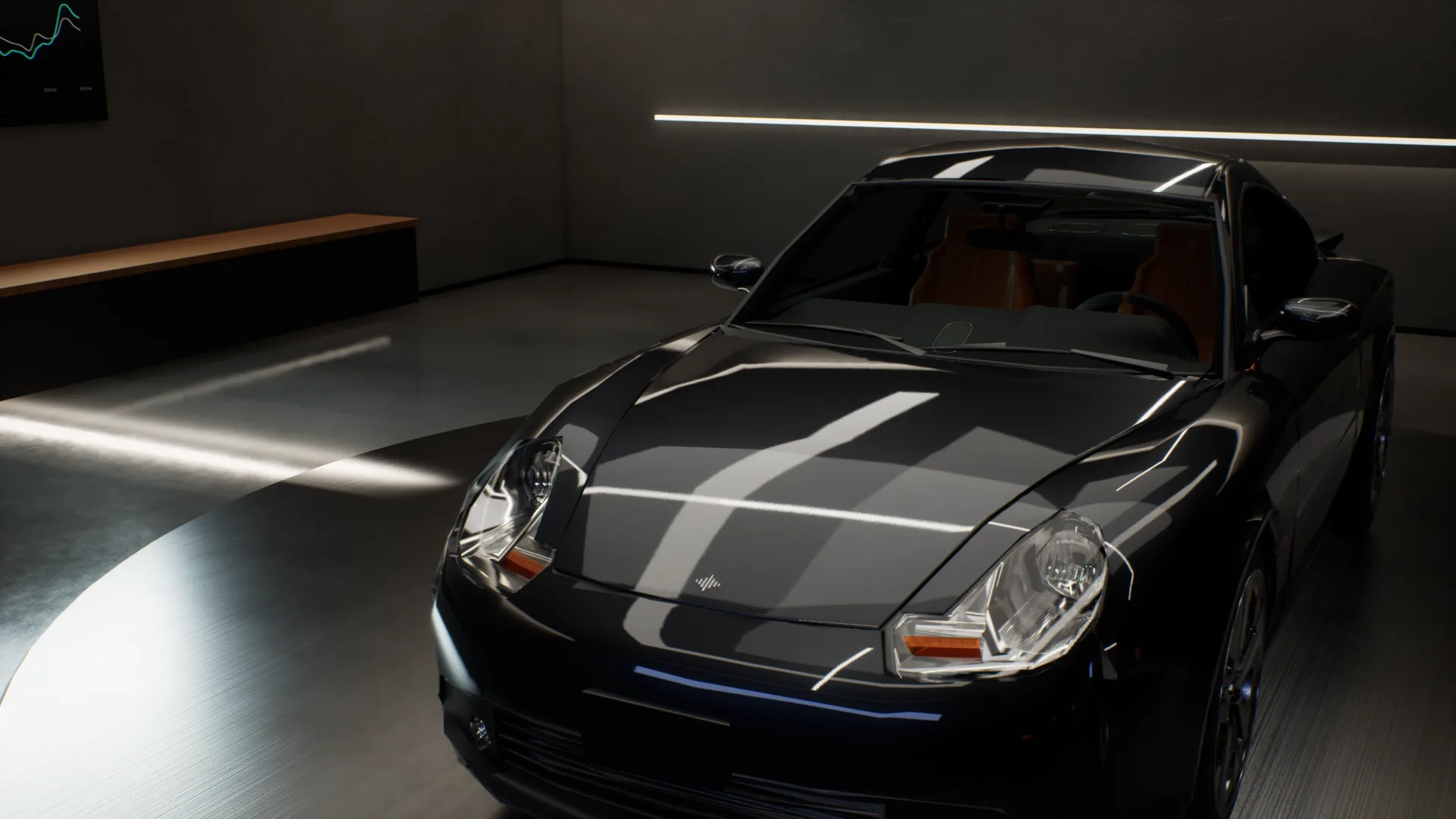
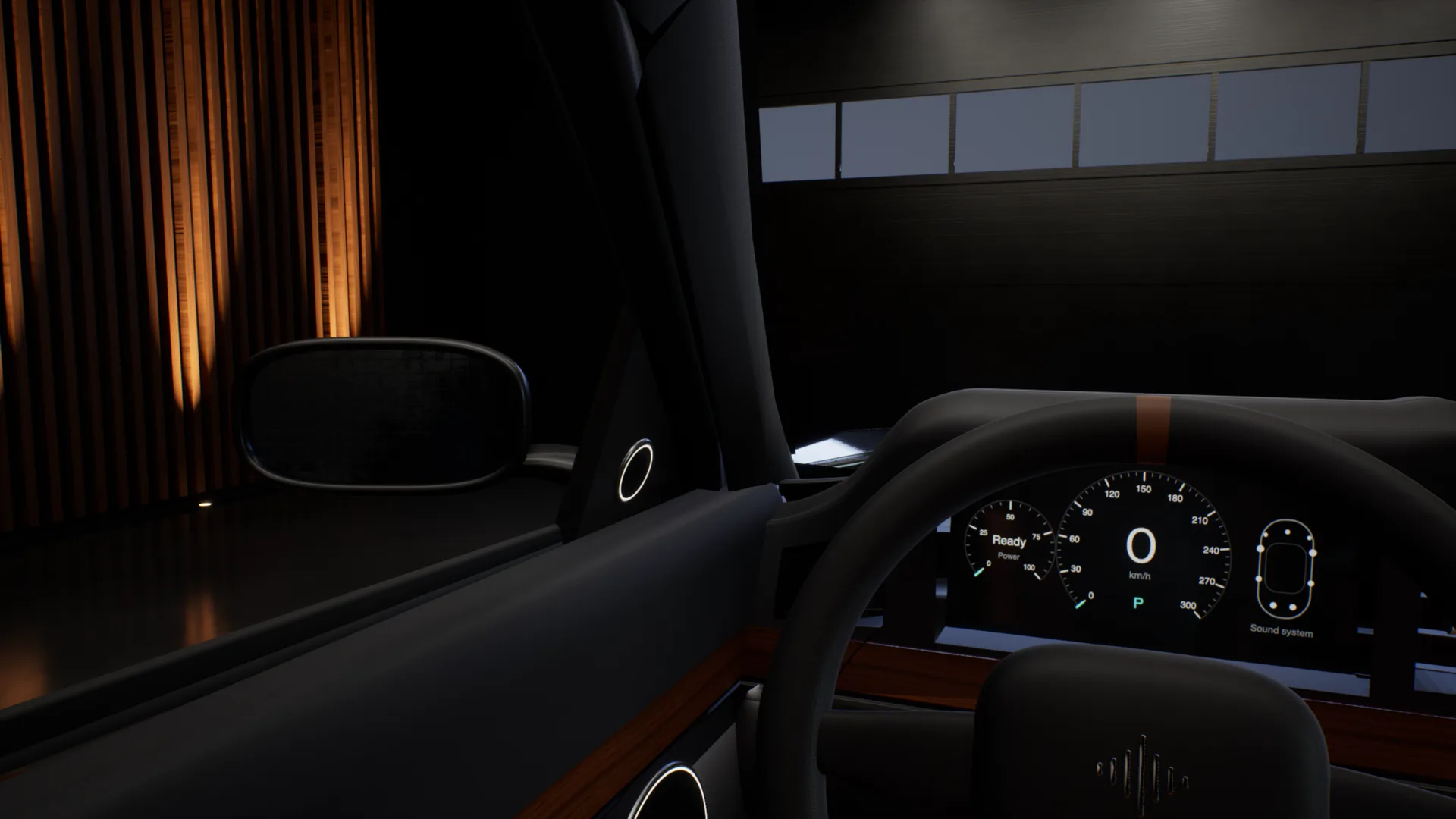
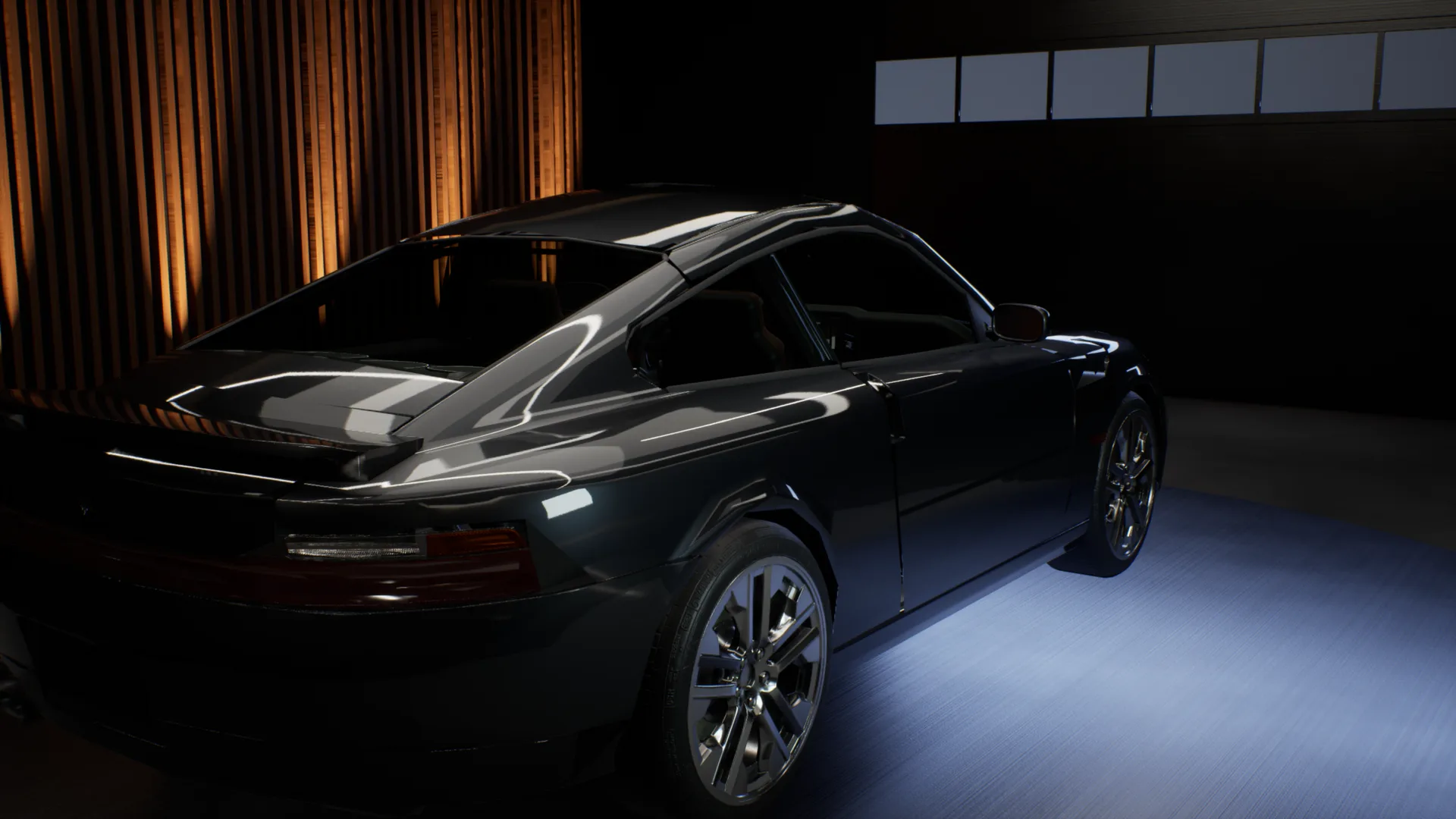
The car test, without the car.
Outside the car, into the driver seat, across to the passenger seat, into the back, then headphones on to hear the mix flat. One take, recorded in the app.
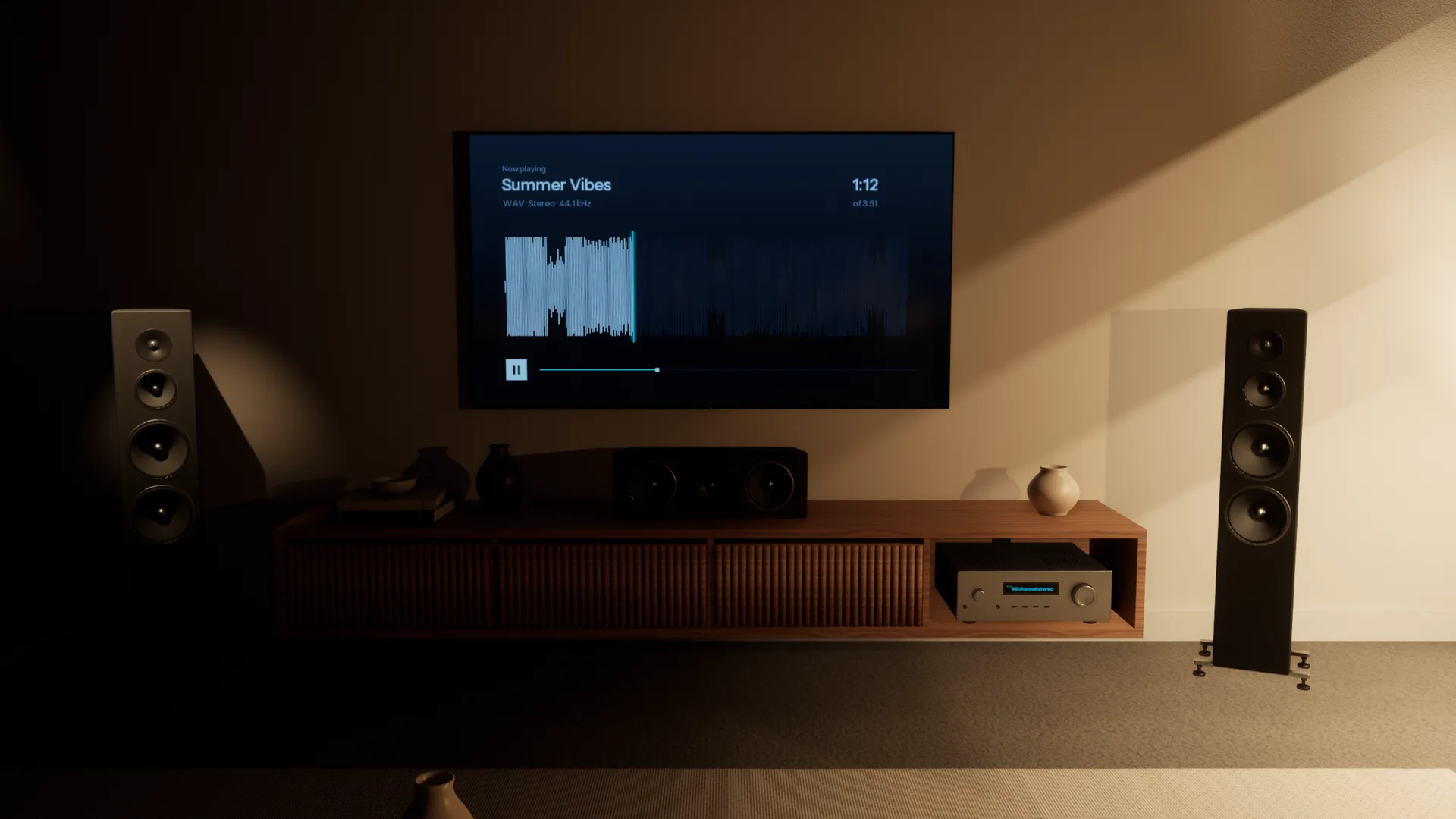
Every speaker your listeners own.
A home cinema, the TV's own speakers, a pocket speaker in the kitchen, a phone on the table. Walk through the Apartment and play your mix on each of them, all on your headphones.
Every room, accurately simulated.
Each space is acoustically modelled from the walls in, so it sounds the way the real room would. Walk anywhere, sit anywhere, and you hear what you would hear standing there.
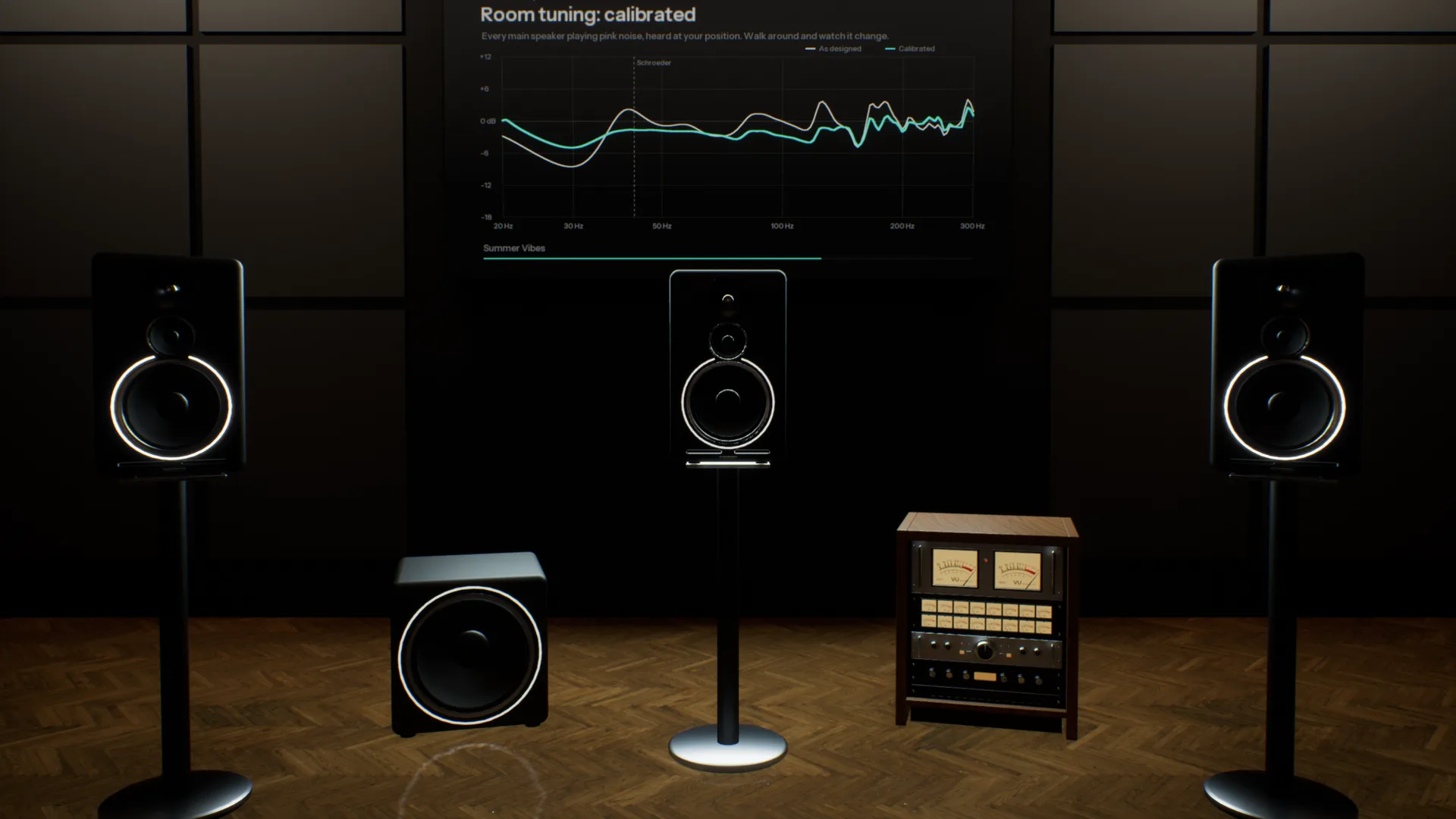
Five pairs of monitors on one desk.
A three-way reference, an 8-inch, a 5-inch, a white cone and a single cube, in a room like the one you mix in. Switch with one key and hear what each does to your low end and your vocal.
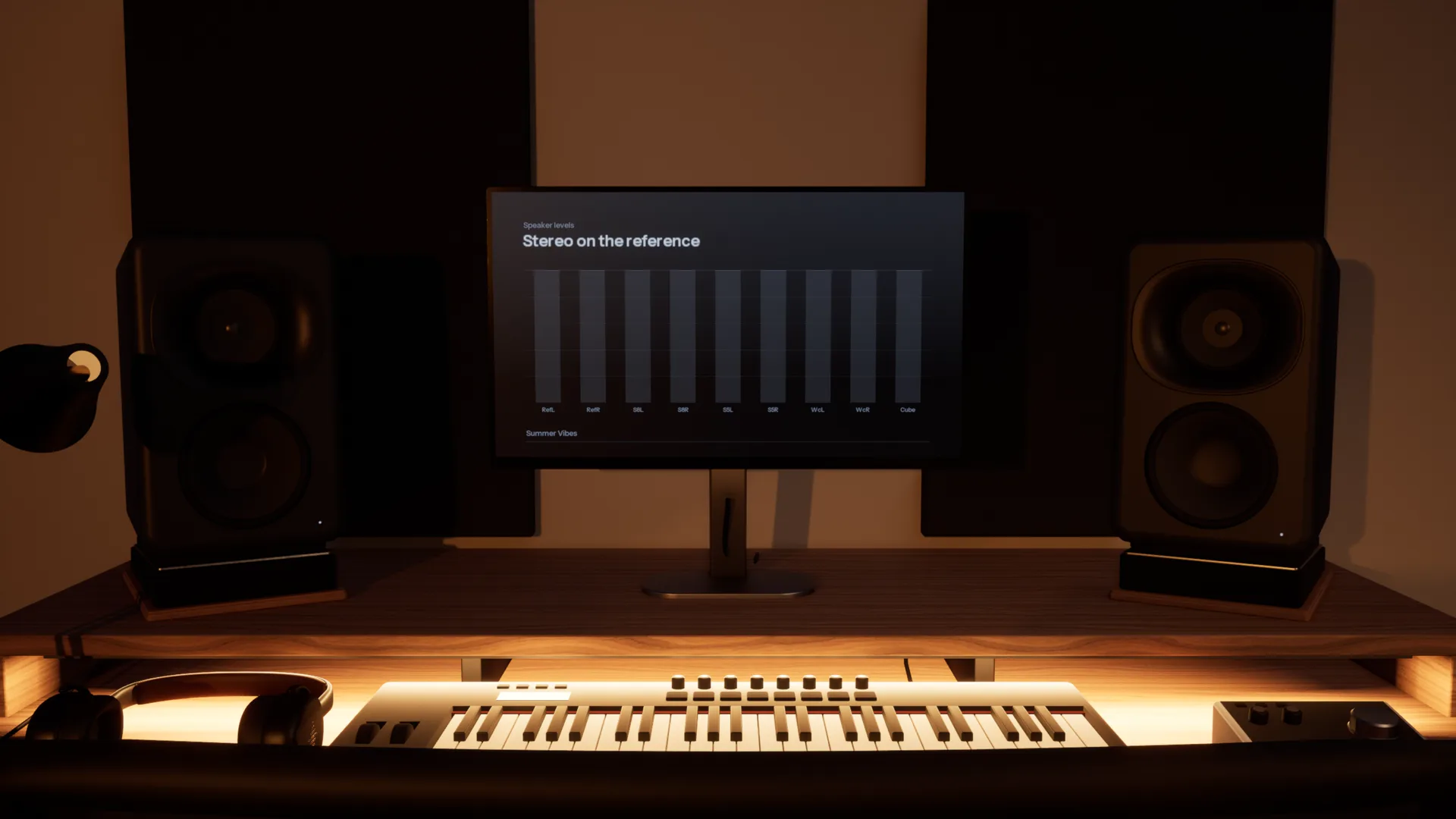
Check it where it will be played.
Five spaces, from a treated mastering room to a living room. Each is a different test of the same mix.
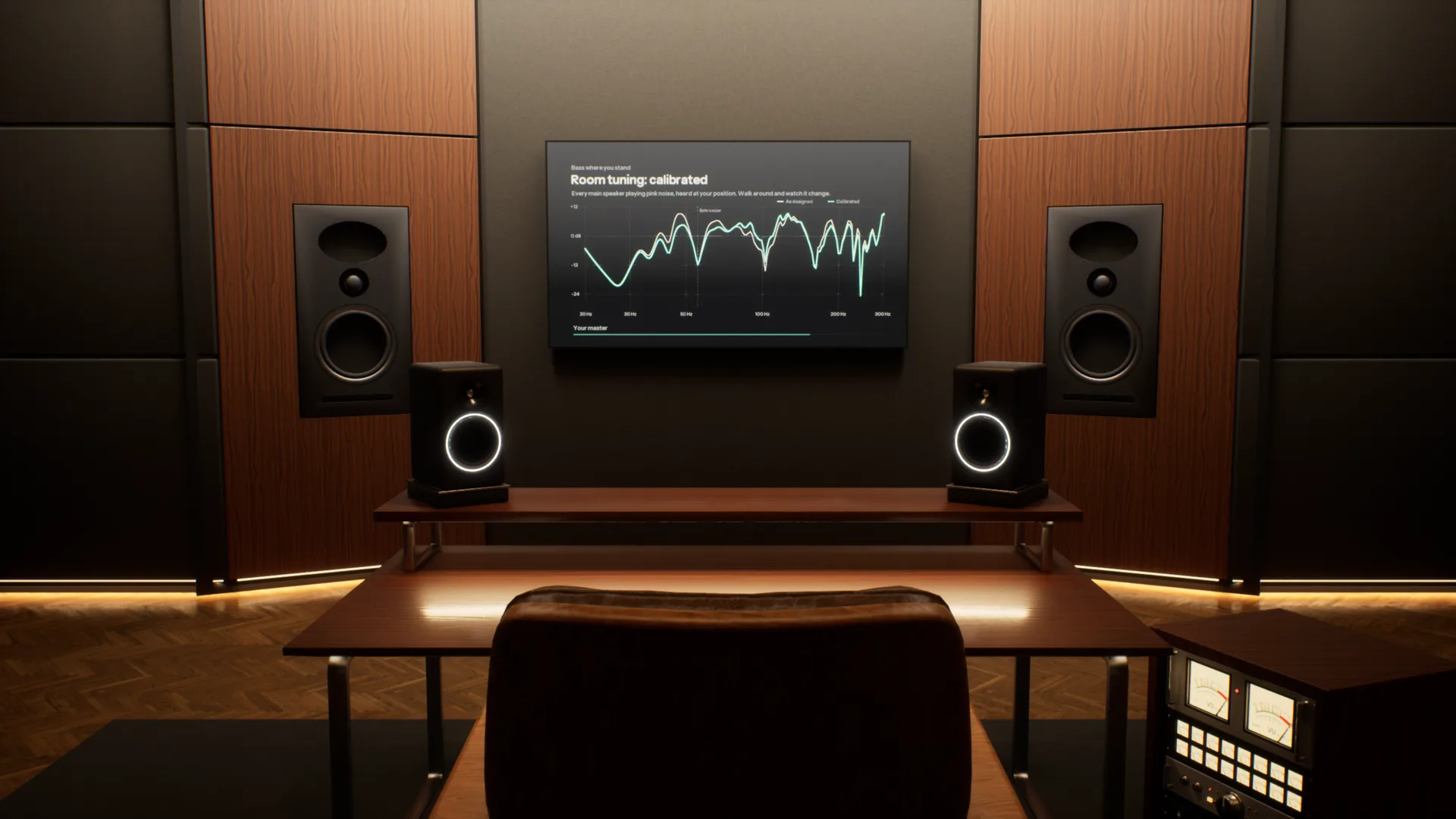
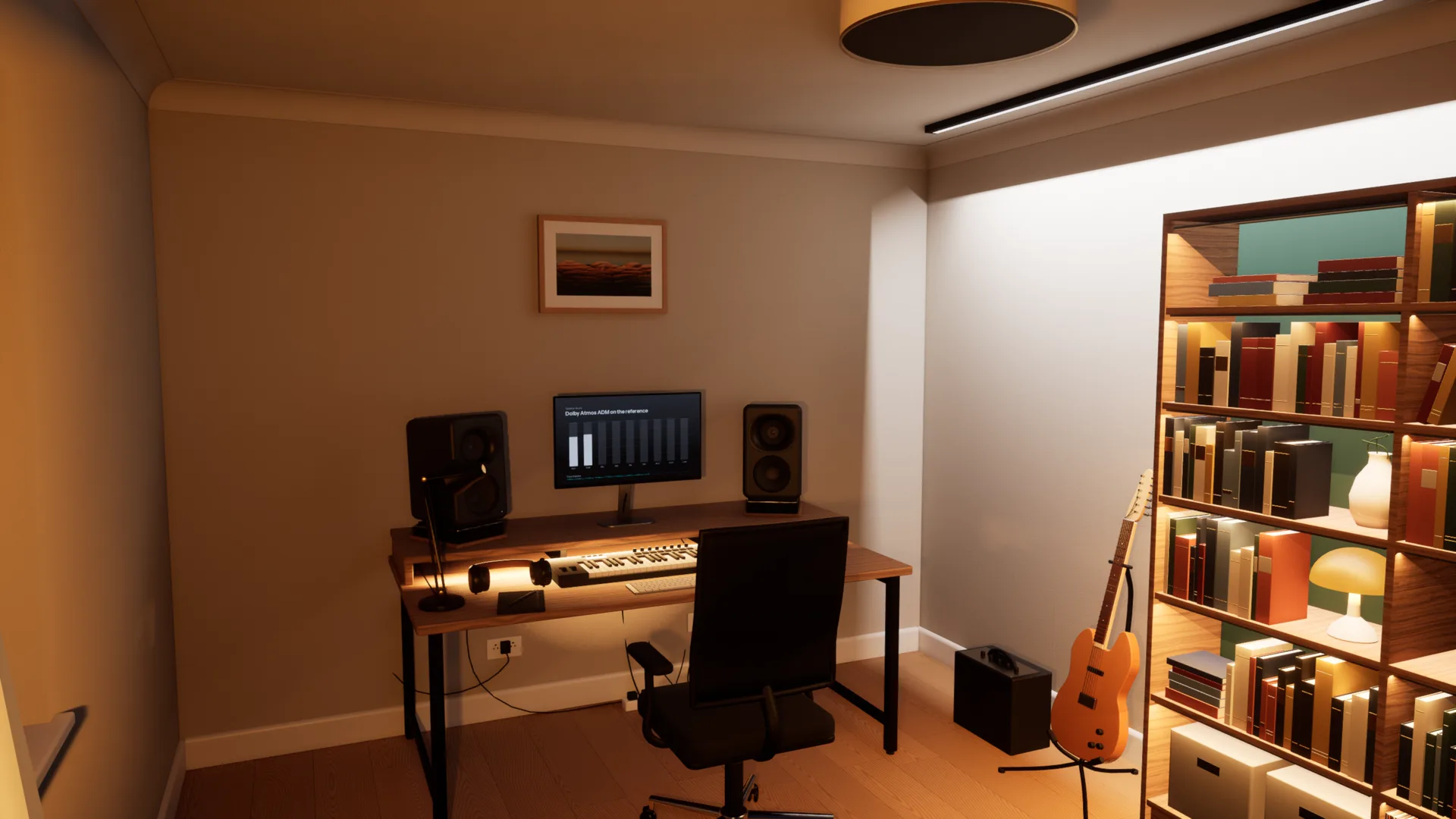
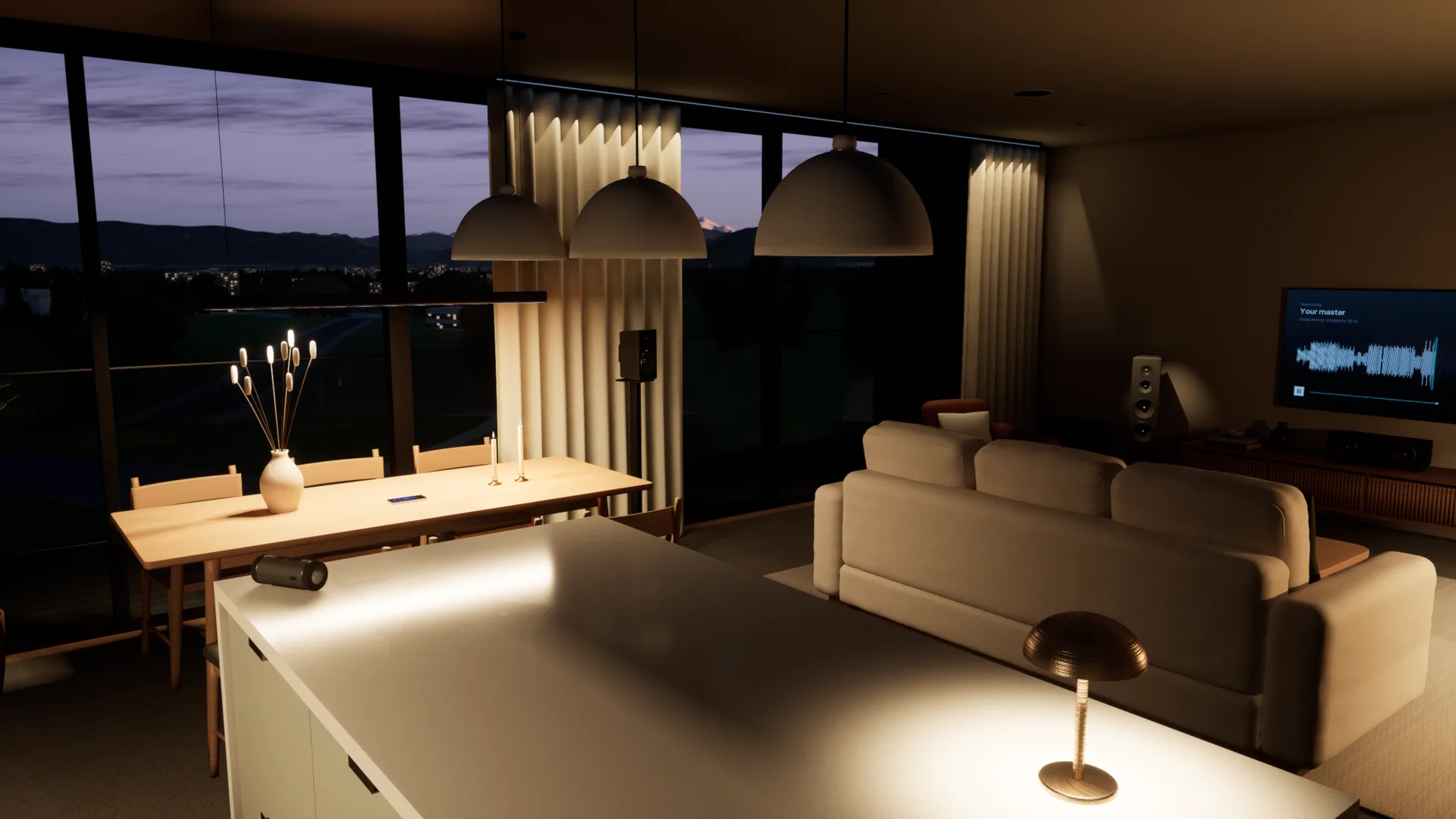
Your references, in the same room.
Add as many tracks as you like, streaming rips included. Each is matched to yours by loudness and switches in 50 milliseconds, so you compare the music, not the level.
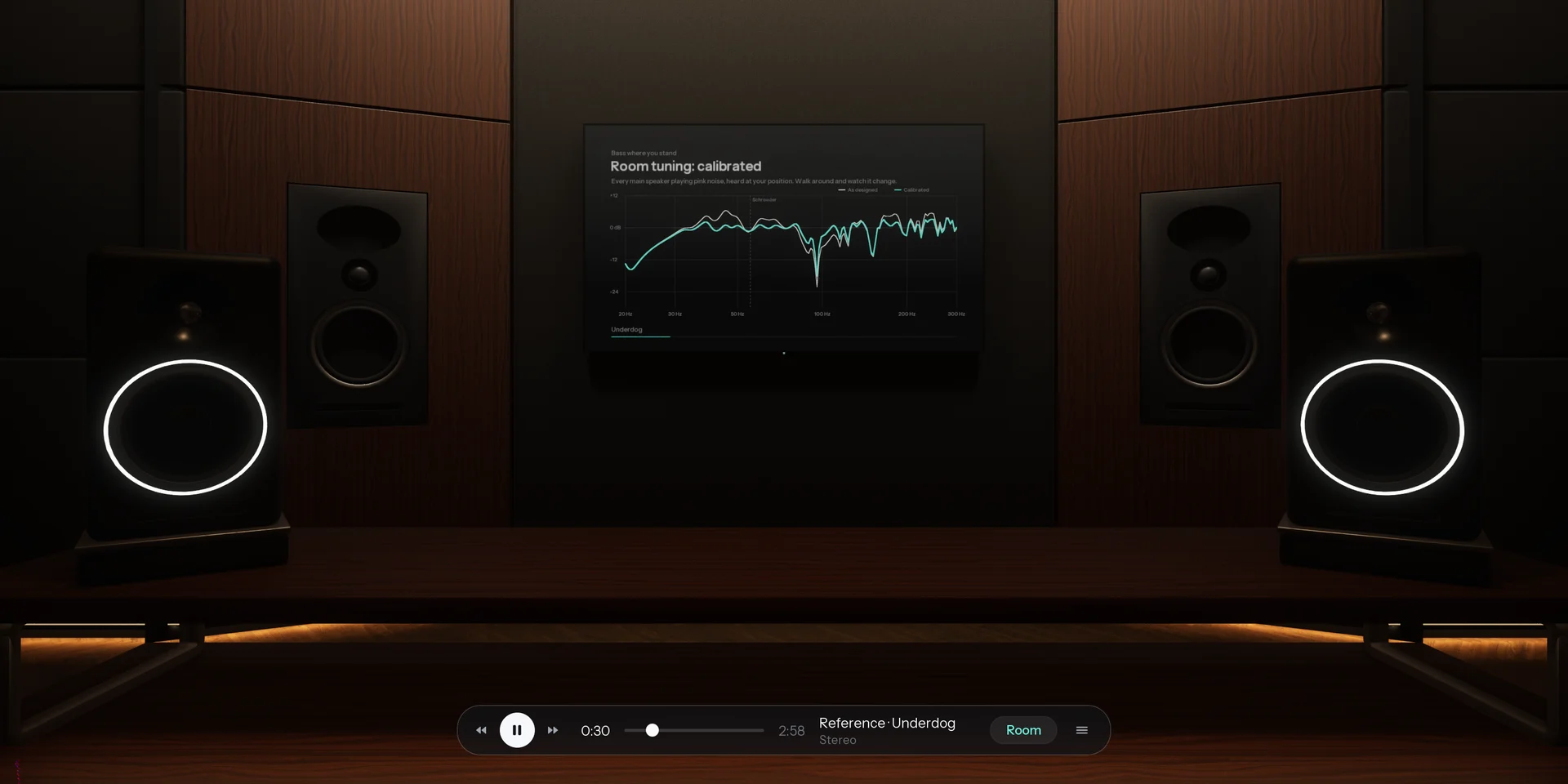
Spotify, YouTube or your DAW, through the room.
Calibrated to your headphones. Choose your model and Overhear corrects it to a neutral target from real measurements, so every room sounds as it should on the pair you already own.
How it compares
Most virtual room tools play back one listening position. Overhear models the whole space.
| Feature | A typical virtual room | Overhear |
|---|---|---|
| Where you listen | One fixed seat, head turns only | Anywhere in the room, standing or seated |
| Rooms | One studio, sometimes a car | Five, from a mastering room to a living room |
| Everyday speakers | A list of presets | A home cinema, TV, pocket speaker, phone and laptop you walk between |
| Low end | Measured or modelled at that seat | Calculated as waves, changes as you move |
| The car | A fixed preset, if any | A car you sit in, with seats to change |
| Reference tracks | A separate plug-in | Built in and matched by loudness |
Specifications
- Spaces
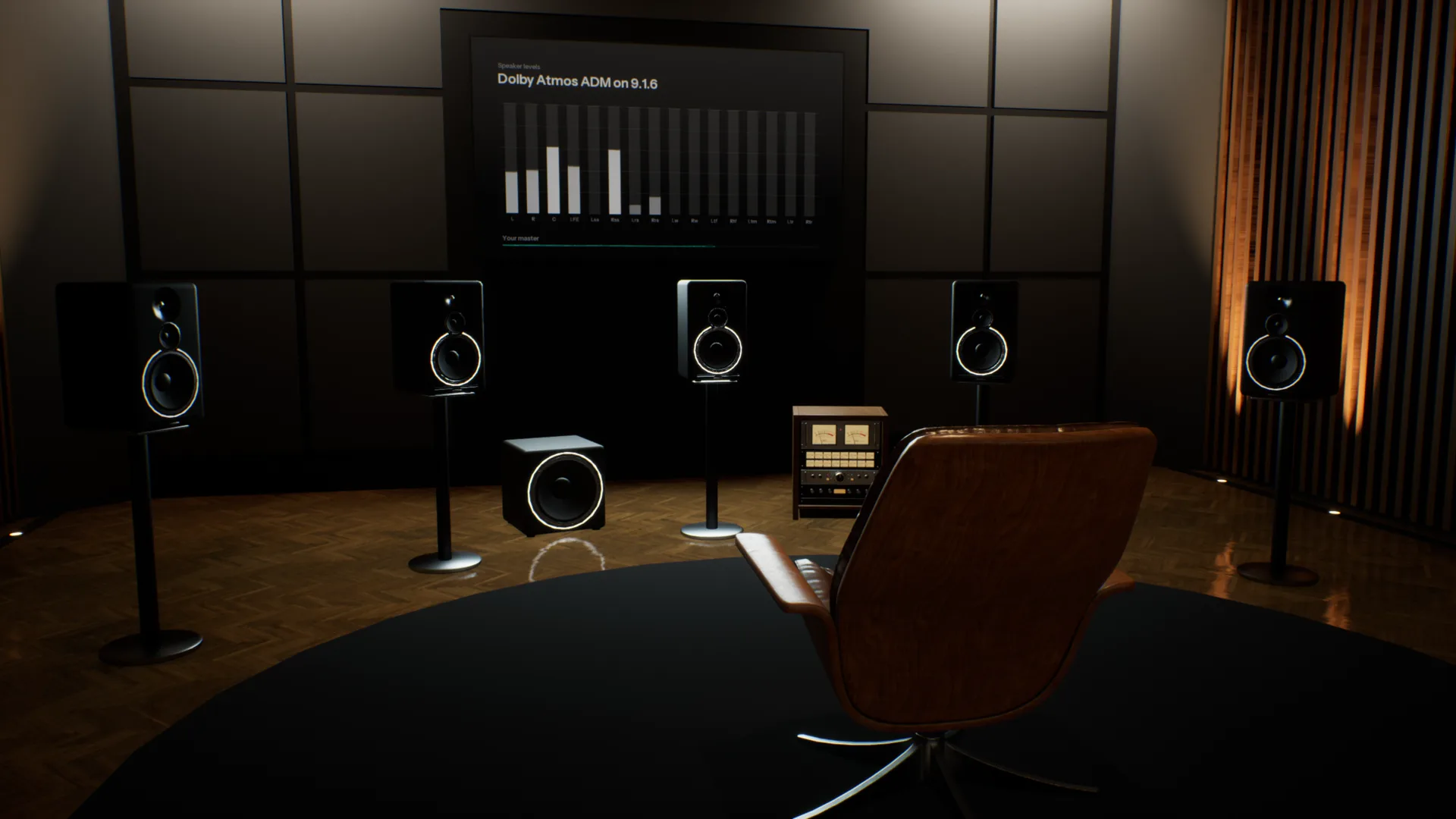
- Stereo Studio (mains and nearfields), Home Studio (five monitor pairs), Apartment (home cinema, TV, pocket speaker, phones, laptop, bookshelf speakers), Garage (car), Spatial Studio (9.1.6, Dolby Atmos)
- Rendering
- Binaural, with reflections, late reverb and a wave-based low end
- Headphones
- Calibrated to a neutral target from real measurements; any model works
- Head tracking
- Optional, with your webcam
- Room tuning
- As designed, or calibrated with room correction
- Audio files
- WAV, BW64 with ADM, AIFF, FLAC, MP3 and Ogg Vorbis
- Channel layouts
- Stereo, 5.1, 7.1.4 and Dolby Atmos ADM
- Films
- MP4, MOV and M4V, with the sound track through the room
- References
- Unlimited, matched by loudness, 50 ms switching
- Other apps
- Any app on your computer, or any audio input
- Controls
- Keyboard and mouse, or a game controller
- Platform
- Mac and Windows
System requirements
| Requirement | Minimum8-bit or Low graphics | RecommendedMedium graphics at 60 fps | HighHigh graphics at 60 fps |
|---|---|---|---|
| System | macOS Sonoma 14 or later | macOS Sonoma 14 or later | macOS Sonoma 14 or later |
| Chip | Apple M1 or later | Apple M4 Pro, M1 Max or better | Apple M4 Max or an Ultra chip |
| Memory | 8 GB | 16 GB | 16 GB |
| Storage | 4 GB free (1.6 GB download) | 4 GB free (1.6 GB download) | 4 GB free (1.6 GB download) |
| Audio | Headphones | Headphones | Headphones |
- Intel Macs are not supported.
- On M1 and M2, Overhear starts on 8-bit or Low graphics.
- On first launch Overhear measures your computer and picks the graphics level for you.
- Screen resolution barely matters: each graphics level renders at a fixed size and scales to your display.
Questions
Dá para mixar em fones de ouvido?
Sim. O que os fones deixam de fora é a sala: cada ouvido ouve só o seu lado, nada reflete e o grave não se acumula como num espaço real. Por isso uma mix feita em fones pode soar aberta demais ou pesada demais no grave nas caixas. O Overhear devolve a sala, nos fones que você já tem.
Por que minha mix soa diferente em caixas diferentes?
Cada caixa e cada sala mudam o equilíbrio. Caixas pequenas perdem o grave, uma TV estreita a imagem e uma sala realça algumas notas graves e cancela outras. O Overhear toca a mesma mix em monitores de estúdio, um home theater, uma TV, uma caixinha portátil e um celular em segundos, para você corrigir o que não traduz.
Como testo minha mix no carro sem ter um carro?
Abra sua mix no Garage, entre no carro e dê play. O carro tem seus próprios alto-falantes, reflexões da cabine e grave, então você ouve o embolado e a imagem puxada para um lado que um carro real dá. Dá para trocar de banco, e um master Atmos é reduzido para os alto-falantes do carro.
Por que minha mix soa diferente no carro?
A cabine de um carro é pequena e quase vedada. Ela realça algumas frequências graves, cancela outras e deixa você de um lado dos alto-falantes. Uma mix equilibrada em fones muitas vezes fica embolada ou desequilibrada ali.
Como mixar o grave em fones de ouvido?
Os fones tocam o grave sem sala, então é difícil julgar quanto tem. Numa sala real, o grave se acumula em algumas notas e cancela em outras. O Overhear calcula esses modos de sala como ondas, para você ir até onde eles acontecem e conferir seu grave contra uma referência igualada por loudness.
Qual a diferença para outras ferramentas de sala virtual?
A maioria coloca você em uma posição fixa e reproduz respostas medidas ou modeladas naquele ponto. O Overhear calcula as caixas, reflexões, reverb e modos de grave de cada sala para onde você estiver, então você pode andar por ela e ouvir a mudança. Testes de tradução e A/B de referências ficam no mesmo app.
O que muda quando ando pela sala?
Principalmente o grave. O grave de cada sala é calculado como ondas, então ele cresce perto da parede do fundo e afina nos nulos, como numa sala real. Sair do eixo também muda a imagem estéreo e quanto da sala você ouve em relação às caixas.
Com quais fones funciona?
Qualquer fone bom, aberto ou fechado. Escolha seu modelo e o Overhear corrige para um alvo neutro com base em medições reais. Um modelo que não está na lista também funciona, sem a correção.
Como funcionam as faixas de referência?
Adicione quantas quiser. Cada uma é igualada à sua faixa por loudness, então a mais alta nunca ganha por padrão, e alternar entre elas leva 50 milissegundos. Elas tocam na mesma sala, de onde você estiver.
É um plug-in? Do que eu preciso?
É um app desktop para Mac e Windows. Qualquer fone bom funciona, sem head tracker ou outro hardware. Ele também toca outros apps pelas salas, como Spotify, seu navegador ou sua DAW, sem instalar driver.
Ele suporta Dolby Atmos?
Sim. Abra um master ADM BW64, ou um arquivo 5.1 ou 7.1.4, e ele toca pelas caixas 9.1.6 do Spatial Studio, renderizado em binaural para seus fones. No Stereo Studio e no carro, ele recebe downmix para as caixas de lá.
Quando vou poder usar, e quanto vai custar?
O Overhear está em desenvolvimento. Entre na lista de espera e enviaremos um email quando estiver pronto, com os preços.
In development. Join the waitlist and we will email you when it is ready.